

Creating a gradient map effect in GIMP is a fun and creative way to add unique coloring to images. To achieve this effect, users can map the image’s color intensities to a new gradient, changing the overall mood and tone. By using GIMP’s gradient tool, anyone can transform their pictures with vibrant or subtle color …
Lindsey Becker
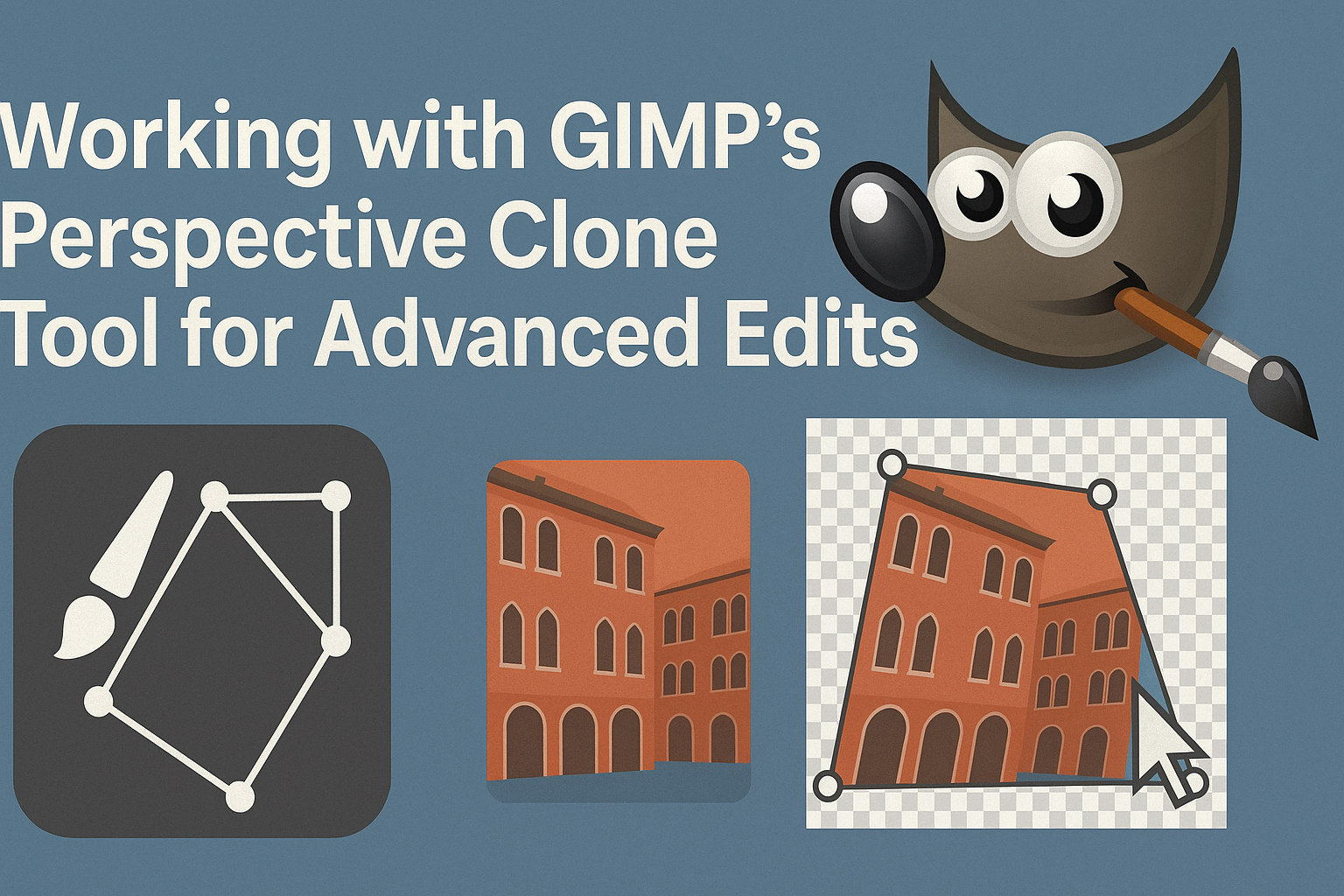
The GIMP Perspective Clone Tool is a powerful feature that enables users to create advanced edits with ease. By allowing users to clone parts of an image while maintaining the correct perspective, it offers more precise control over image manipulation. This makes it an invaluable tool for artists and photographers who want to enhance their …
GIMP is a powerful tool for editing and creating images, but exporting projects properly is crucial, whether for web or print. When exporting for the web, using formats like JPEG or PNG ensures optimal quality and file size balance. These formats are ideal for different types of images; JPEG works well for photos, while PNG …
Creating a poster that stands out can be a fun and rewarding project. Inkscape is a powerful tool that can help designers create stunning visuals. The software’s flexibility allows users to work on everything from scientific diagrams to artistic posters. By experimenting with different layout approaches and color palettes, anyone can develop a unique style. …
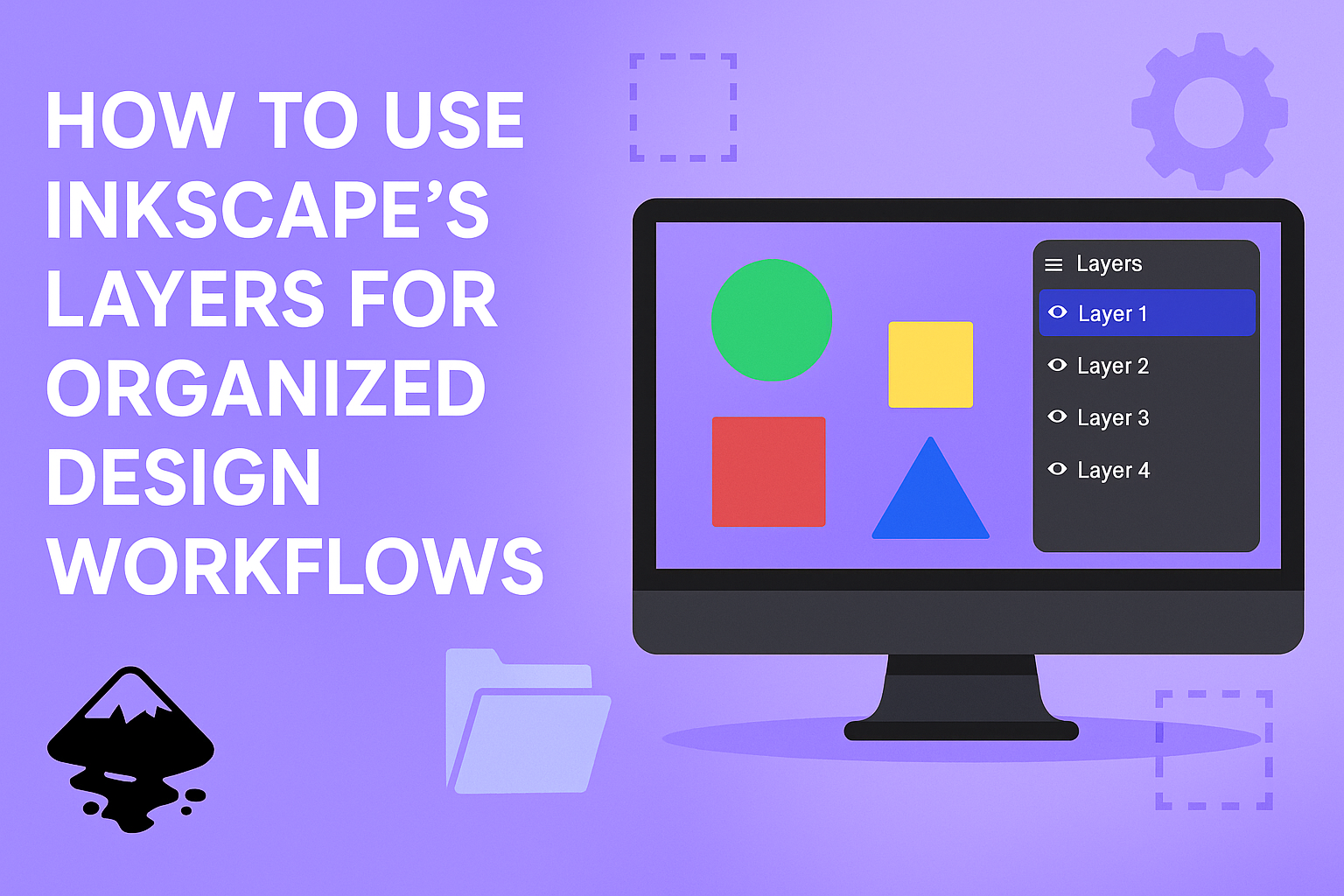
For anyone diving into the world of vector graphics with Inkscape, understanding the power of layers can transform how they organize and develop designs. Layers in Inkscape allow designers to separate elements, making complex projects easier to manage and edit. By using layers efficiently, users can enjoy a clutter-free workspace and make swift adjustments without …
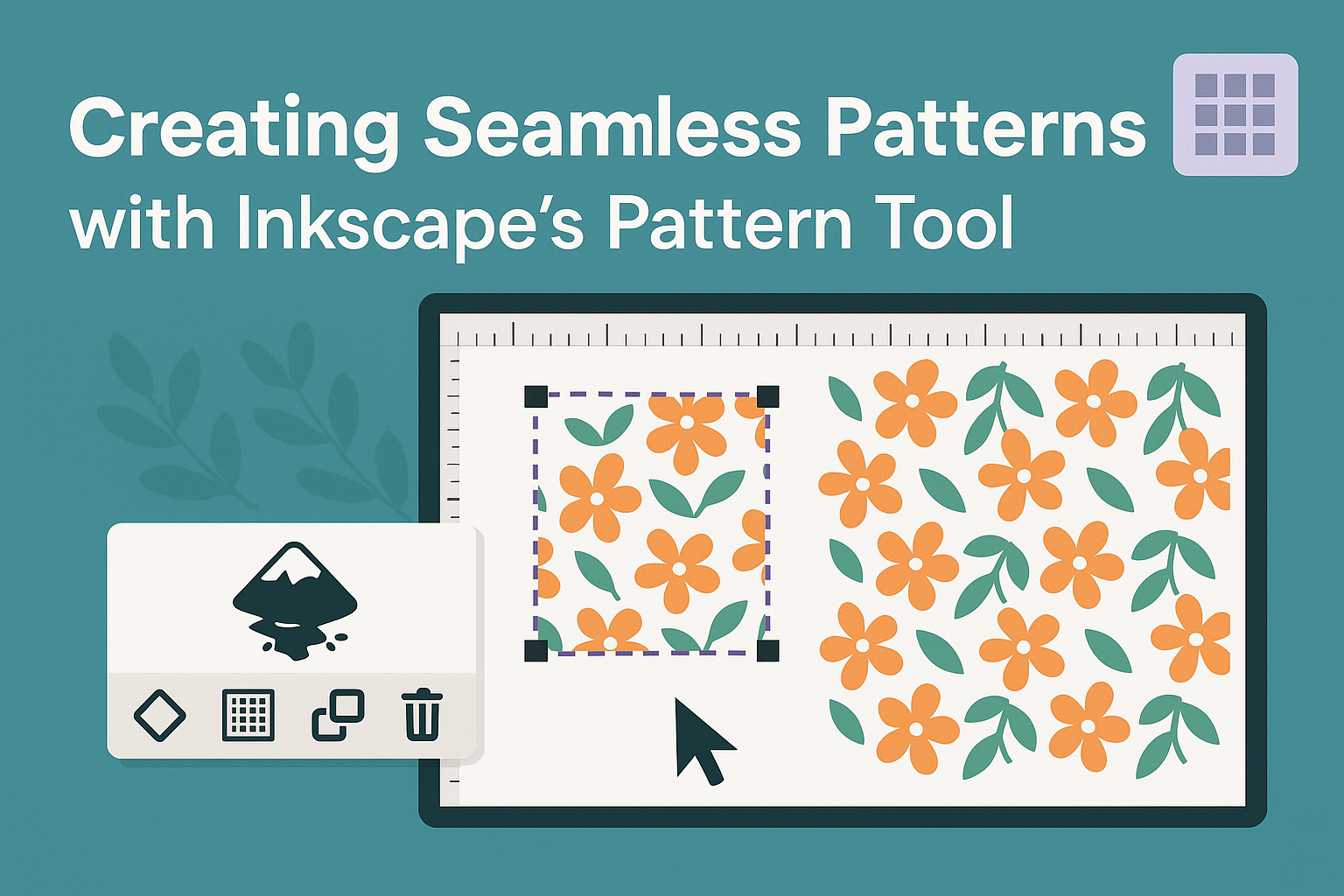
For those diving into graphic design, creating seamless patterns in Inkscape is a fun and useful skill. Inkscape’s Pattern Tool makes this process straightforward by allowing users to turn any object into a repeating design. This tool provides a creative way to enhance projects with custom patterns that seamlessly tile and are unique to the …
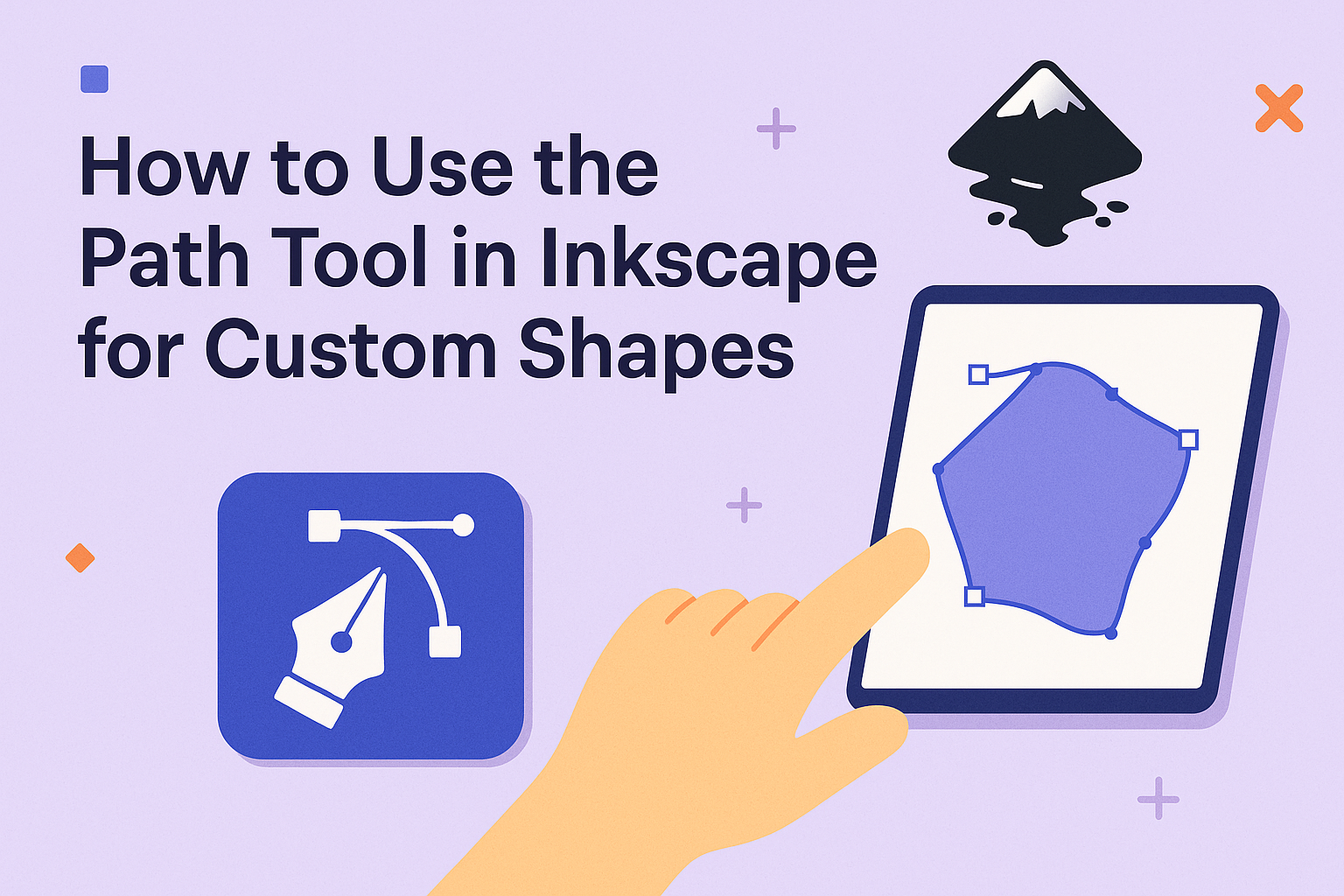
Creating custom shapes in Inkscape is an exciting way to elevate your design projects. The Path Tool is one of the most powerful features in Inkscape, allowing users to create intricate and unique designs with ease. To use the Path Tool for custom shapes, simply select your desired shapes and engage the tool to modify …
Designing a modern brochure layout in Inkscape can transform how a business presents itself. Brochures are a key marketing tool, capable of captivating potential clients and sharing crucial information. Crafting an effective brochure layout involves understanding design principles and utilizing Inkscape’s powerful tools. The user-friendly interface of Inkscape offers a range of features that simplify …
Creating text effects in Inkscape can take your designs to a whole new level, whether you’re working on a personal project or a professional one. To create stunning text effects in Inkscape, you can explore various features like wavy text or relief print effects that add depth and style. This software is perfect for bringing …
Creating eye-catching designs often involves using color effectively, and gradients play a crucial role in this process. Inkscape users can unlock the full potential of their designs by mastering the gradient tool. Learning how to create smooth color transitions in Inkscape will elevate your artwork and make it more dynamic and appealing. The gradient tool …