
Creating a drop shadow in GIMP can give your images depth and a professional touch. To achieve a realistic drop shadow, use the layer and blur tools in GIMP effectively. This technique can transform flat objects into dynamic elements of your design. Readers with basic GIMP skills can master this technique in just a few …
Lindsey Becker
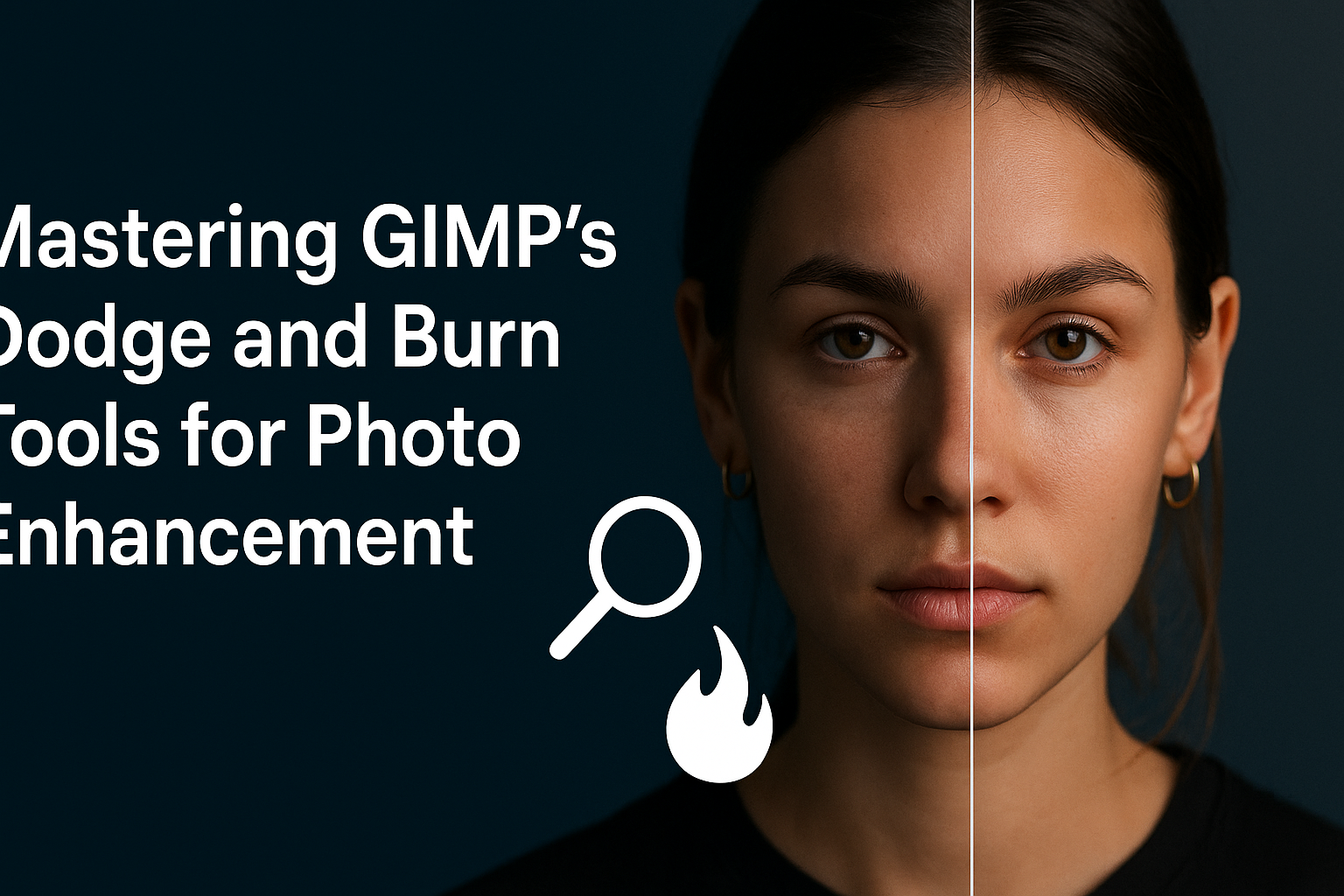
Editing photos can transform a good shot into a great one. GIMP’s Dodge and Burn tools are perfect for enhancing photos by selectively lightening or darkening parts of the image. Mastering these tools can make images come alive with better contrast and depth. The Dodge tool helps bring out the highlights, making them pop. On …
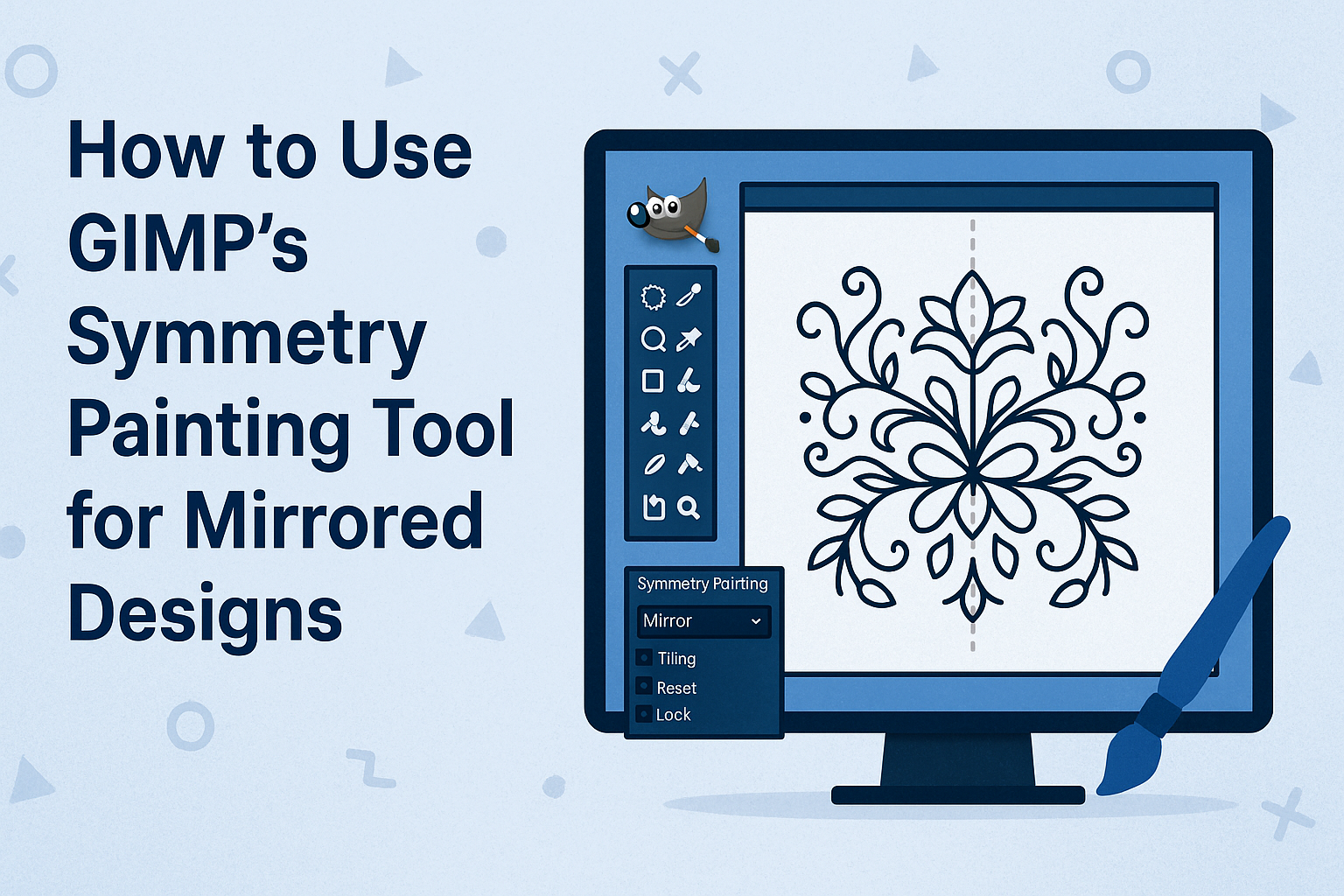
Creating mirrored designs in GIMP can be both fun and easy with the symmetry painting tool. This tool allows artists to replicate patterns with precision, making beautiful artworks faster. Whether you’re working with pixel art, patterns, or seamless tiles, mastering this feature opens up a world of artistic possibilities. The symmetry painting tool is versatile, …
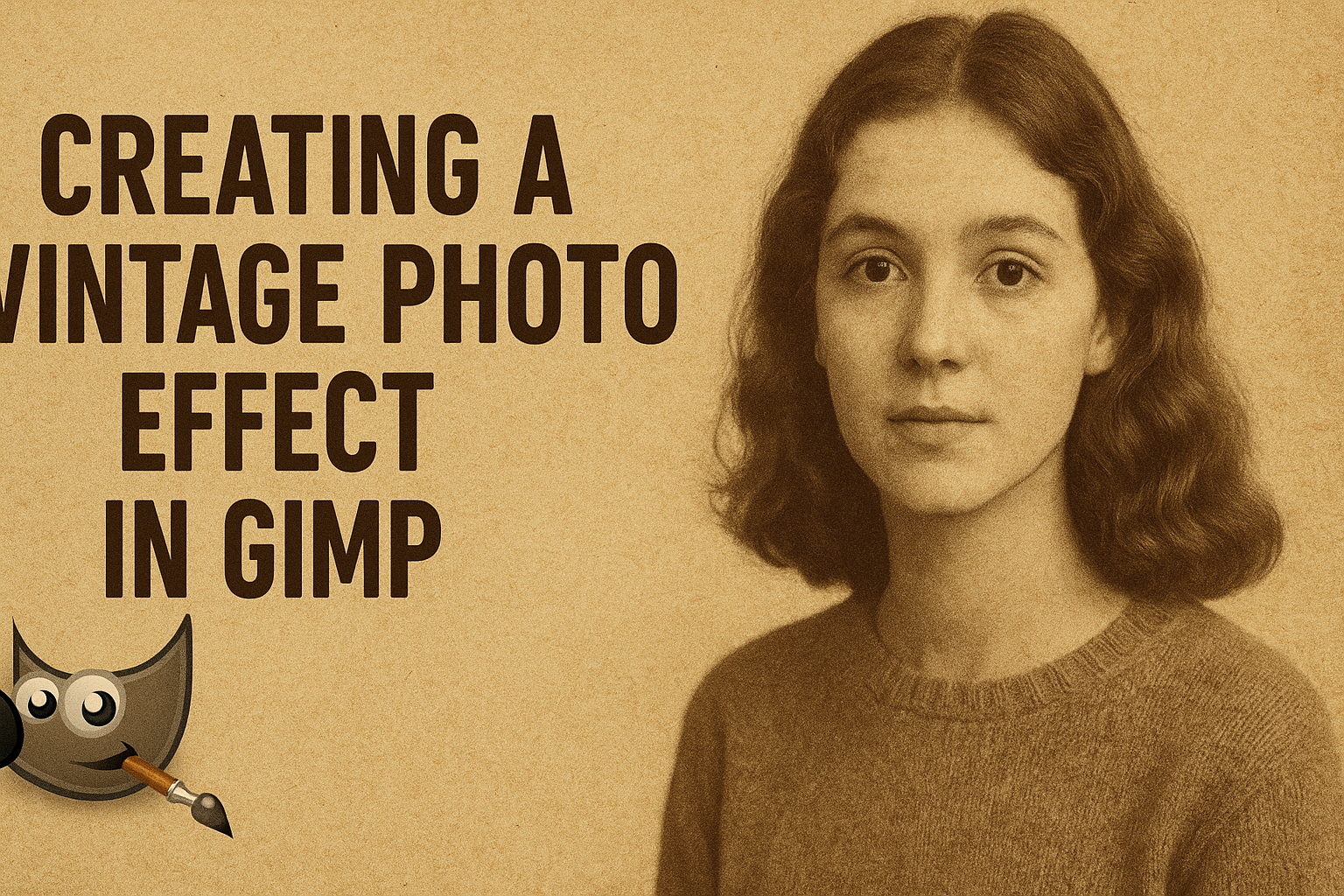
Creating a vintage photo effect in GIMP can transform any modern image into one that looks like it came straight out of the past. This transformation involves using GIMP’s tools to adjust colors and layers, giving photos a classic and timeless look. With just a few simple steps, anyone can achieve this stylish effect. This …
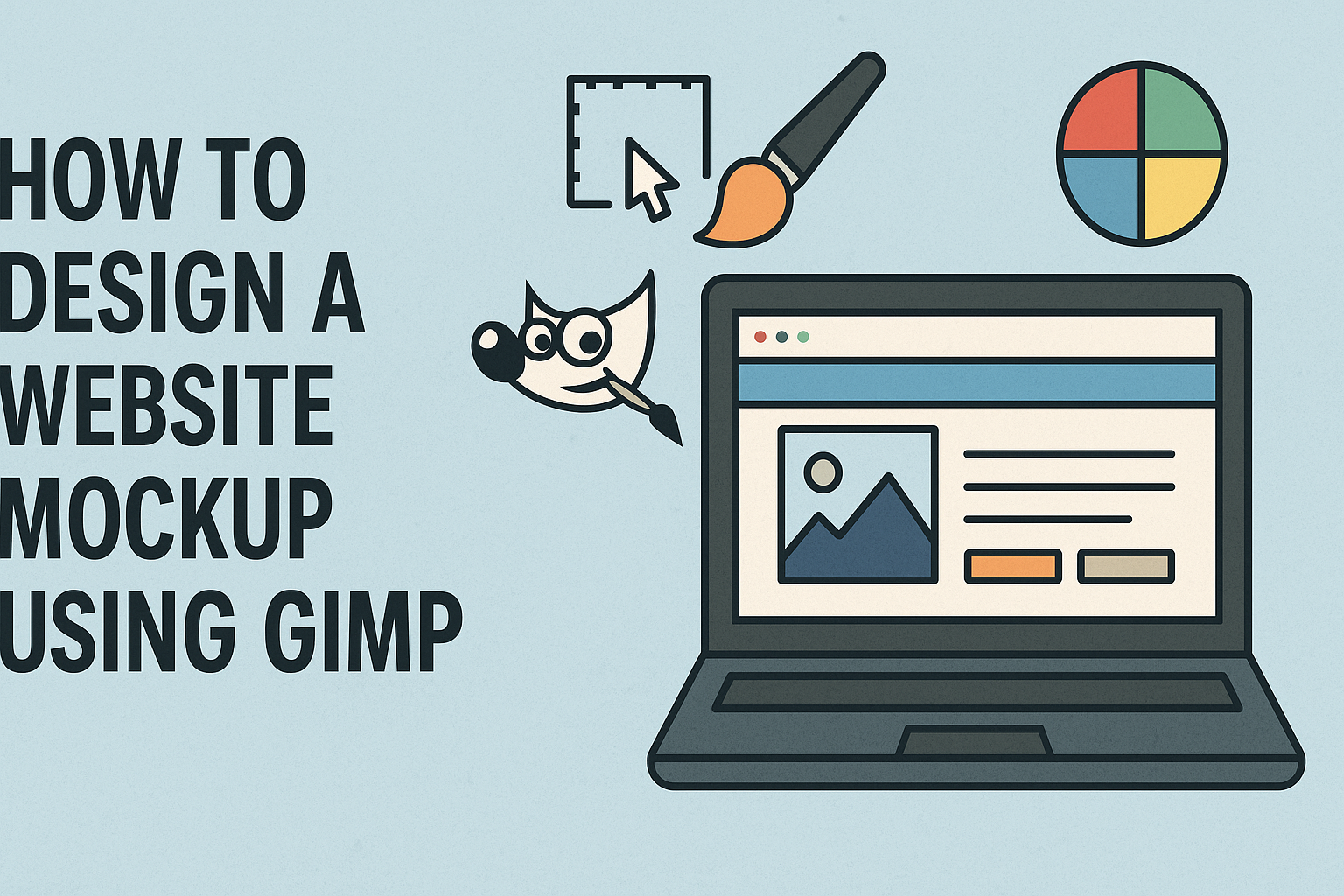
GIMP is a powerful tool that lets users create stunning website mockups without spending a dime. With its range of features, GIMP offers flexibility to craft detailed designs that can bring any website concept to life. The software’s photo manipulation capabilities make it a favorite among designers who need to visualize their ideas quickly. Designing …
Creating abstract art with GIMP is an exciting way to express creativity using digital tools. GIMP provides a wide range of brush options and filter tools that can transform basic shapes into intricate designs. This guide will show readers how to use these features to create stunning abstract art. GIMP’s versatility makes it a great …
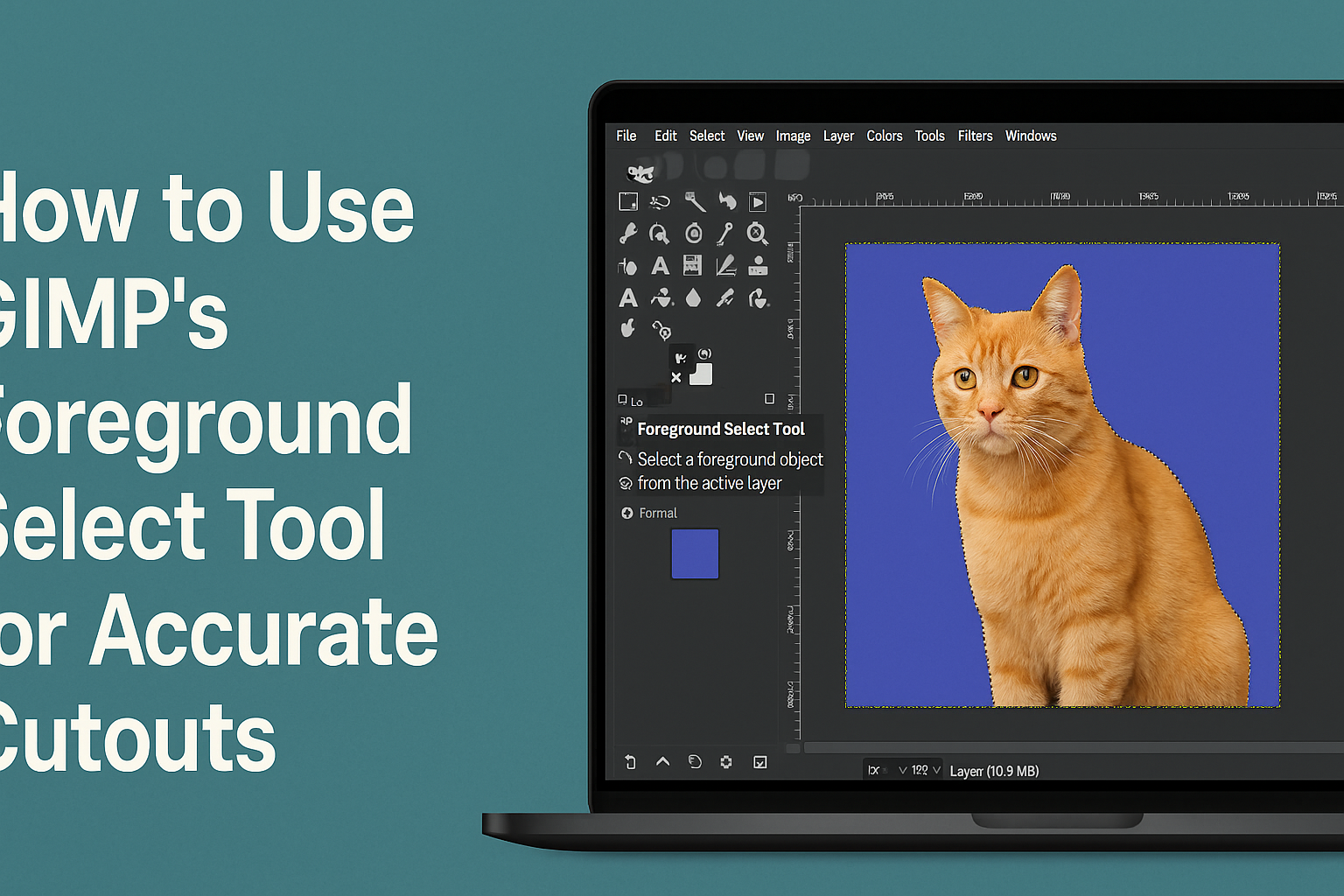
The Foreground Select Tool in GIMP is a powerful feature for creating precise cutouts, especially in tricky areas like hair and fur. By learning to use this tool, users can separate the main subject from the background with greater accuracy. This tool makes it easier to highlight complex details in images, which is often challenging …
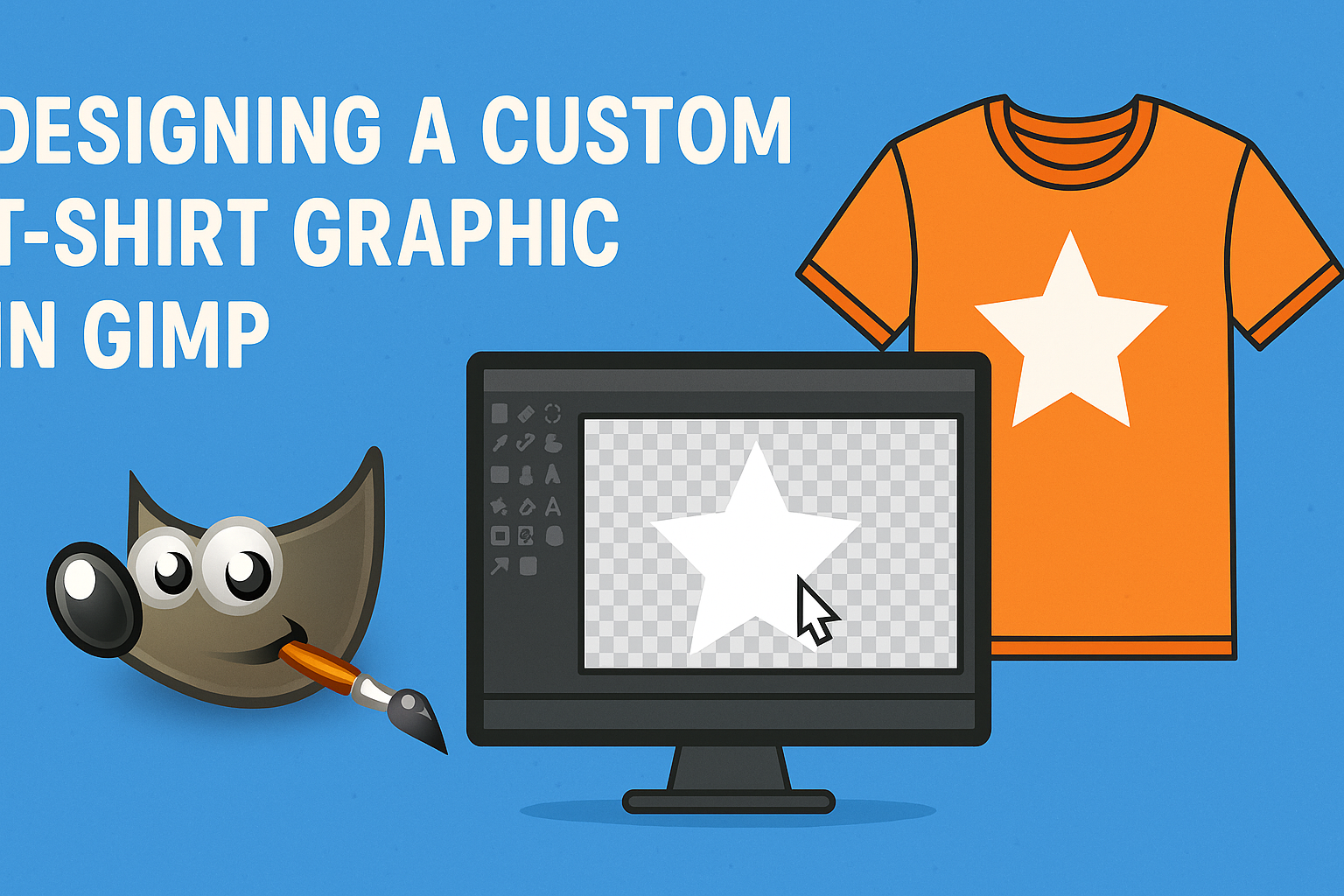
Creating a custom T-shirt graphic can be a fun and rewarding project, especially with the versatile tool, GIMP. This free software gives users a flexible platform to bring their creative ideas to life without spending money on expensive design software. GIMP offers various tools and techniques that allow anyone to design eye-catching T-shirt graphics easily. …
Creating a gradient map effect in GIMP is a fun and creative way to add unique coloring to images. To achieve this effect, users can map the image’s color intensities to a new gradient, changing the overall mood and tone. By using GIMP’s gradient tool, anyone can transform their pictures with vibrant or subtle color …
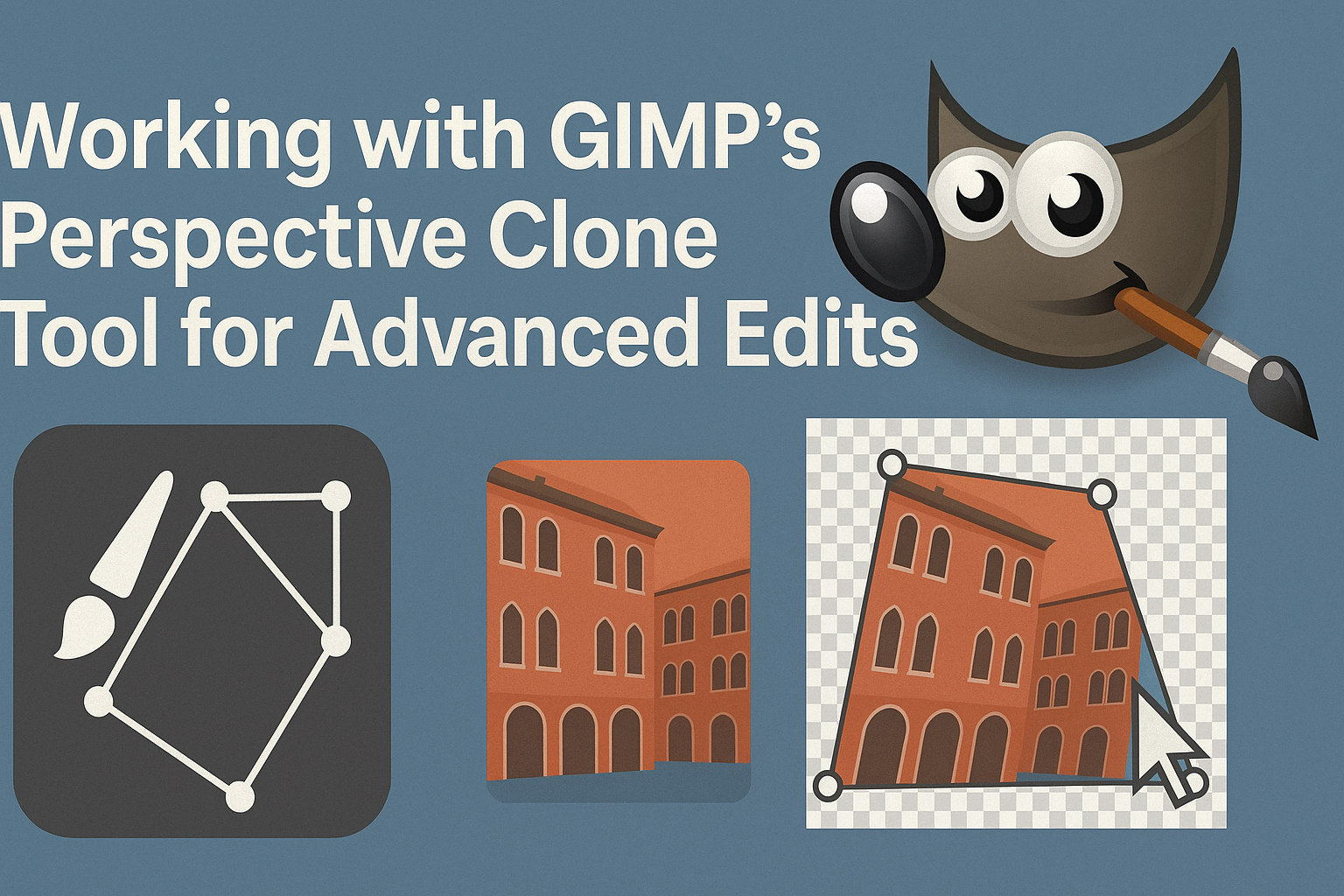
The GIMP Perspective Clone Tool is a powerful feature that enables users to create advanced edits with ease. By allowing users to clone parts of an image while maintaining the correct perspective, it offers more precise control over image manipulation. This makes it an invaluable tool for artists and photographers who want to enhance their …