
Creating a duotone effect in Photoshop can add a vibrant twist to your photos, making them stand out with minimal effort. To achieve this effect, you can use a Gradient Map Adjustment Layer, which allows you to apply colorful tones to the shadow and highlight areas of your image. This technique is especially effective for …
Graphic Design Tutorials
Creating motion blur effects in Photoshop can transform a static image into something full of energy and movement. This effect mimics the natural blur seen when capturing fast-moving objects with a camera, adding excitement and a sense of speed. To achieve this in Photoshop, artists can use tools like the Blur Gallery and Motion Blur …
Creating a futuristic hologram effect in Photoshop can take your images to another level, capturing the imagination with a sci-fi vibe. Achieving this effect involves using Adjustment Layers, blurs, noise, Blending Modes, and textures to transform ordinary photos into striking holograms. This tutorial will guide you through each step, making it accessible for beginners and …

Creating neon text effects in Photoshop can turn regular designs into eye-catching works of art. By mastering a few Photoshop techniques, anyone can achieve a vibrant and glowing neon effect that stands out. This not only adds a modern touch but also elevates the visual appeal of your digital projects. Adobe Photoshop provides the tools …
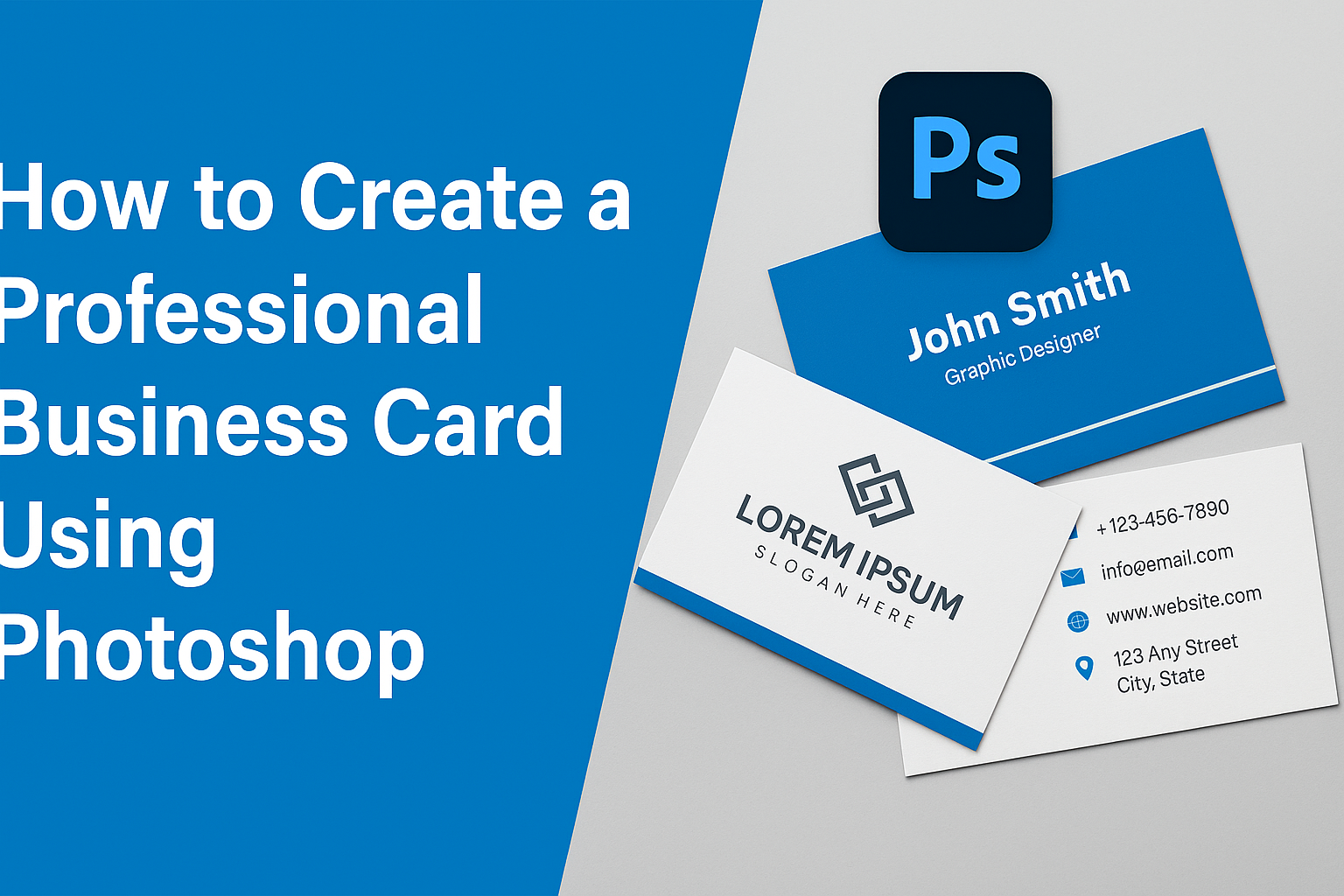
Creating a professional business card in Photoshop can be a rewarding skill, blending creativity with practicality. Designing a card that stands out involves understanding key elements like layout, color schemes, and fonts. Mastering these basics will help you craft a card that makes a lasting impression. Photoshop offers the tools to create unique and personalized …
Creating paper cutout effects in Photoshop can transform a simple image into a layered, artistic masterpiece. This technique is popular because it offers an eye-catching result and is surprisingly easy to achieve with the right guidance. By following a few straightforward steps, anyone can craft stunning paper cutout designs that add depth and interest to …
Creating a professional magazine spread in Photoshop can seem daunting at first, but it’s easier than you might think. Photoshop offers a robust set of tools that can help anyone, from beginners to experienced designers, craft eye-catching layouts. With just a few steps, you can transform your ideas into a polished spread that stands out. …
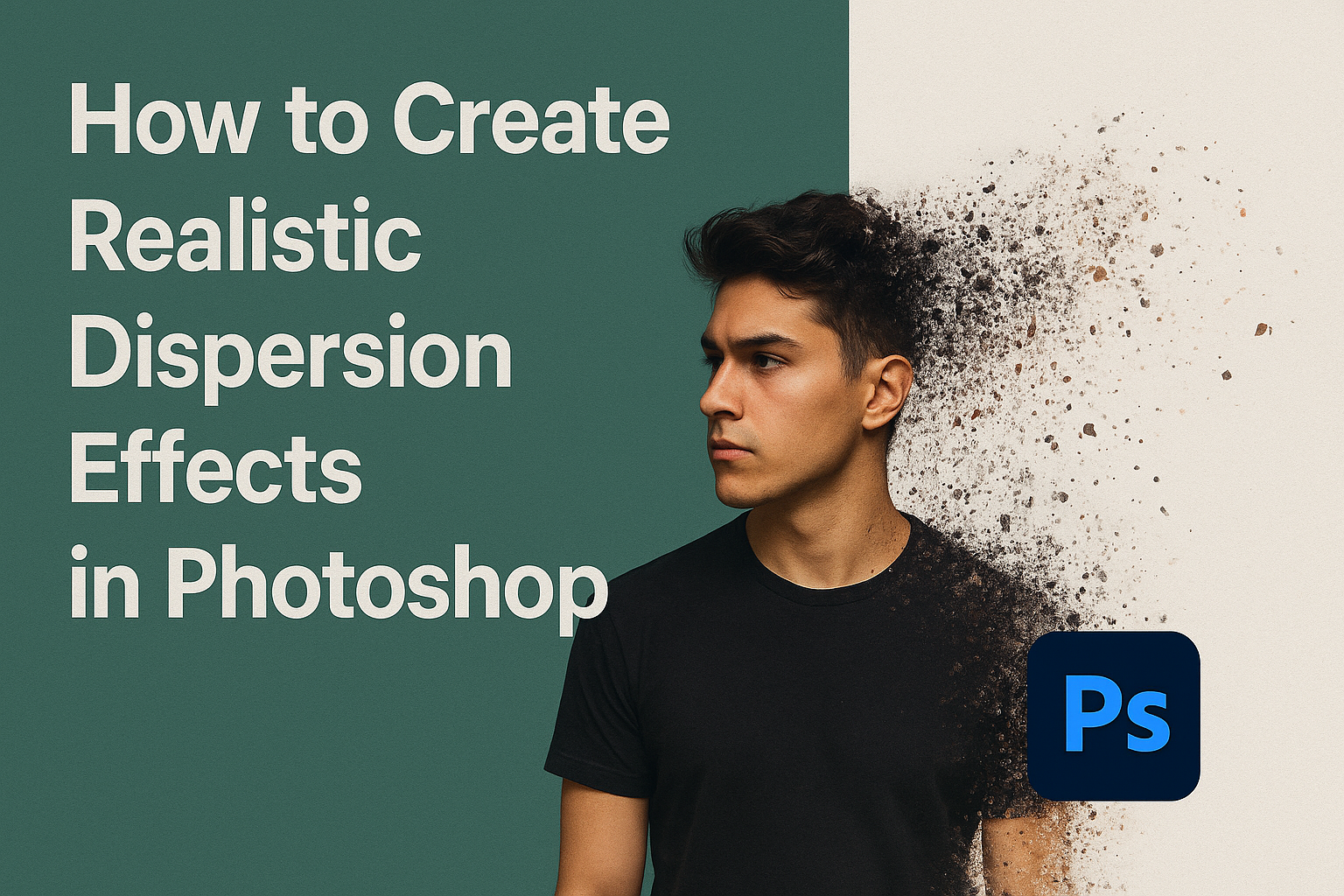
Creating realistic dispersion effects in Photoshop can transform an ordinary image into something dynamic and eye-catching. Dispersion effects make it look like parts of a photo are breaking away and floating in the air, adding a sense of motion and drama. With a few simple tools, like layers and brushes, anyone can achieve stunning and …
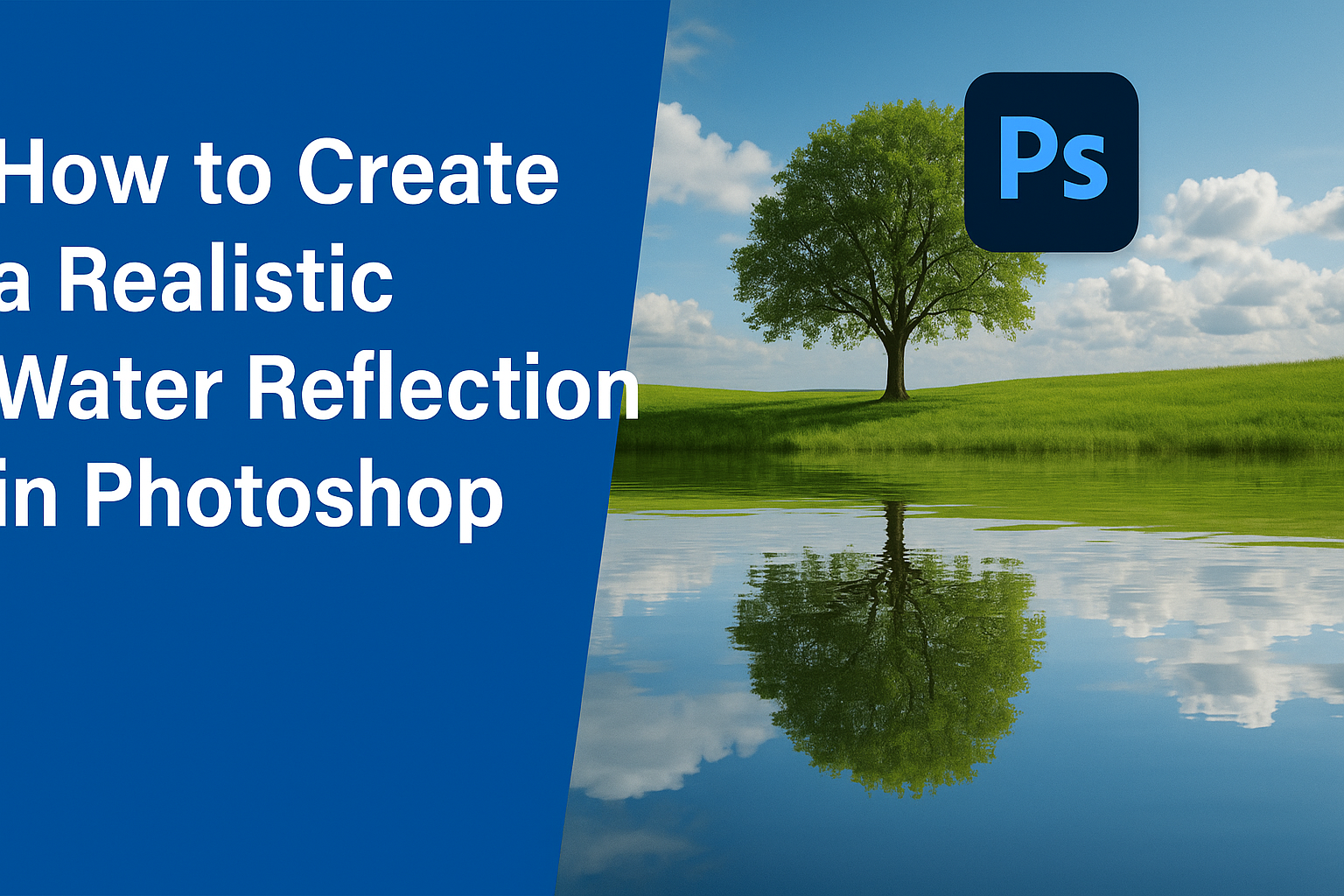
Photoshop is a powerful tool for creating stunning visual effects, and one of the most captivating is a realistic water reflection. Creating a realistic water reflection in Photoshop involves using techniques like layer duplication and transformation to simulate the reflection. This effect can add depth and interest to any photo, transforming an ordinary image into …
Creating realistic folded paper effects in Photoshop can add a unique touch to your digital projects. It allows designers to bring depth and texture to their designs. By mastering a few simple techniques, anyone can transform a flat image into one that appears tactile and three-dimensional. This skill can be especially valuable for artists working …