
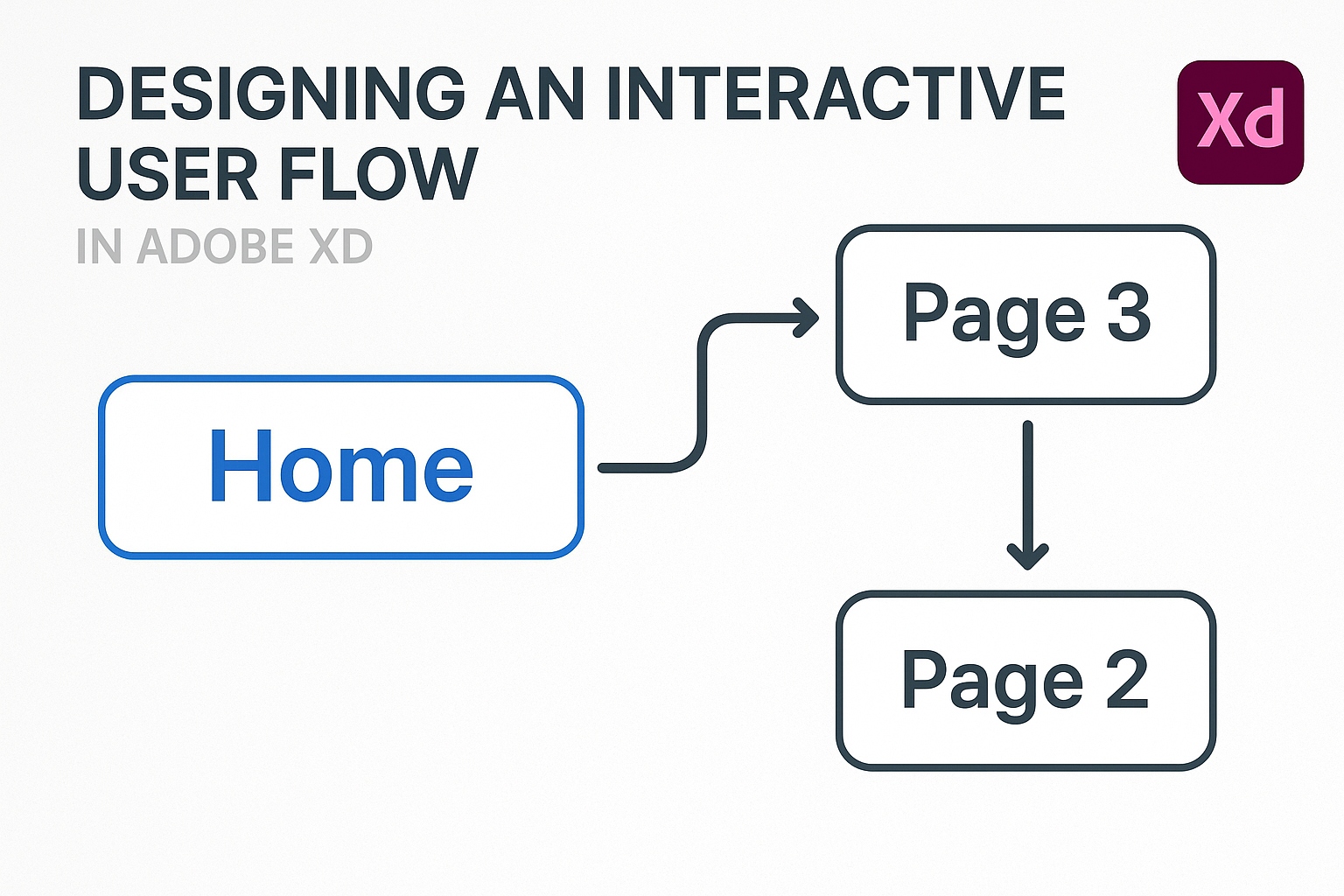
Designing an interactive user flow in Adobe XD is essential for creating intuitive digital experiences. With Adobe XD, designers can effortlessly map and test the interactions in their prototypes, ensuring a smooth user journey. This platform empowers designers to set up multiple flows, add triggers, and see their designs come to life interactively. Creating user …
Lindsey Becker
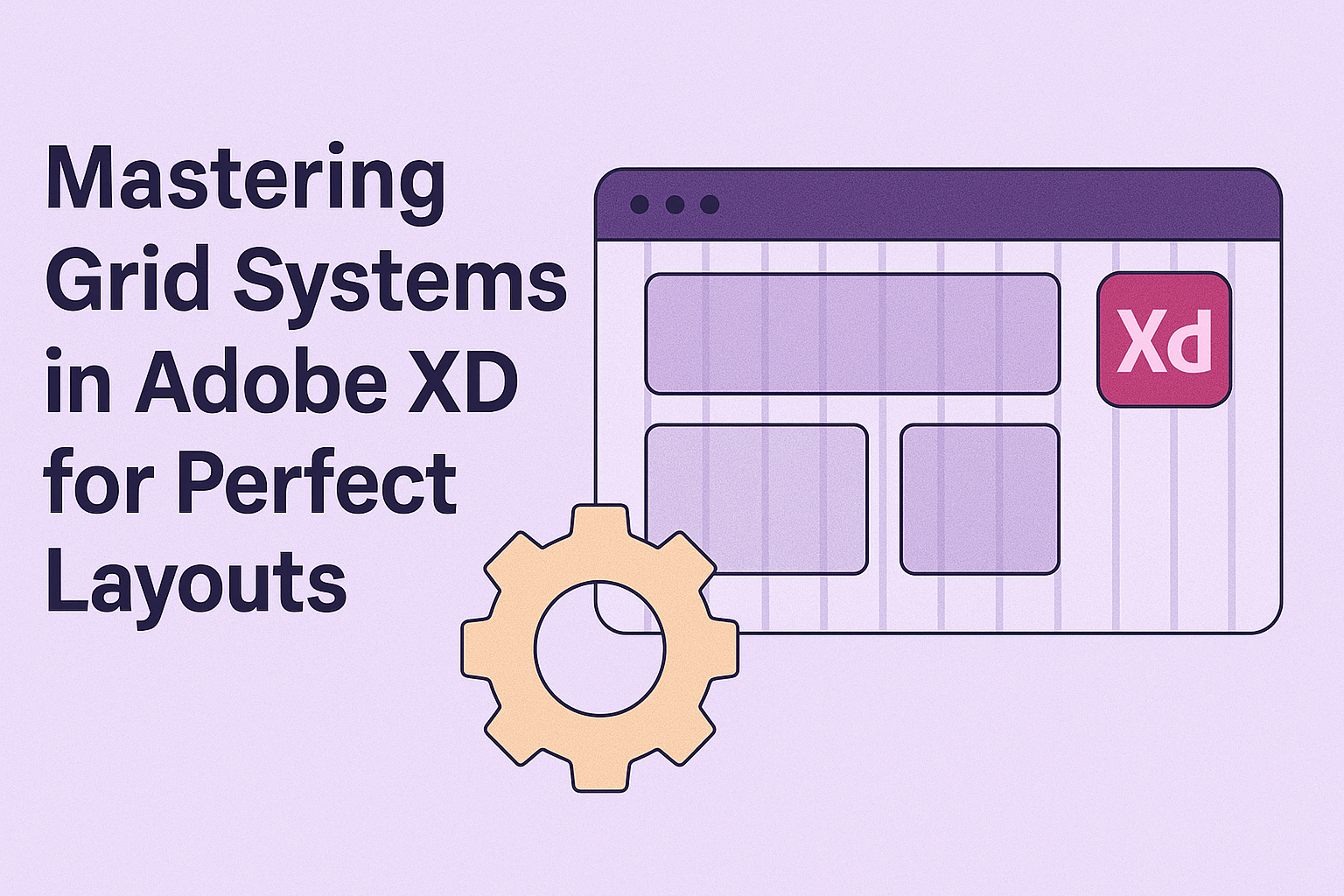
Creating great designs often starts with understanding grid systems. Grids can help designers keep their layouts clean and organized, making elements easier to align. Using grids in Adobe XD can transform a messy design into a harmonious layout. Adobe XD offers designers the tools to employ grid systems efficiently. By mastering grids in Adobe XD, …

In the fast-paced world of design, working together efficiently is key. Adobe XD‘s coediting feature empowers teams to collaborate in real time, bringing everyone’s ideas into a single, dynamic project space. This tool enhances creativity by allowing multiple designers to edit and refine a design simultaneously. By tapping into Adobe XD’s versatile capabilities, teams can …
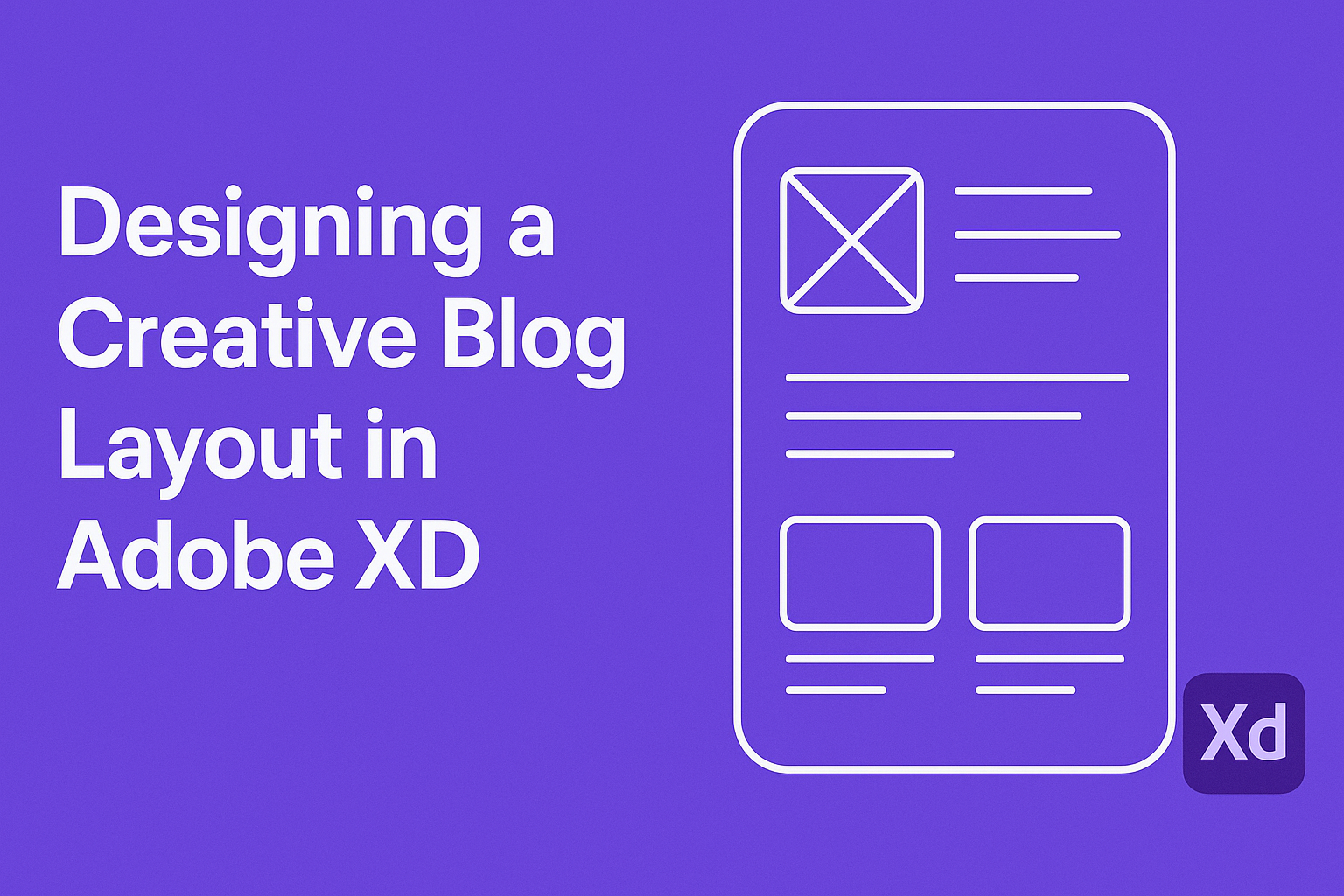
Creating a captivating blog layout in Adobe XD can transform a simple web page into an engaging user experience. In Adobe XD, designers can easily craft innovative layouts by utilizing features like artboards and Content-Aware Layouts. These tools help streamline the design process and allow for a seamless arrangement of UI elements. Adobe XD is …
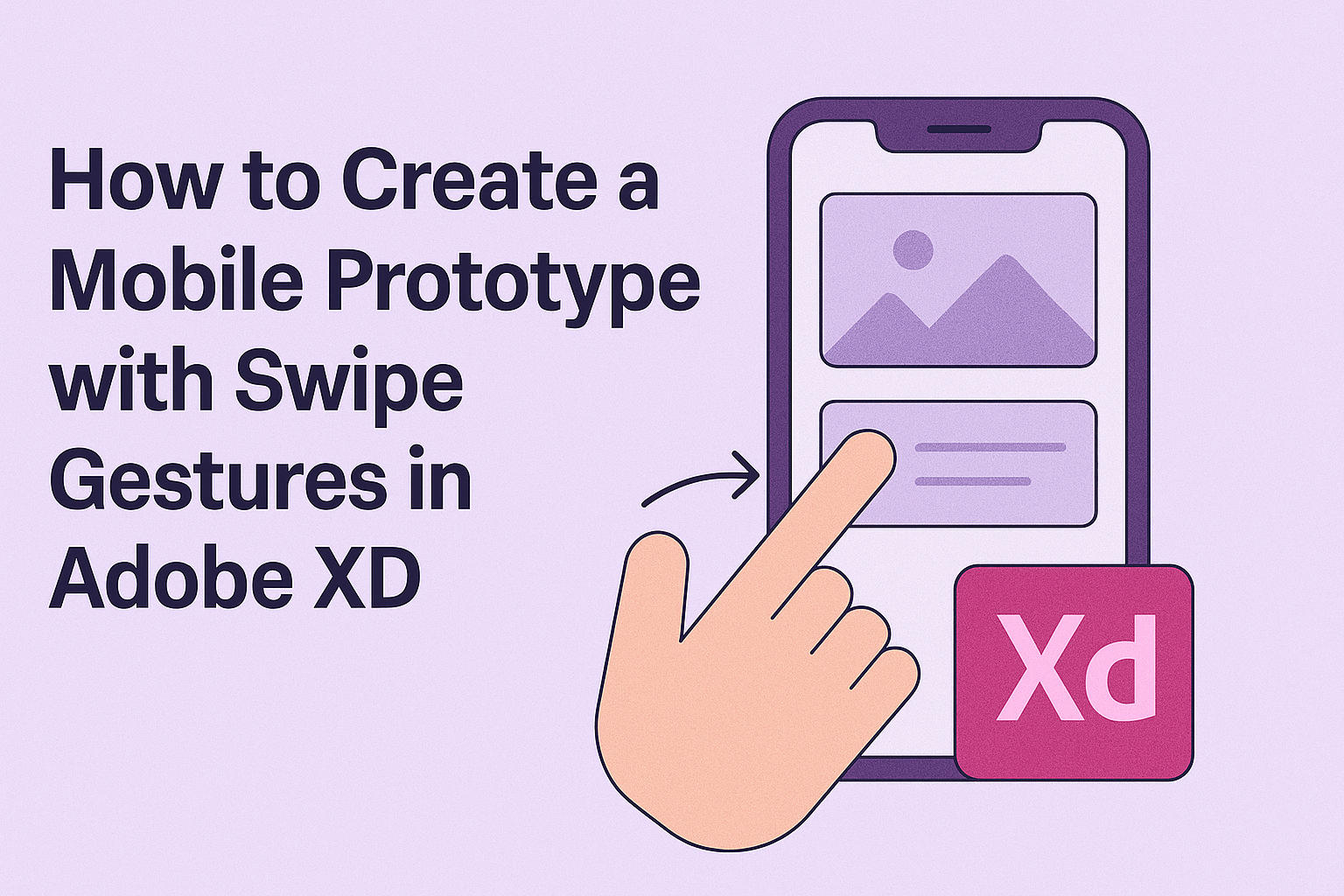
Creating a mobile prototype with swipe gestures in Adobe XD is a vital skill for designers who want to improve the user experience of their apps. Swipe gestures make navigation intuitive and engaging, allowing users to move through content effortlessly. Adobe XD offers tools that help designers add these interactions seamlessly. Designing a prototype with …
Creating a modern dashboard for a SaaS platform in Adobe XD can seem daunting, but it offers incredible opportunities for customization and innovative design. This tool allows even those with limited design experience to build intuitive and visually appealing dashboards that are both functional and beautiful. With its user-friendly interface, Adobe XD enables designers to …
Creating and managing artboards in Adobe XD is a crucial step for designers. Artboards serve as the canvas where designers bring their ideas to life, allowing them to visualize and organize content for apps and websites in a seamless layout. To create an artboard, users can simply use the Artboard Tool or duplicate an existing …

Designing an engaging onboarding flow for mobile apps is essential to making a great first impression. An effective onboarding process helps users quickly understand the app’s features and benefits, ensuring a smooth start. By using Adobe XD, designers can create interactive and visually appealing onboarding experiences that capture users’ attention from the start. Adobe XD …

Creating animations in Adobe XD can transform static designs into engaging experiences. To create animated transitions between screens, use features like Auto-Animate and timed transitions. These powerful tools allow designers to add movement and bring their prototypes to life. Animations can show users how elements interact, making the design more intuitive and enjoyable. By setting …
Designing digital products can be a complex process, but using Adobe XD, teams can work together more effectively. Adobe XD allows designers to build a real-time collaboration prototype, bringing together team members to wireframe, iterate, and perfect designs seamlessly. This not only speeds up the design process but also fosters creative teamwork. Adobe XD’s coediting …