
Creating a splash screen for a mobile app can significantly enhance user experience right from the start. A well-designed splash screen not only grabs the user’s attention but also sets the tone for the entire app. By using tools like Sketch, designers can easily create an engaging first impression that reflects the app’s brand and …
Lindsey Becker
Designing a website template in Sketch can be an exciting venture for anyone looking to create a unique online presence. With Sketch’s user-friendly tools and a variety of templates, even those new to design can craft professional-looking websites efficiently. This approach not only saves time but also allows for creativity in customizing layouts and styles …
Creating a product landing page can greatly impact how customers perceive a brand. By using Sketch, designers can build visually appealing and functional landing pages that effectively showcase products. This powerful tool allows for customization and ease of use, making it ideal for both beginners and experienced designers. In this article, readers will discover essential …
Creating icons can be a fun and rewarding process, especially when using tools like Sketch. Knowing how to create a simple icon from scratch in Sketch allows designers to express their ideas clearly and effectively. With its user-friendly interface and powerful features, Sketch makes it easy for anyone to start designing. In this article, readers …
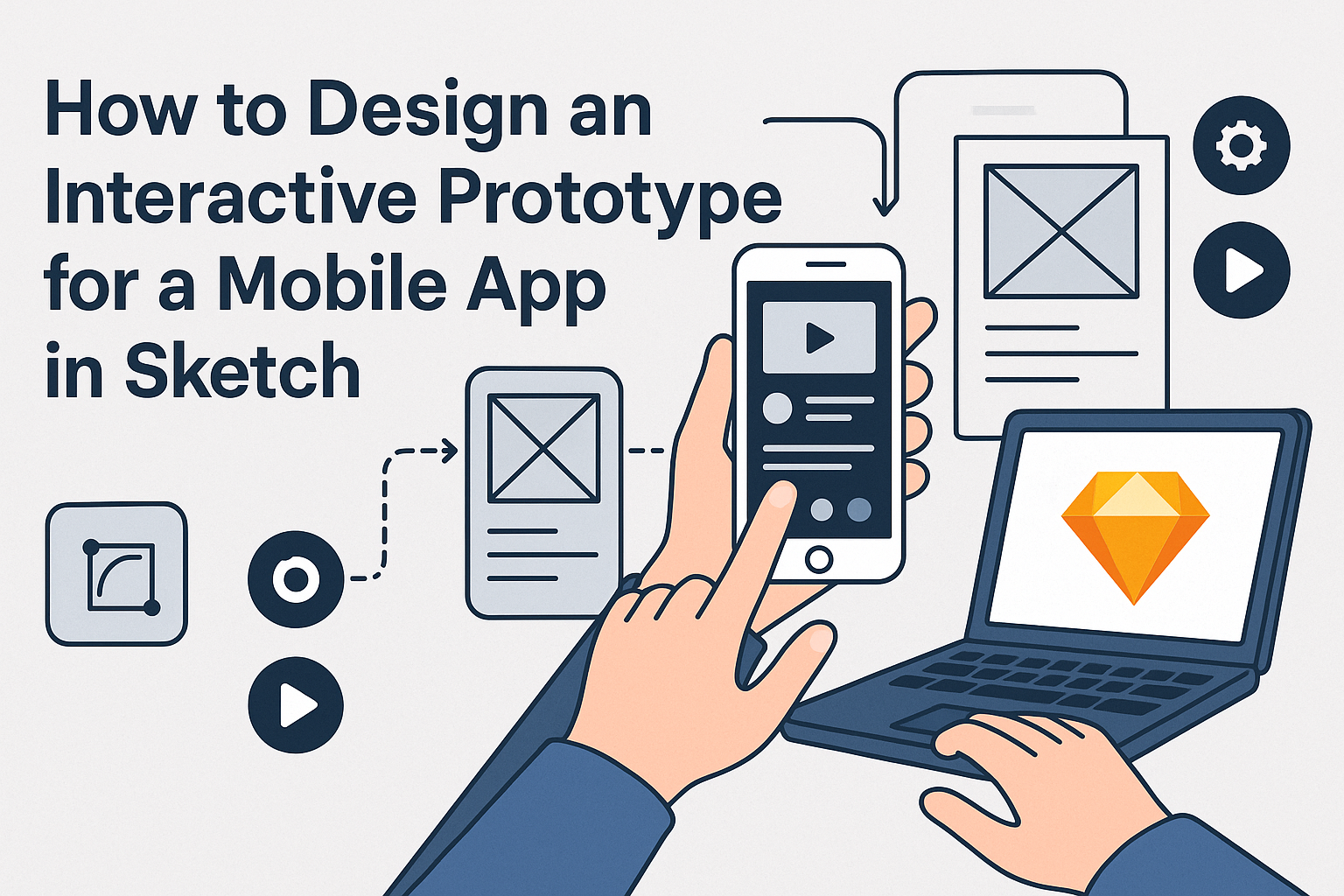
Designing an interactive prototype for a mobile app can seem challenging, but it doesn’t have to be. Using Sketch, designers can create engaging and functional prototypes that showcase their ideas effectively. With the right steps, anyone can turn their app vision into a clickable and testable prototype in no time. Sketch offers various tools that …
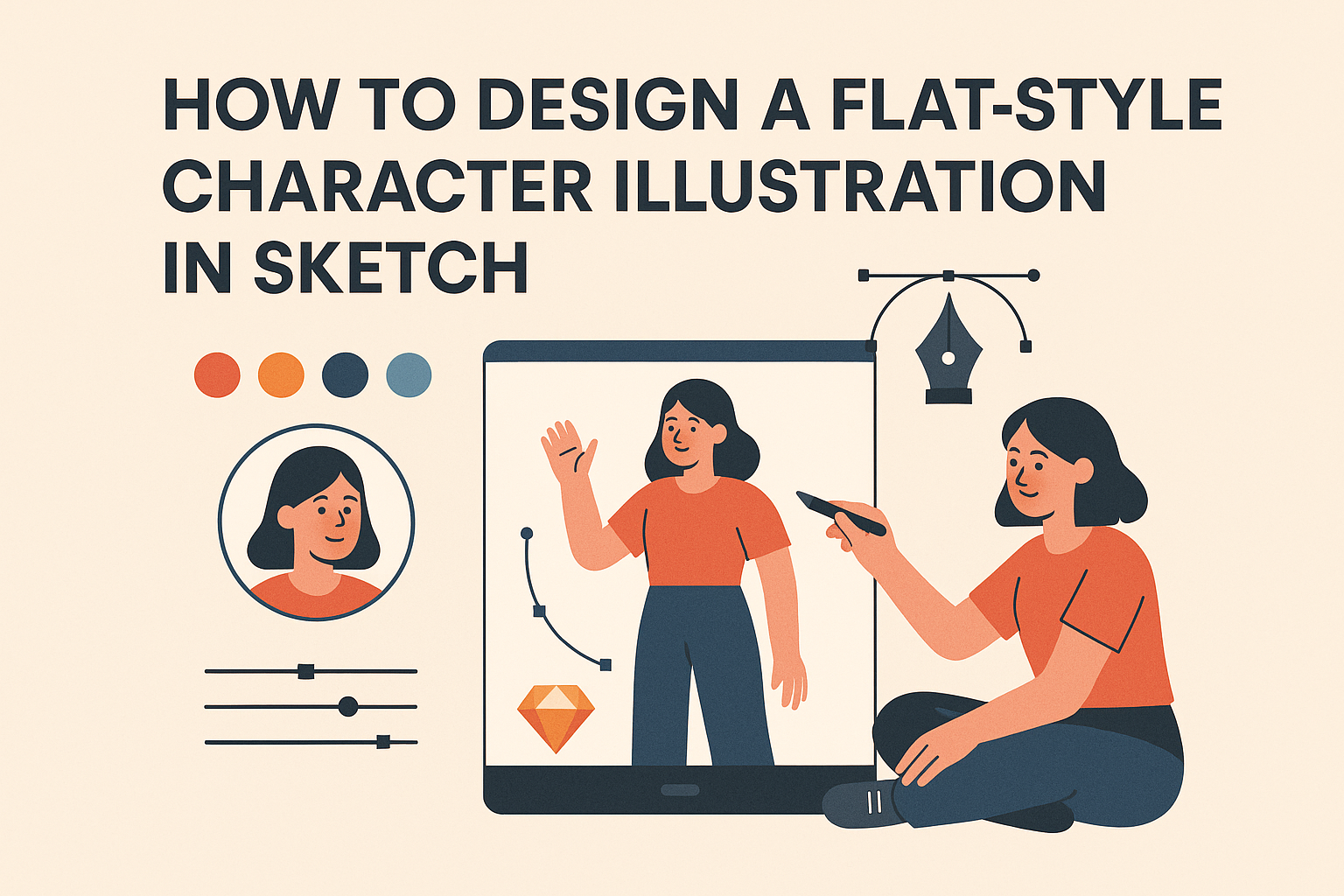
Designing a flat-style character illustration in Sketch can be a fun and rewarding process. To create a captivating character, artists should start with simple shapes and gradually add details to bring their design to life. This approach allows for flexibility and creativity, making it easier for both beginners and experienced designers to navigate the design …
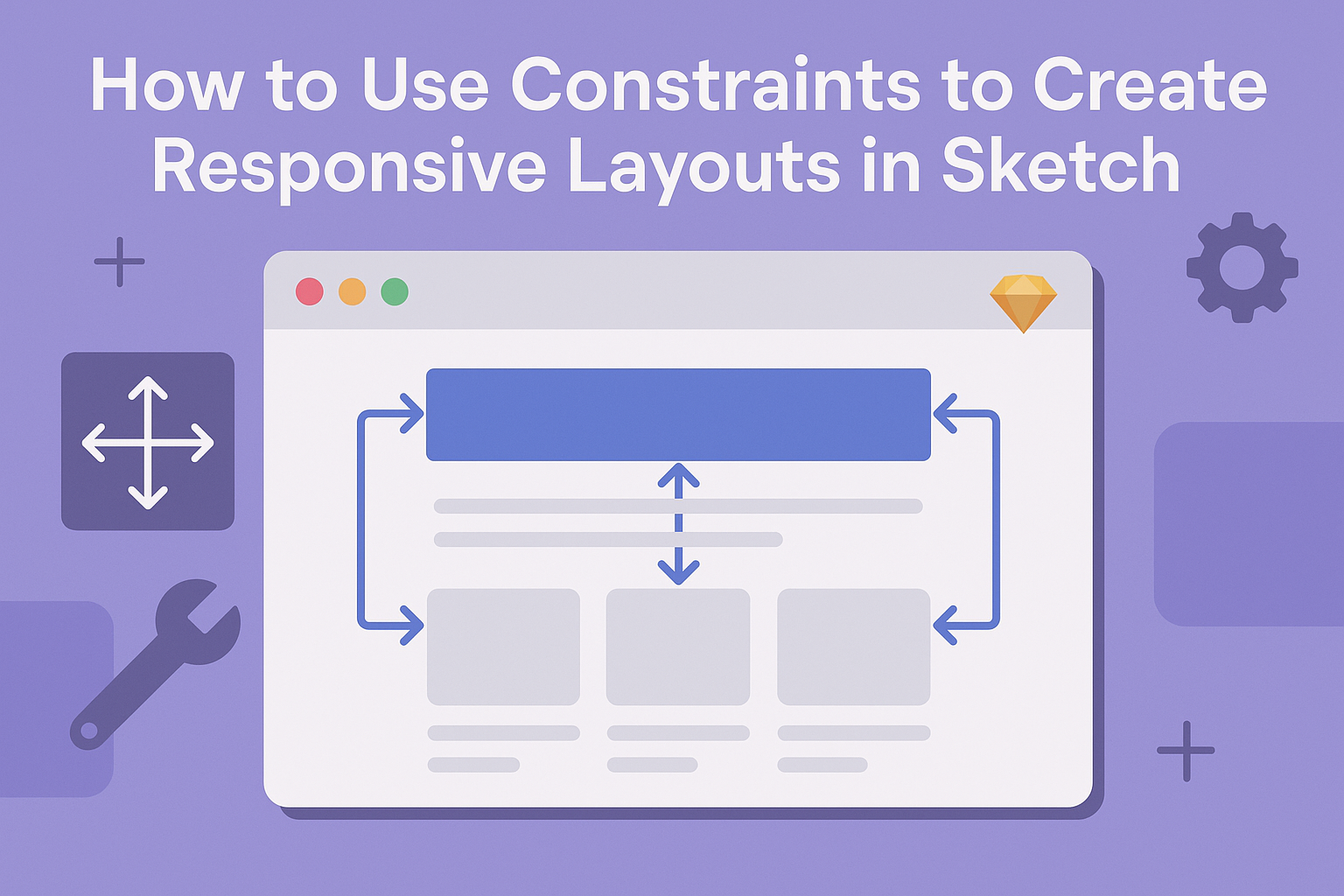
Creating responsive layouts in Sketch is essential for modern design. Using constraints effectively allows designers to ensure that their layouts adapt seamlessly to various screen sizes. This approach not only enhances user experience but also saves time during the design process. By mastering the use of constraints, designers can pin elements to their parent layers, …
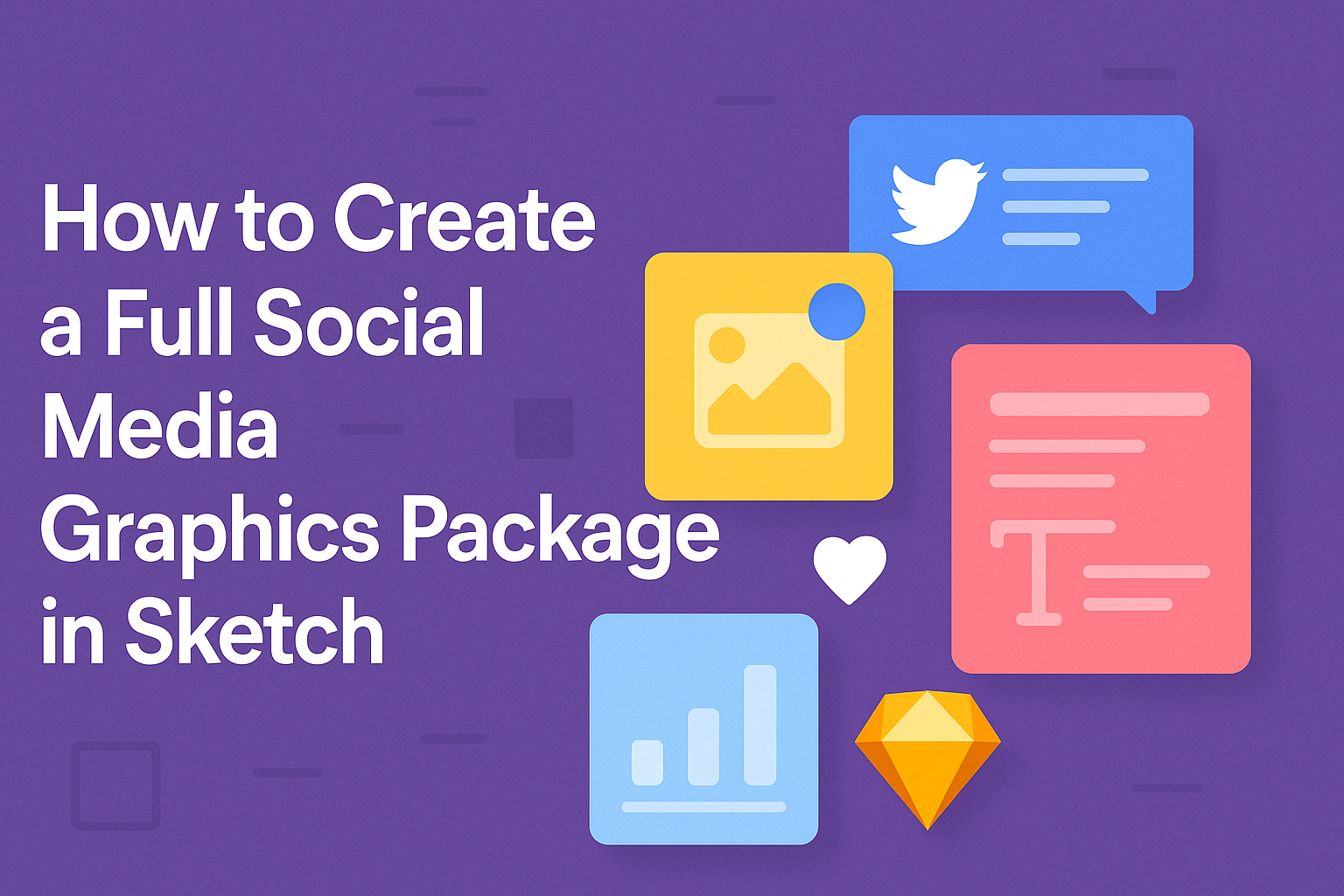
Creating a full social media graphics package can seem daunting, but it doesn’t have to be. With Sketch, designers can efficiently produce a wide range of graphics tailored for various platforms. This guide will break down the steps to help anyone, from beginners to seasoned pros, build a stunning and cohesive set of assets. From …
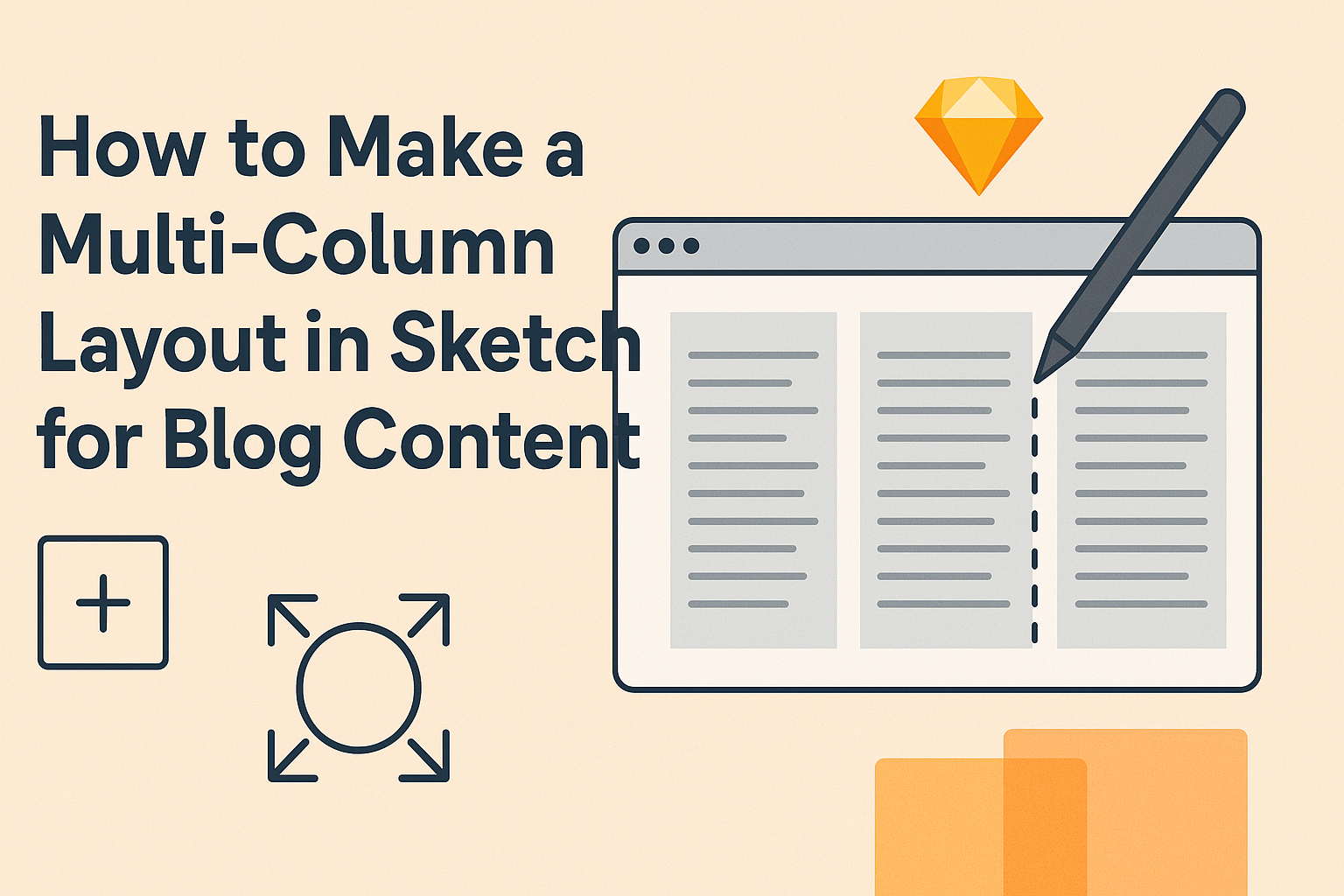
Creating a multi-column layout in Sketch can enhance the visual appeal and structure of blog content. This layout method allows designers to present information in an organized way, making it easier for readers to digest the material. With the right tools and settings, anyone can transform their designs into eye-catching layouts that improve user experience. …
Creating eye-catching graphics can elevate any project. To create a 3D-like text effect in Sketch, users can utilize the 3D Text Tool along with some basic shape manipulation techniques. This method allows designers to make text that stands out and adds depth to their designs. Sketch provides tools that make the process straightforward and enjoyable. …