
Creating engaging videos can be a breeze with the right tools. CapCut is a powerful app that allows users to edit videos with multiple layers, making it possible to add text, images, and effects seamlessly. Using CapCut’s multi-layer video editing features will help anyone enhance their creativity and bring their ideas to life. For those …
Lindsey Becker
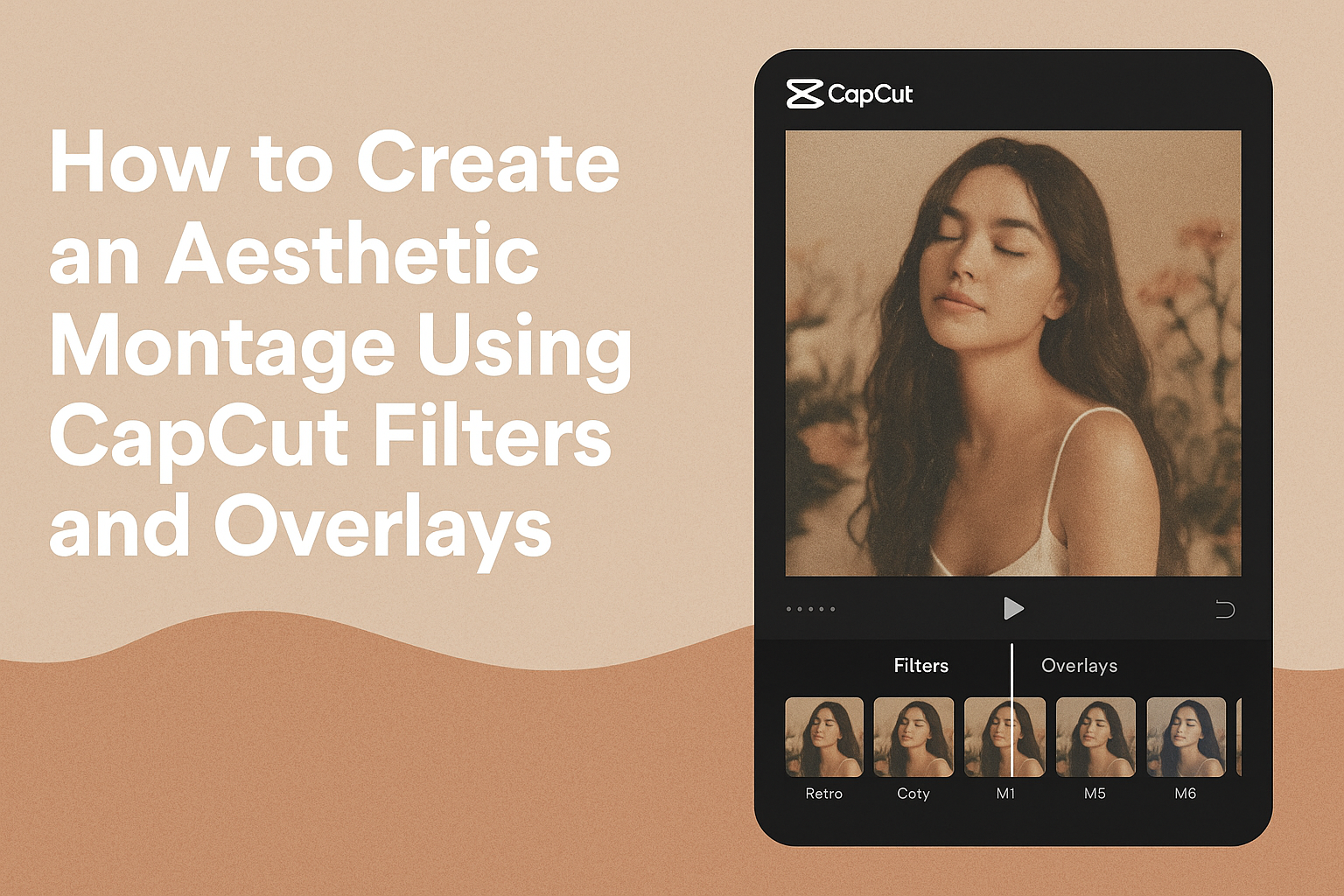
Creating an aesthetic montage can be a fun and creative way to express ideas and emotions. By using CapCut’s filters and overlays, anyone can enhance their videos with a stylish look that captures attention. These tools not only improve the visual appeal of the montage but also help convey a specific mood or theme, making …
Creating a smooth zoom effect in CapCut can elevate the quality of any video project. With just a few simple steps, anyone can achieve a professional-looking zoom that adds depth and engagement to their footage. Whether it’s for social media clips, vlogs, or creative video presentations, mastering this technique is a valuable skill. Many users …
Creating a time-lapse video can transform ordinary moments into exciting visual stories. To make a time-lapse video in CapCut, users can easily adjust the speed of their footage to condense time and capture changes in a creative way. This feature makes it simple for anyone to showcase the passage of time, from blooming flowers to …
Creating engaging content for social media platforms like Instagram Reels and TikTok is essential for any aspiring creator. To create a vertical video for Instagram Reels and TikTok in CapCut, users need to utilize the app’s tools to easily resize their videos to a 9:16 aspect ratio. This adjustment ensures that the videos look great …
CapCut’s masking feature opens up a world of creative editing possibilities. This tool allows users to add stunning effects and transitions, making their videos stand out in a crowded space. By masking clips, they can create unique scenes that capture attention and engage viewers. Whether it’s highlighting a specific part of a video or crafting …

Creating smooth slow motion in DaVinci Resolve can elevate any video project. With the right techniques, it is possible to achieve breathtaking slow-motion effects that enhance storytelling and visual impact. This guide will provide easy steps to help anyone master slow motion, turning ordinary footage into something extraordinary. Many people struggle with achieving smooth slow …

Editing video can often feel overwhelming, especially when working with multiple camera angles. Using DaVinci Resolve‘s multicam editing feature simplifies this process, allowing users to create engaging videos with ease. This powerful tool lets editors sync footage and switch between angles smoothly, making the workflow much more efficient. Many content creators and editors appreciate how …

Many people want to improve the quality of their video projects with great audio. In DaVinci Resolve, users can easily add and edit effects to make their sound stand out. This process can elevate the overall feel of a video, making it more engaging for viewers. Editing audio might seem challenging, but DaVinci Resolve provides …

Editing video can be slow and frustrating, especially when working with high-resolution files. Many editors face challenges with their computer’s performance during editing sessions. Using proxy media in DaVinci Resolve can speed up the editing process significantly by allowing editors to work with lower-resolution versions of their footage. Proxy media are smaller, easier-to-handle files that …