
In video editing, clear audio is just as important as stunning visuals. Many creators face the challenge of unwanted background noise that can distract from their message. CapCut offers a simple way to eliminate background noise, allowing users to enhance their audio with just a few clicks. With its user-friendly interface, CapCut makes it easy …
Lindsey Becker
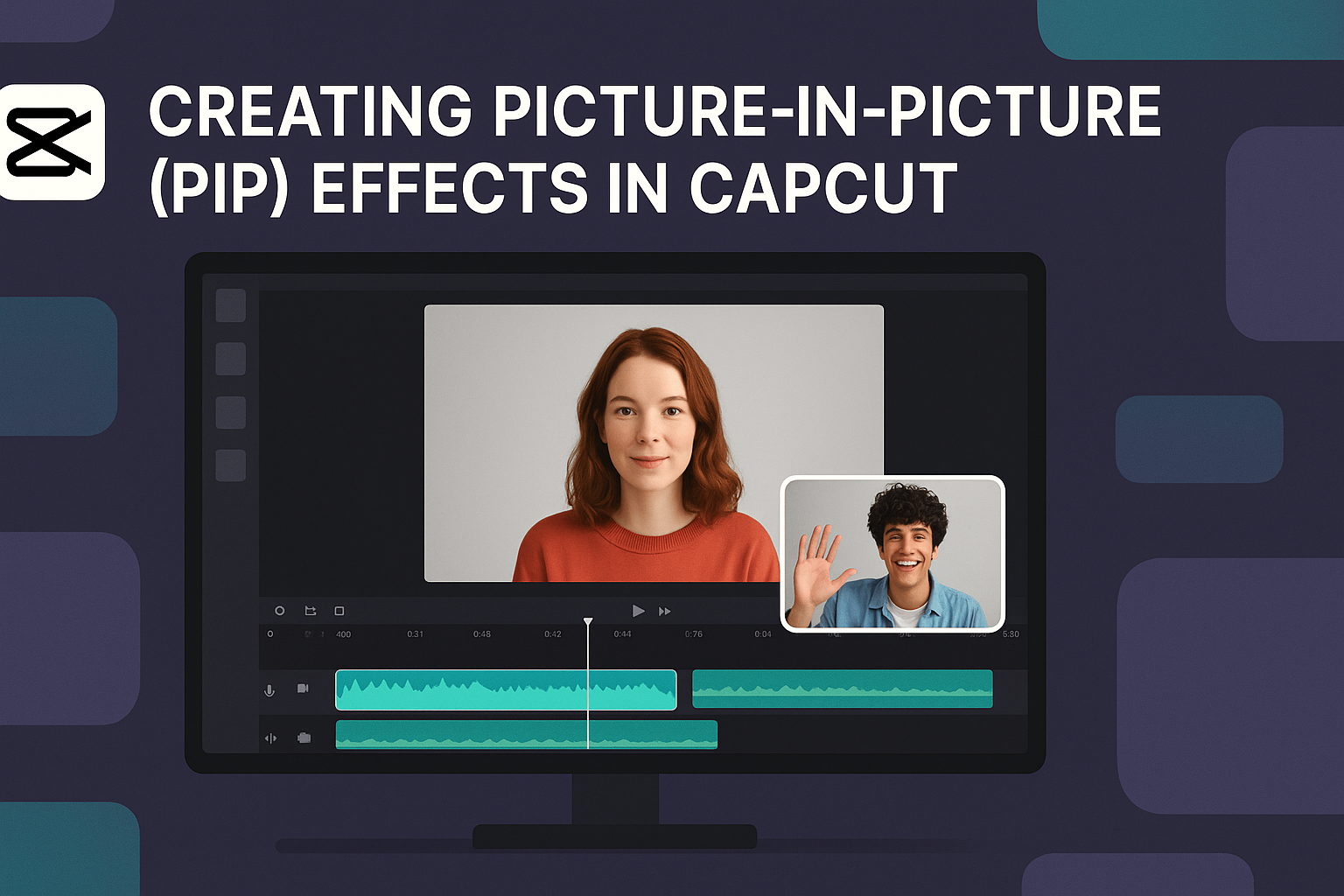
Creating Picture-in-Picture (PIP) effects in CapCut can greatly enhance videos, providing a unique way to show multiple viewpoints. With just a few simple steps, anyone can add this engaging effect to their projects, making the final product more dynamic and professional. This feature is perfect for tutorials, commentary, or just adding a fun twist to …

Exporting high-quality videos in CapCut can be a challenge for many creators. To successfully export videos without losing resolution, it’s essential to adjust the resolution and bit rate settings to match or exceed the original footage. By focusing on these key settings, creators can ensure their videos maintain clarity and vibrancy during the export process. …

CapCut is becoming a favorite tool for quick video editing, especially for beginners. Using CapCut templates makes it simple to create engaging videos in just a few steps. With ready-made styles, anyone can transform their footage into something eye-catching and professional. For those who may feel overwhelmed by video editing, CapCut’s templates offer an easy …
Adding unique visual effects can make videos stand out and capture viewers’ attention. In CapCut, users can easily add glitch, retro, or other special effects by navigating through intuitive tools and options. This guide will help anyone looking to enhance their video editing skills with exciting new features. CapCut offers a variety of effects that …
Creating a stop-motion video can be a fun and creative way to tell a story or showcase an idea. Many people are discovering that CapCut is a handy tool for making these unique animations. With just a few simple steps, anyone can learn how to make a captivating stop-motion video in CapCut. Using CapCut, users …
Creating engaging videos can be a breeze with the right tools. CapCut is a powerful app that allows users to edit videos with multiple layers, making it possible to add text, images, and effects seamlessly. Using CapCut’s multi-layer video editing features will help anyone enhance their creativity and bring their ideas to life. For those …
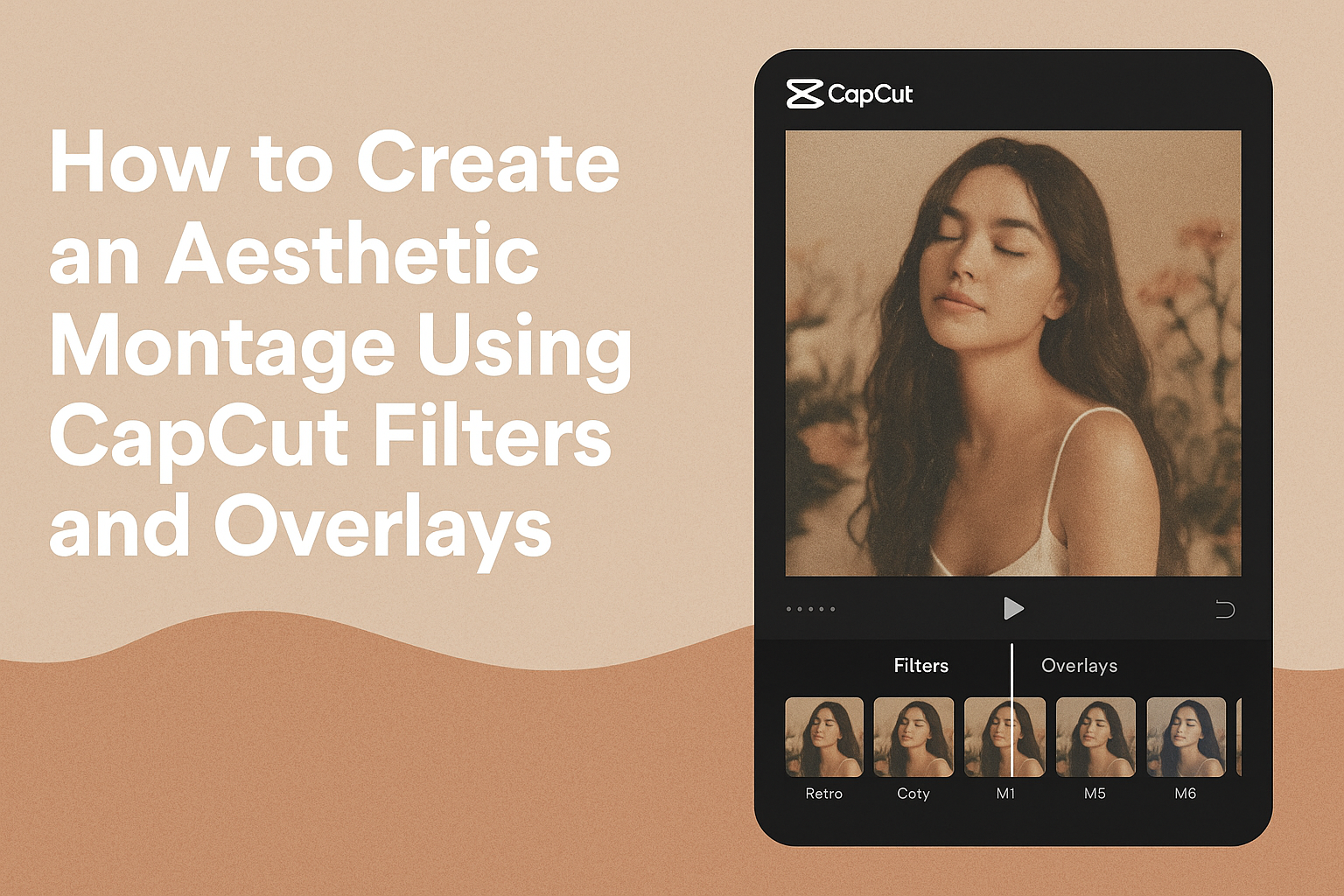
Creating an aesthetic montage can be a fun and creative way to express ideas and emotions. By using CapCut’s filters and overlays, anyone can enhance their videos with a stylish look that captures attention. These tools not only improve the visual appeal of the montage but also help convey a specific mood or theme, making …
Creating a smooth zoom effect in CapCut can elevate the quality of any video project. With just a few simple steps, anyone can achieve a professional-looking zoom that adds depth and engagement to their footage. Whether it’s for social media clips, vlogs, or creative video presentations, mastering this technique is a valuable skill. Many users …
Creating a time-lapse video can transform ordinary moments into exciting visual stories. To make a time-lapse video in CapCut, users can easily adjust the speed of their footage to condense time and capture changes in a creative way. This feature makes it simple for anyone to showcase the passage of time, from blooming flowers to …