
Using Canva’s Lock Position Only feature helps keep design elements exactly where you want them while still allowing you to change their size, color, or other details. It’s a handy tool for anyone who wants precise control over their design without locking everything down completely. Many people find it tricky to lock elements fully or …
Lindsey Becker
Adding ligatures to letters in Canva can make text look smoother and more stylish by joining certain characters together. To add ligatures, users need to select fonts that support this feature and enable ligatures within the text settings. This small change can really improve how written content appears in designs. Many fonts in Canva come …
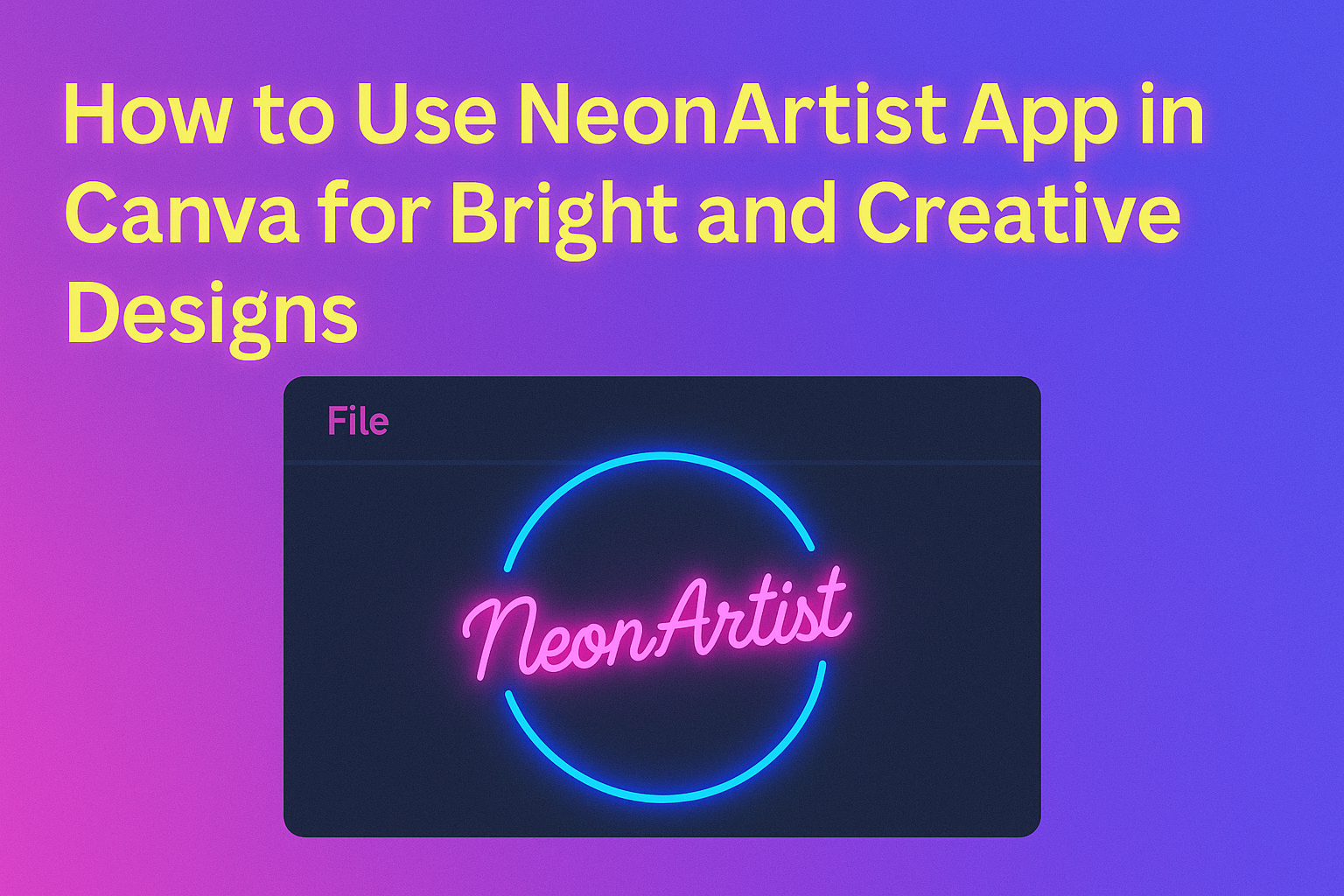
The NeonArtist app in Canva lets users create glowing neon art easily by typing a simple description. This makes it great for anyone wanting stylish artwork with little effort. Users get a few credits daily to generate their ideas, which encourages creativity while exploring different neon styles. The app fits right into Canva’s platform, so …
Using the AI Frames App in Canva lets anyone create custom frames easily by simply describing the look they want. The app quickly turns those descriptions into beautiful frames, saving time and adding a creative touch to designs. The app is especially helpful for people who want to enhance their projects with eye-catching borders or …

The SciFiGen app in Canva makes it simple for anyone to create cool sci-fi designs without needing advanced skills. It allows users to generate sci-fi themed graphics quickly by combining easy-to-use tools and creative templates within Canva. This app is perfect for making posters, book covers, or social media images with a futuristic vibe. Users …
Using the Avatars by DupDub app in Canva allows anyone to create animated, talking characters that bring designs to life. By adding these AI avatars, users can make their social media posts, presentations, and videos more engaging and visually interesting. It’s a simple way to capture attention without needing advanced skills. To get started, users …
Using the Image Animate app in Canva makes it easy to bring photos to life with simple animations. The app lets users add effects like fading, sliding, or popping to their images, turning still pictures into engaging visuals. This can help make presentations, social media posts, or videos more eye-catching without needing advanced design skills. …
The Narrato app in Canva helps users create clear and effective content like social media captions, ad copy, and video scripts quickly. It works directly inside Canva, allowing users to generate and edit text without leaving their design workspace. This makes it easier to keep the creative flow without switching between tools. Users need to …
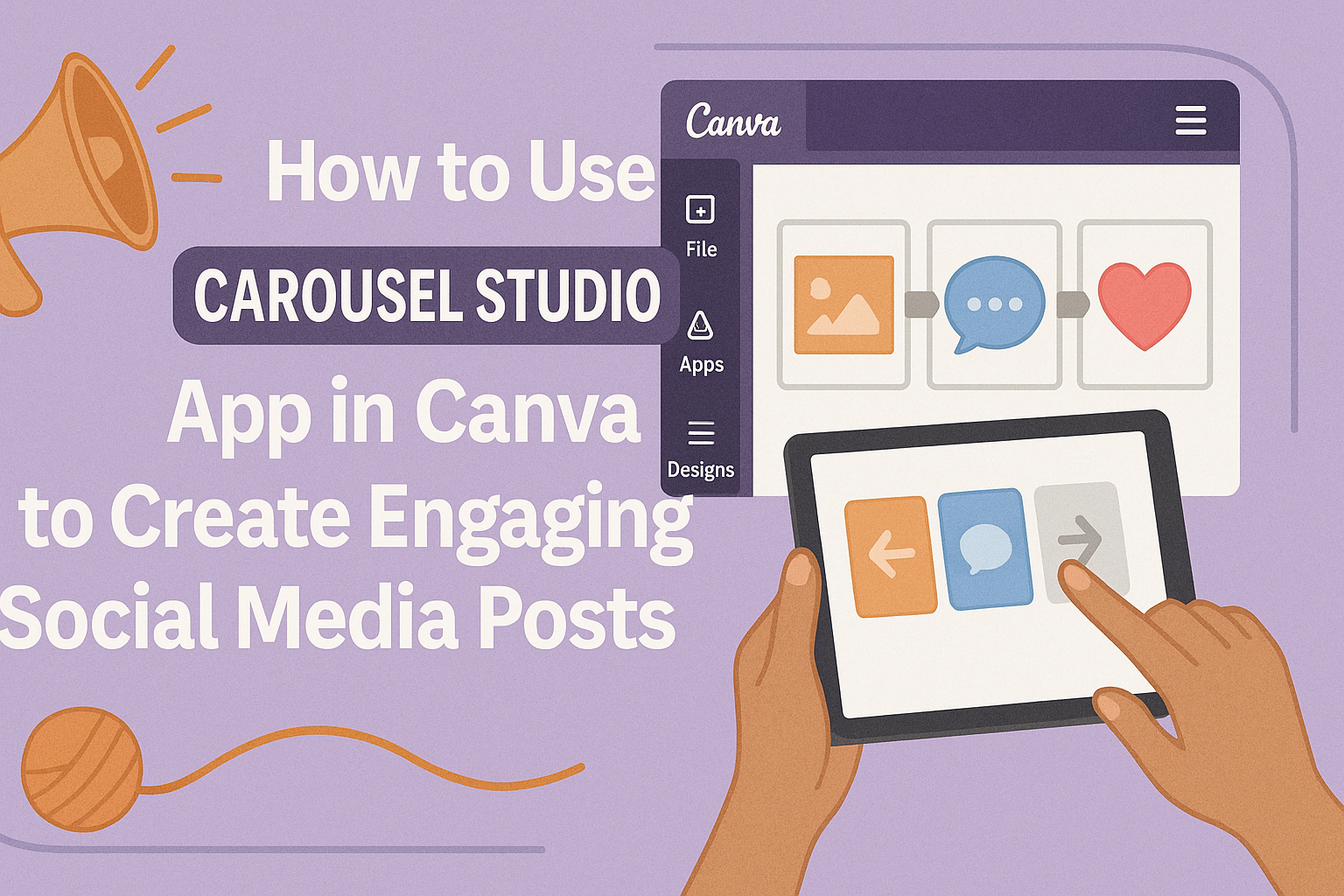
Using the Carousel Studio app in Canva makes creating carousel posts simple and fast. It helps users turn any topic or blog post into a neat series of slides ready for social media. People can start from scratch or use an existing Canva design to launch Carousel Studio. This flexibility lets them create content easily, …
Using Social Bellow within Canva makes content creation easier and faster. It helps users generate ideas, craft engaging messages, and get instant AI feedback right inside Canva. This boosts creativity without leaving the design platform. The app works well for all kinds of content, from social media captions to blog posts. It guides users step-by-step …