

Interactive polls and surveys can transform a standard PowerPoint presentation into an engaging experience. They allow presenters to connect with their audience, gather instant feedback, and make presentations more dynamic. Incorporating these tools helps maintain attention and encourages participation. Using features like Microsoft Forms, presenters can easily create and insert polls directly into their slides. …
Lindsey Becker
Creating a smooth-flowing presentation can make a big difference in how well an audience connects with the content. PowerPoint’s slide transitions are key tools that help keep the audience engaged and make the presentation visually appealing. By using these transitions thoughtfully, a presenter can guide their viewers seamlessly from one idea to the next. Many …
Creating impactful presentations goes beyond just slides and images. PowerPoint seamlessly integrates with other Microsoft Office tools like Word and Excel, allowing users to enhance their presentations with richer content and data-driven insights. By using these tools together, presenters can offer a more engaging experience that captivates their audience. Imagine pulling in data charts from …
Creating custom illustrations can enhance any presentation, making it more engaging and visually appealing. PowerPoint’s drawing tools allow users to easily design unique shapes and graphics that match their ideas and themes. From basic shapes to freehand drawing, these tools offer a range of options for creativity. Whether they are aiming for a polished look …
Using gradients and patterns in PowerPoint can transform ordinary slides into engaging visuals. These design elements add depth and interest, making presentations more appealing and easier to follow. Understanding how to effectively apply gradient fills and patterns is key to enhancing presentations. Many users may not realize the potential of gradients beyond simple color choices. …
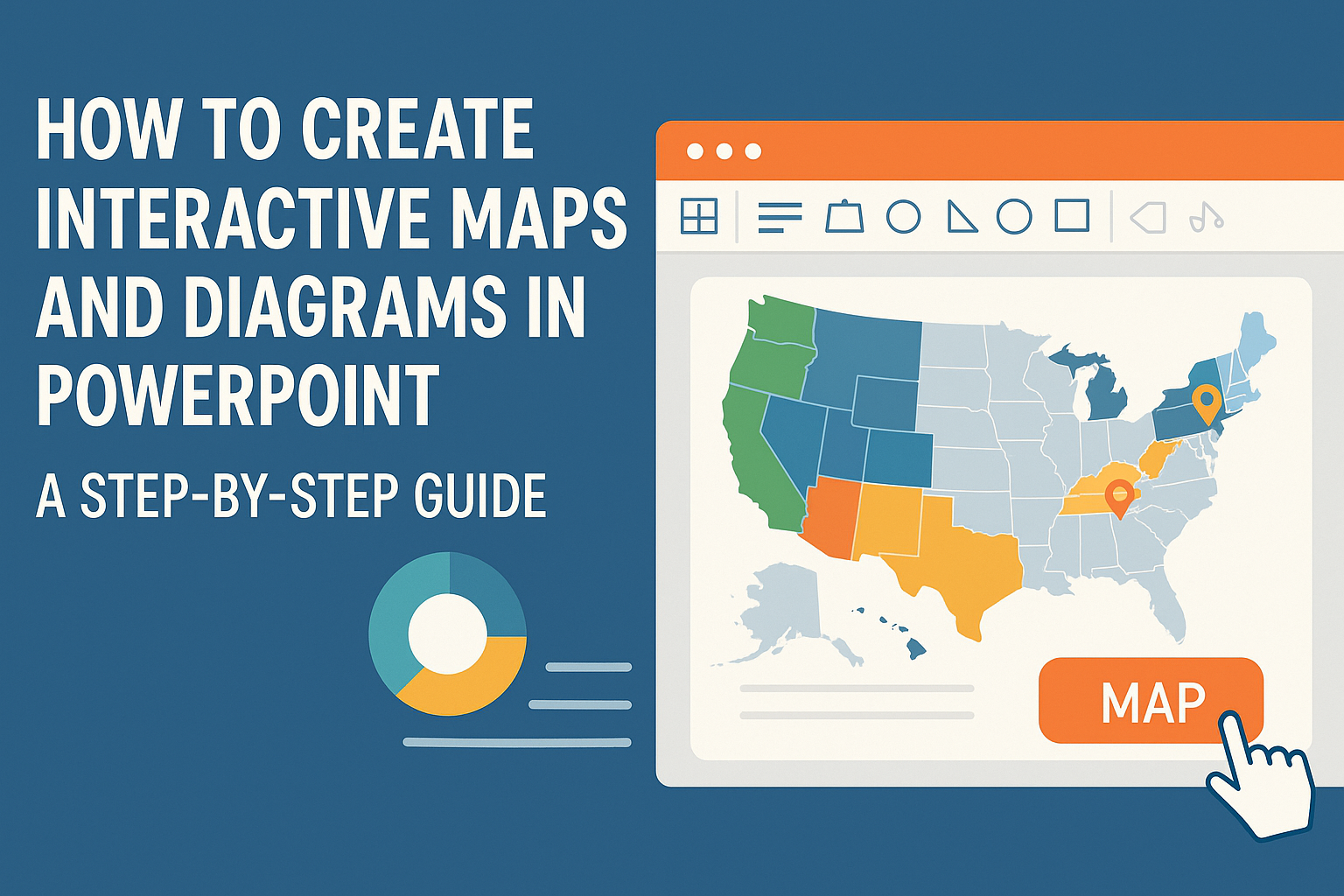
Creating interactive maps and diagrams in PowerPoint can be a game changer for presentations. By using built-in tools like shapes and charts, anyone can design engaging visuals that capture attention and convey information effectively. This approach not only makes presentations more interesting but also helps in better understanding complex data. Whether it’s for a school …
Adding custom borders and frames to PowerPoint slides can greatly enhance their visual appeal. By using shapes or images, anyone can create unique borders that complement their content and engage their audience. This simple technique can transform standard slides into eye-catching presentations. Whether it’s a corporate presentation or a school project, a well-designed border can …
Creating visually appealing PowerPoint slides can transform a presentation from basic to brilliant. Layered typography is a powerful way to add depth and interest to slide designs. By using different font sizes, weights, and colors, presenters can guide their audience’s attention and emphasize key points effectively. Understanding how to balance text and visuals is crucial. …
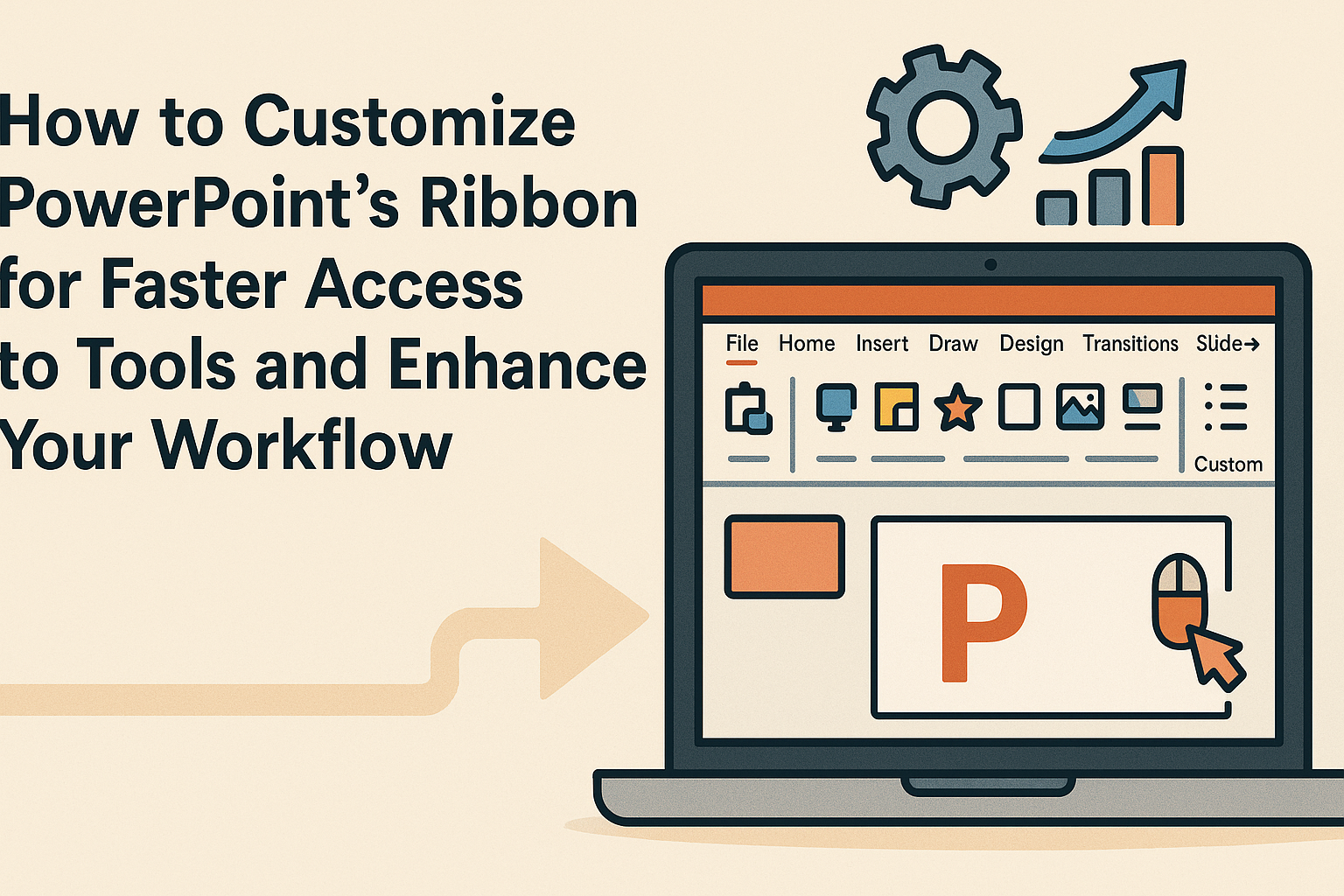
Customizing PowerPoint’s ribbon can make presentations much easier to handle. Users often find themselves searching for tools buried within the interface. By organizing commonly used features in a way that fits their workflow, they can speed up their process and keep their focus on creating great content. Adding custom groups or tabs allows for quick …
Creating eye-catching PowerPoint presentations can be challenging, but adding parallax scrolling effects can make them stand out. This effect gives the illusion of depth and movement, making the presentation more engaging for the audience. With the right techniques, anyone can learn how to implement this dynamic feature. In this blog post, readers will discover simple …