

Designing a newsletter layout in Affinity Designer can be a fun and rewarding task. By following a few simple steps, anyone can create an eye-catching and effective newsletter that engages readers. With its user-friendly tools, Affinity Designer provides great flexibility for both beginners and experienced designers. A well-designed newsletter not only conveys information but also …
Lindsey Becker
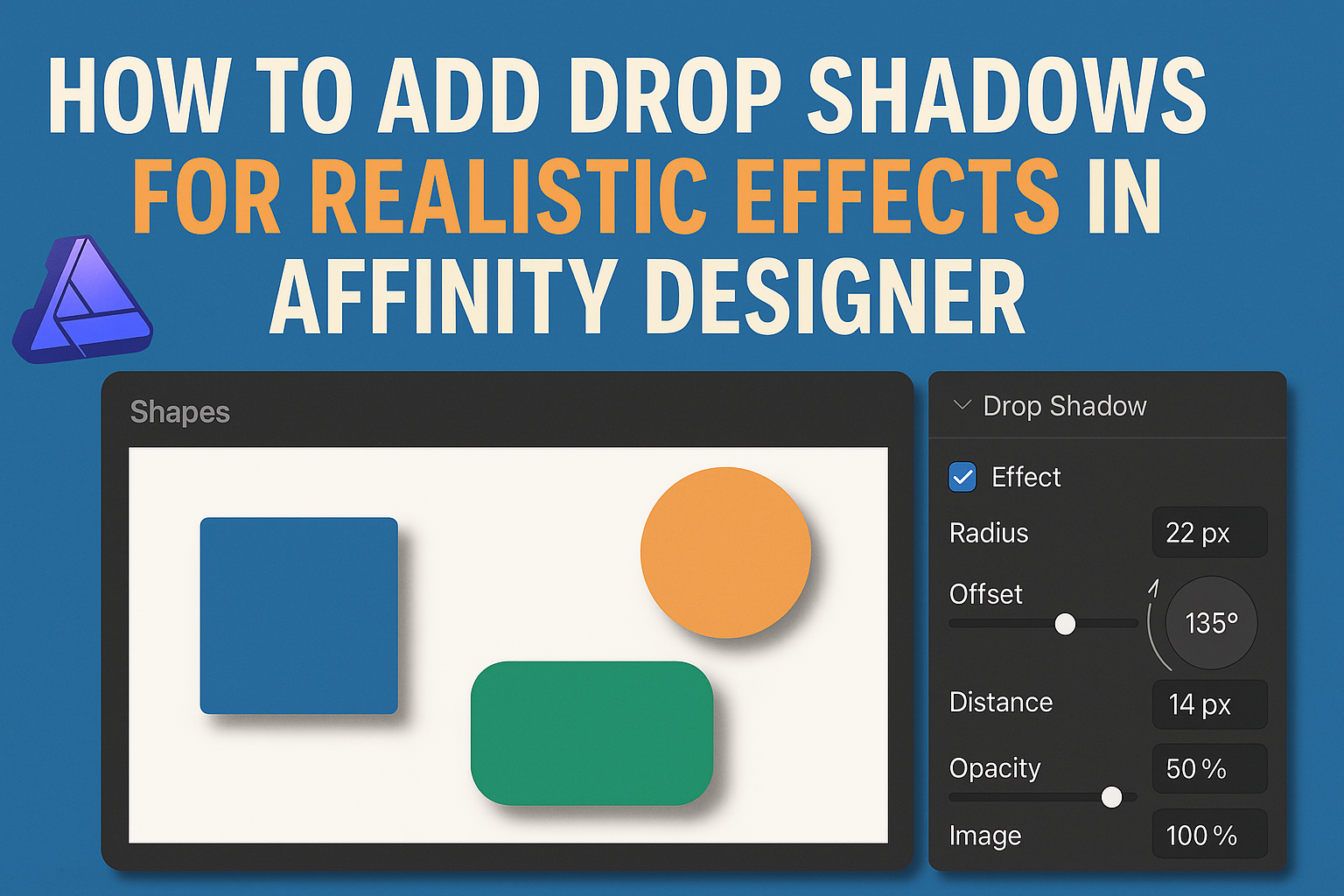
When designing with Affinity Designer, adding drop shadows can significantly enhance the visual appeal of any project. To create realistic effects, a designer can apply the outer shadow feature and adjust settings like opacity, distance, and angle. This technique adds depth and dimension, making designs more engaging. Many designers overlook the power of shadows, thinking …
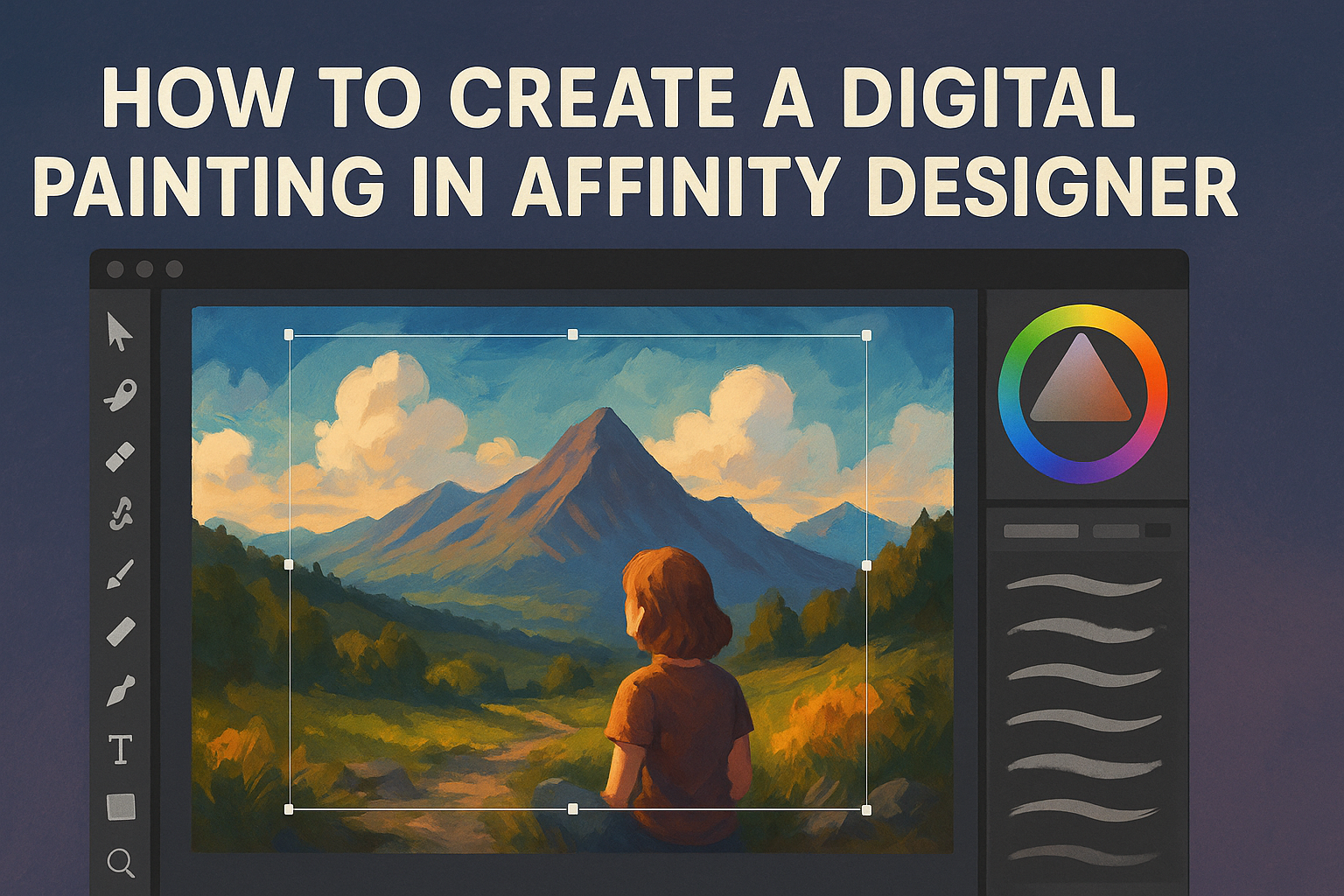
Creating a digital painting in Affinity Designer allows artists to explore their creativity with versatile tools and features. The key to success lies in mastering the various brushes and techniques that Affinity offers. This process provides a unique opportunity to blend traditional painting methods with digital enhancements. With the right approach, beginners can produce stunning …
Creating a 3D logo can be an exciting challenge for designers looking to elevate their brand identity. To design a 3D logo in Affinity Designer, one can follow a straightforward process using simple tools available in the software. This allows for personal creativity without requiring advanced technical skills. Many tutorials break down the steps involved, …

Using the Color Picker and Swatches in Affinity Designer can transform how designers work with color. These tools allow users to easily select and manage colors, making the design process more efficient and enjoyable. By mastering these features, designers can create cohesive and visually appealing projects. The Color Picker helps in selecting precise colors while …
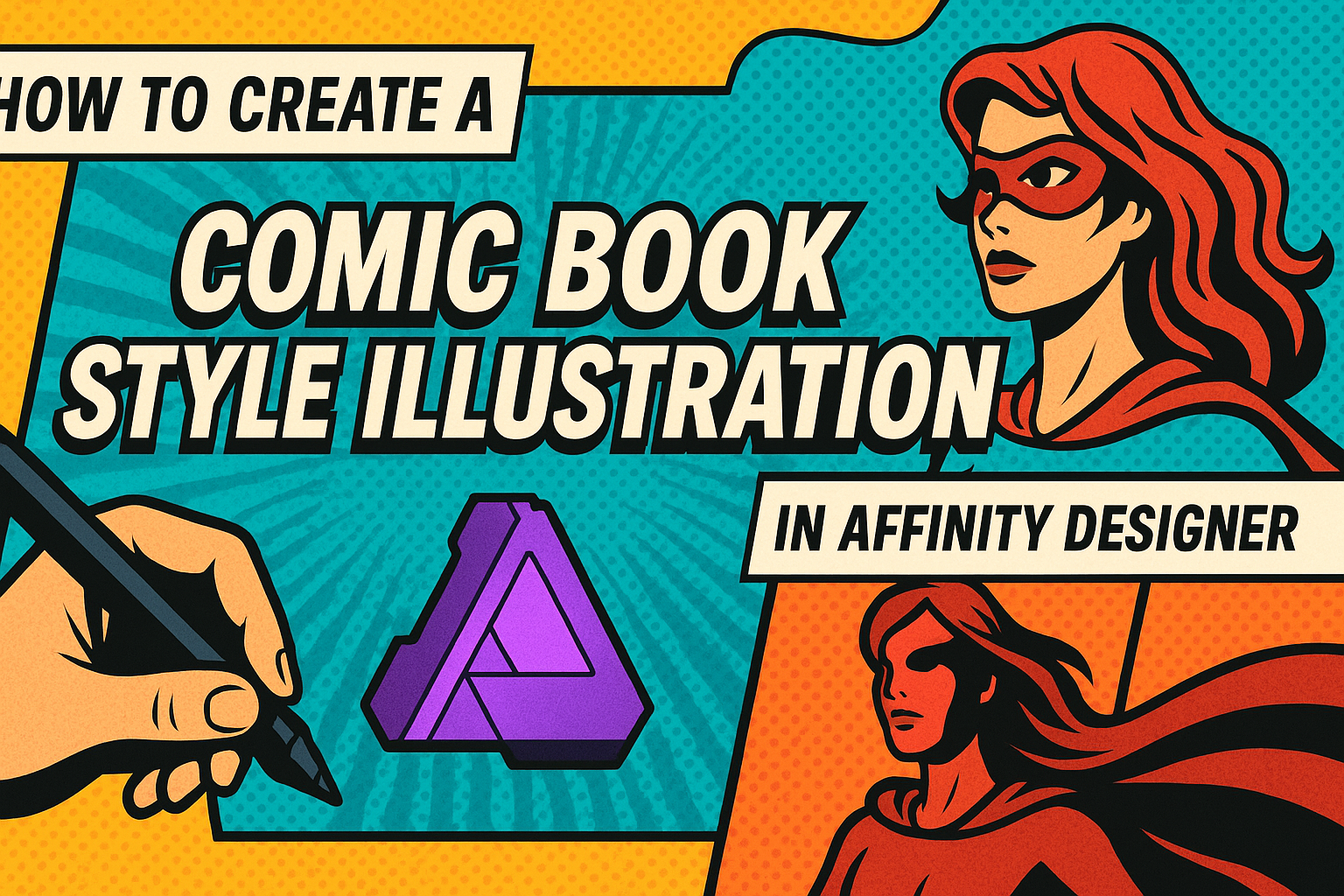
Creating a comic book style illustration can be an exciting way to express creativity. With powerful tools like Affinity Designer, artists can bring their imaginative visions to life. To start, he or she can utilize vector tools and brushes to develop dynamic characters and engaging backgrounds. Those interested in comic art will find that Affinity …
Creating custom brushes in Affinity Designer can be a fun and rewarding way to enhance digital artwork. To make brushes, start by exporting a design as a PNG image, and then use the Brushes tab to create a new textured image brush. This process allows artists to bring their unique flair to any project. Understanding …
Creating a colorful gradient background in Affinity Designer can transform a simple design into something eye-catching. By following a few straightforward steps, anyone can add vibrant gradients to their projects with ease. This technique not only enhances the visual appeal but also allows for greater creativity in design. With various tools at their disposal, designers …
Creating a multi-page portfolio in Affinity Designer is a great way to showcase work in a professional format. By using artboards efficiently, users can easily design and export their portfolio as a polished PDF. This method allows for a clean presentation of their best projects while keeping everything organized in one document. For those new …
Creating a custom watermark in Affinity Designer is a great way to protect and brand artwork. With simple steps, anyone can make a unique watermark that fits their style and needs. Whether it’s for digital photos, designs, or graphics, a watermark adds a personal touch and ensures that credit is given where it’s due. Many …