
Creating user-friendly interfaces and prototypes is crucial in UX design, and Figma shines in this role. Figma offers tools for designers to collaborate effectively, making it a top choice for teams focused on user experience. Figma’s collaborative features and real-time editing simplify the process of brainstorming UX ideas and developing prototypes. With Figma, designers can …
Graphic Design Tutorials
Creating a website that looks great on any device is crucial today. Figma has become a popular choice for web designers looking to make flexible and visually appealing sites. This blog post provides a step-by-step guide on how to use Figma to create responsive web designs. Readers will learn the process of setting up a …
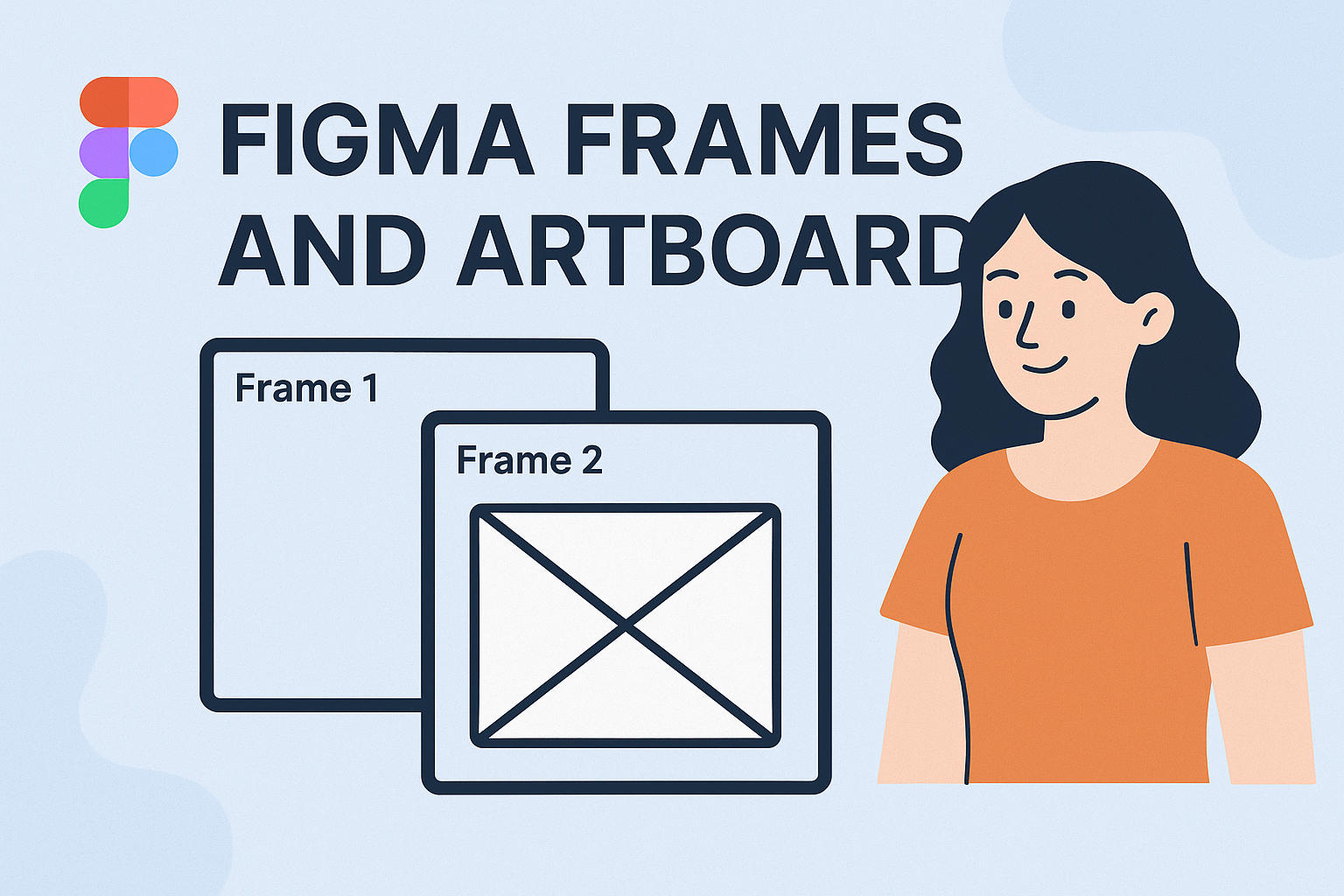
Efficient organization of design projects can make a big difference when using Figma. By grouping design elements into separate pages, like wireframes, mockups, and prototypes, designers can maintain a tidy workspace. This method keeps the project easy to navigate and helps team members find specific assets quickly. Understanding the use of frames and artboards in …
Mastering Figma can be a game-changer for designers looking to enhance their productivity. Learning the top keyboard shortcuts is the key to a faster design workflow, allowing designers to spend more time creating and less time navigating menus. These shortcuts can transform tedious tasks into quick actions, making the design process smoother and more efficient. …
Creating efficient design systems is essential in today’s fast-paced design world, and Figma components make this process much more manageable. Using Figma components allows designers to develop consistent, scalable, and time-saving design systems. Figma provides tools that help teams create reusable elements, maintaining uniformity across different projects. By organizing design elements into components, designers can …
Creating and sharing design systems in Figma can significantly boost team collaboration. Figma provides a platform where design visibility across teams is enhanced, allowing for effective communication and collaboration. To maximize the potential of Figma, it’s crucial to understand its powerful features, like team file organization and collaboration hubs. These tools help teams manage access …
Prototyping in Figma opens up a world of creativity and interactivity for designers looking to bring their concepts to life. With Figma, beginners can easily transform their static designs into engaging and clickable prototypes. This step-by-step journey from concept to completion offers a comprehensive look at the tools needed to master Figma. By getting familiar …
Creating interactive prototypes in Figma helps designers bring their ideas to life in a way that is both engaging and realistic. Figma’s powerful features enable users to craft detailed and interactive user flows, essential for testing and refining design concepts. By using these tools effectively, teams can collaborate in real-time and improve their design outcomes. …
Wireframing is a crucial step in UI/UX design, providing a simple way to plan and organize the layout of a website or app. Beginners often find themselves confused about where to start, but adopting best practices can make the process smoother. Figma has become a popular tool for wireframing, offering a user-friendly interface and powerful …
Designing like a professional in Figma involves mastering a variety of advanced techniques that can elevate any project. By using key shortcuts such as Cmd + G to group and Cmd + D to duplicate, designers can work more efficiently. Incorporating advanced features like updating the Nudge Amount or organizing components streamlines the workflow significantly. …