
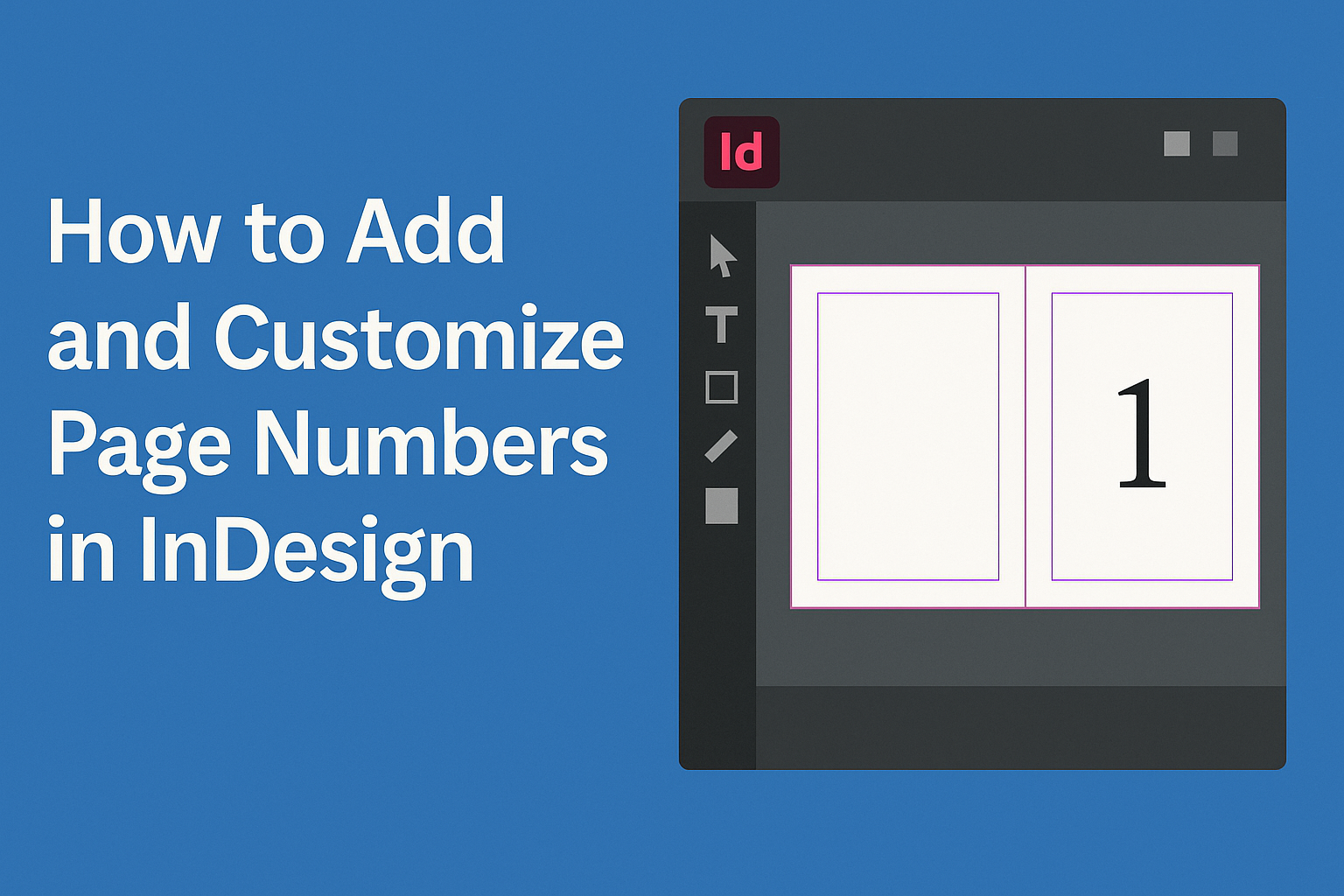
Adding and customizing page numbers in InDesign is a crucial step for anyone working on a multi-page document. This process not only helps keep the content organized but also enhances the overall design aesthetic. With just a few simple steps, users can make their page numbers stand out while ensuring they fit seamlessly into their …
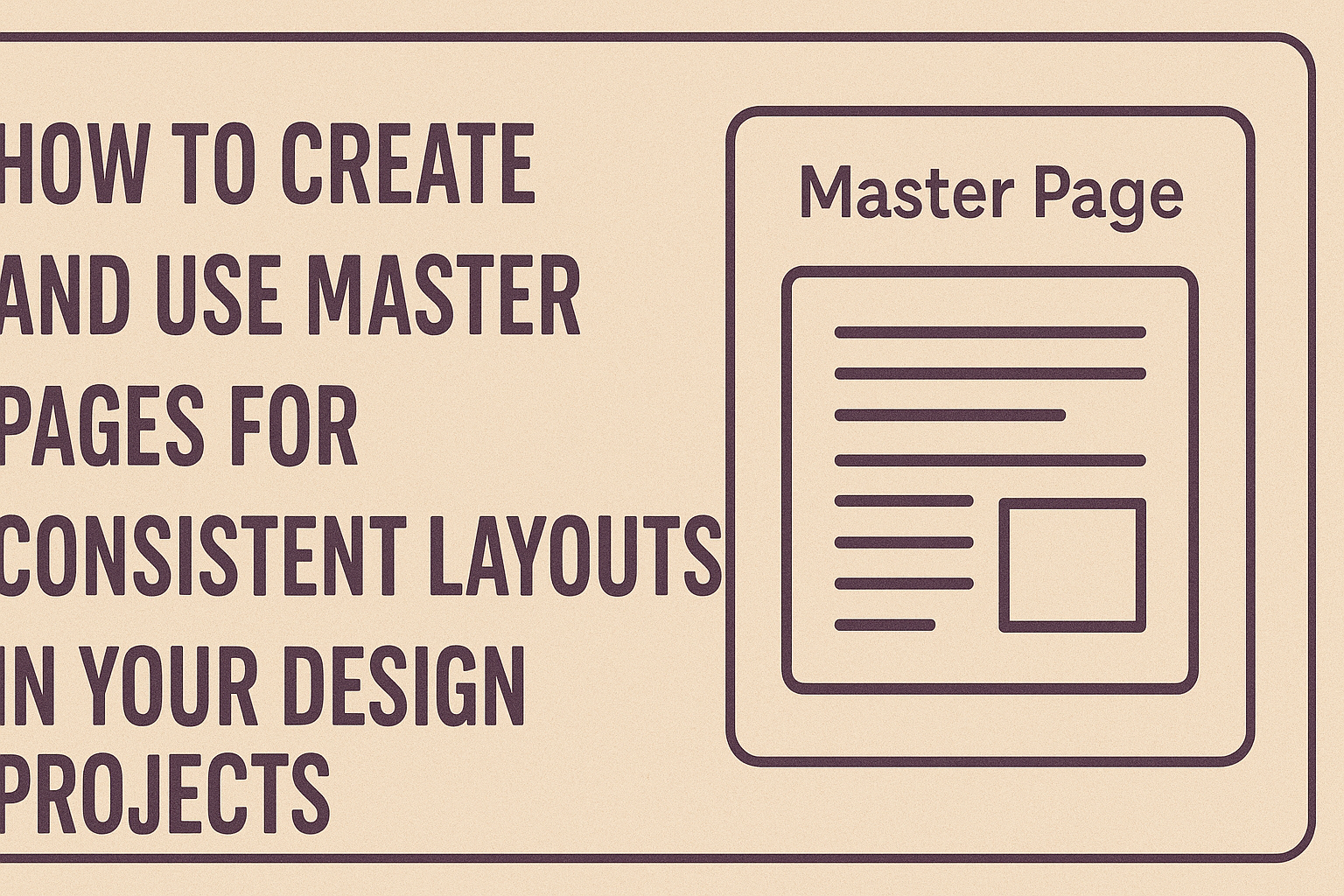
Creating and using master pages is a straightforward way to ensure a consistent layout across multiple pages in any design project. Master pages allow designers to easily apply uniform elements like headers, footers, and page numbers, saving time and enhancing professionalism. This technique is especially useful in applications like Adobe InDesign, where working with numerous …
Creating a product price list can be a straightforward task, especially when using powerful tools like InDesign. Using auto-numbering features in InDesign allows users to efficiently generate organized and professional-looking lists, saving both time and effort. This function enables seamless adjustments for any changes in pricing or product details. Many people may overlook the advantages …
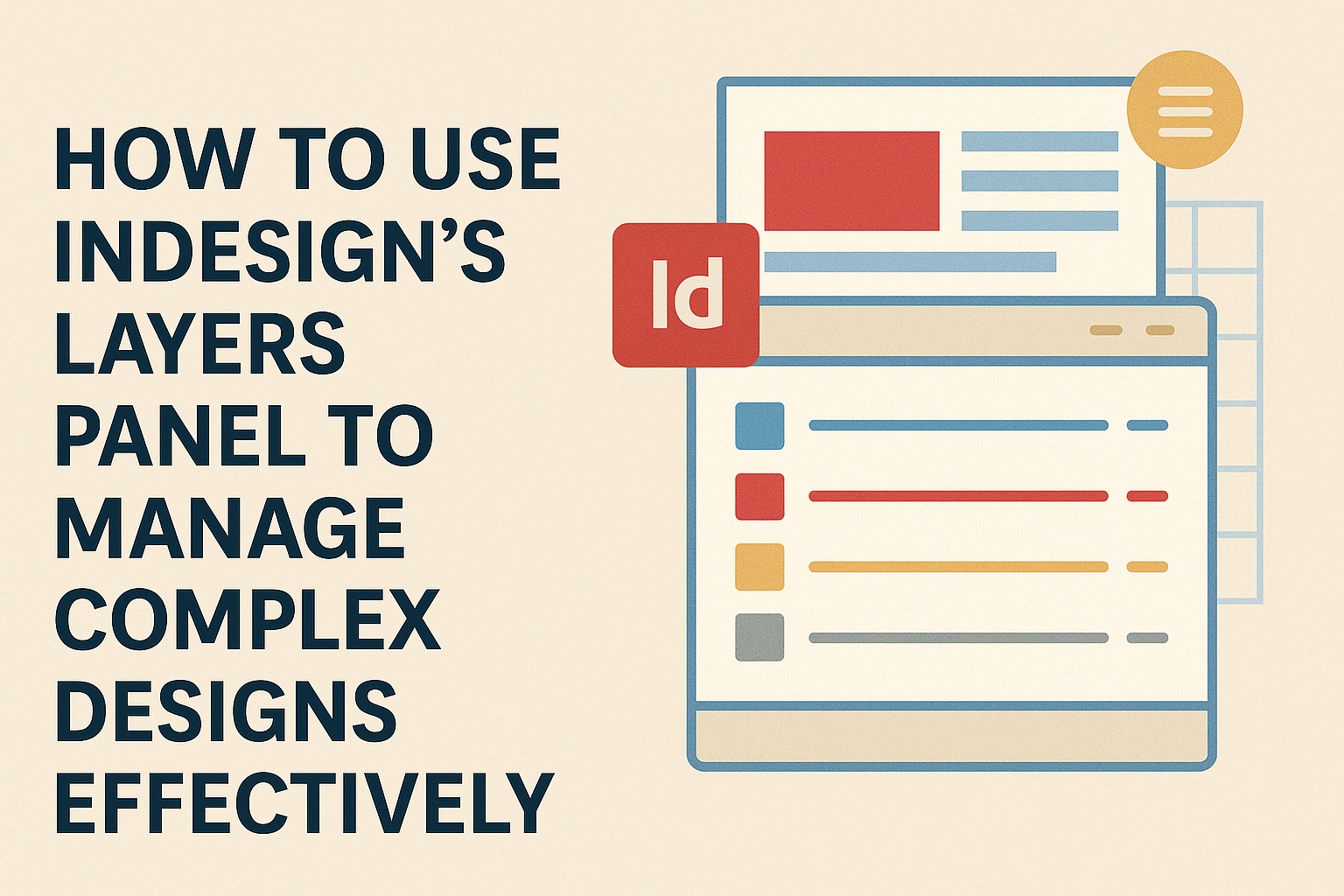
Managing complex designs in InDesign can be a challenge, especially when juggling multiple elements. By utilizing the Layers Panel, designers can organize their work more effectively, making it easier to edit without disrupting the entire layout. This feature helps streamline the creative process and enhances productivity. Layers allow users to separate different components of a …
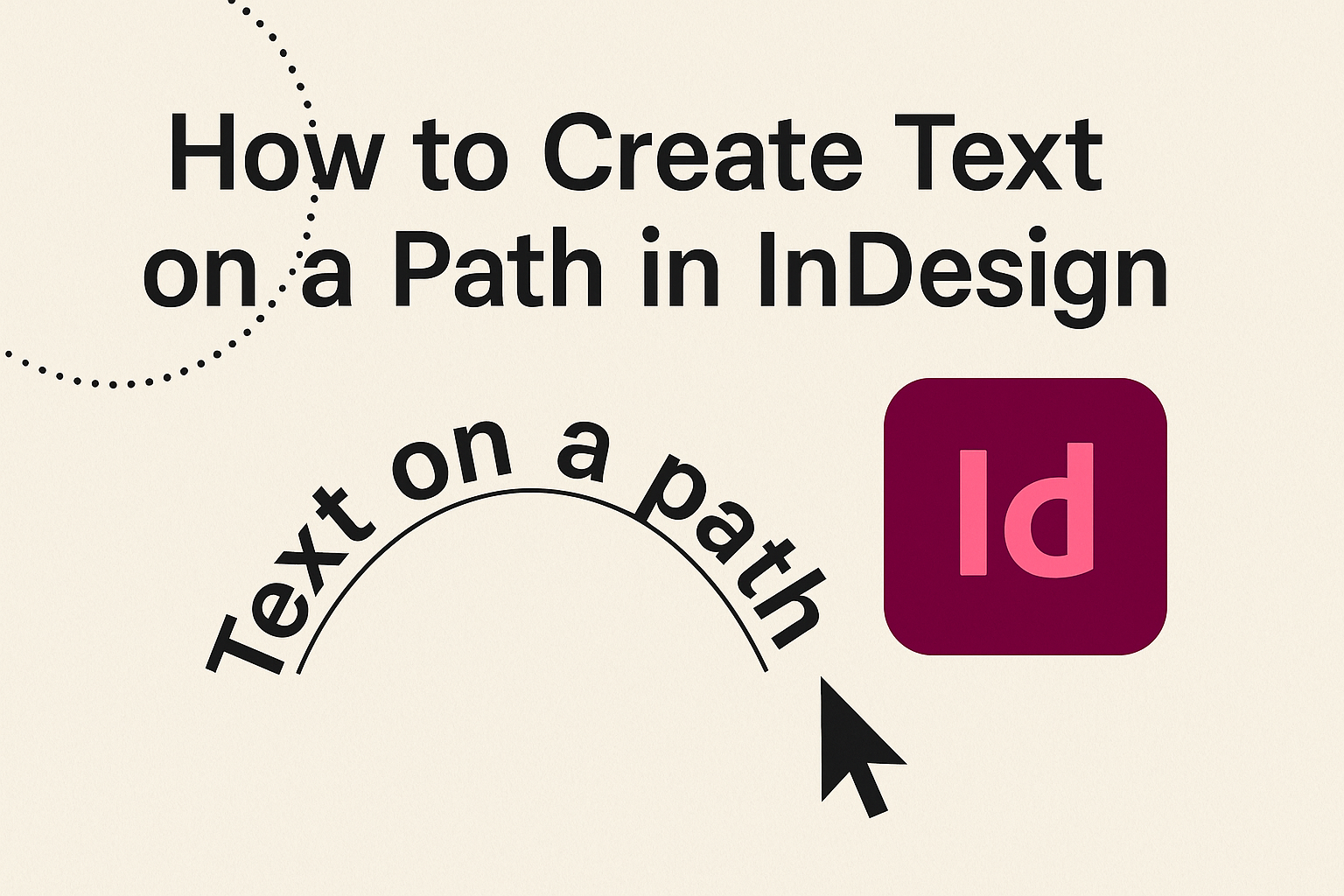
Creating text on a path in InDesign can transform ordinary designs into stunning visuals. This technique allows designers to make text follow the shape of curves or lines, enhancing the overall aesthetics of projects like magazine covers and posters. With just a few simple steps, anyone can bring their creative ideas to life. The process …
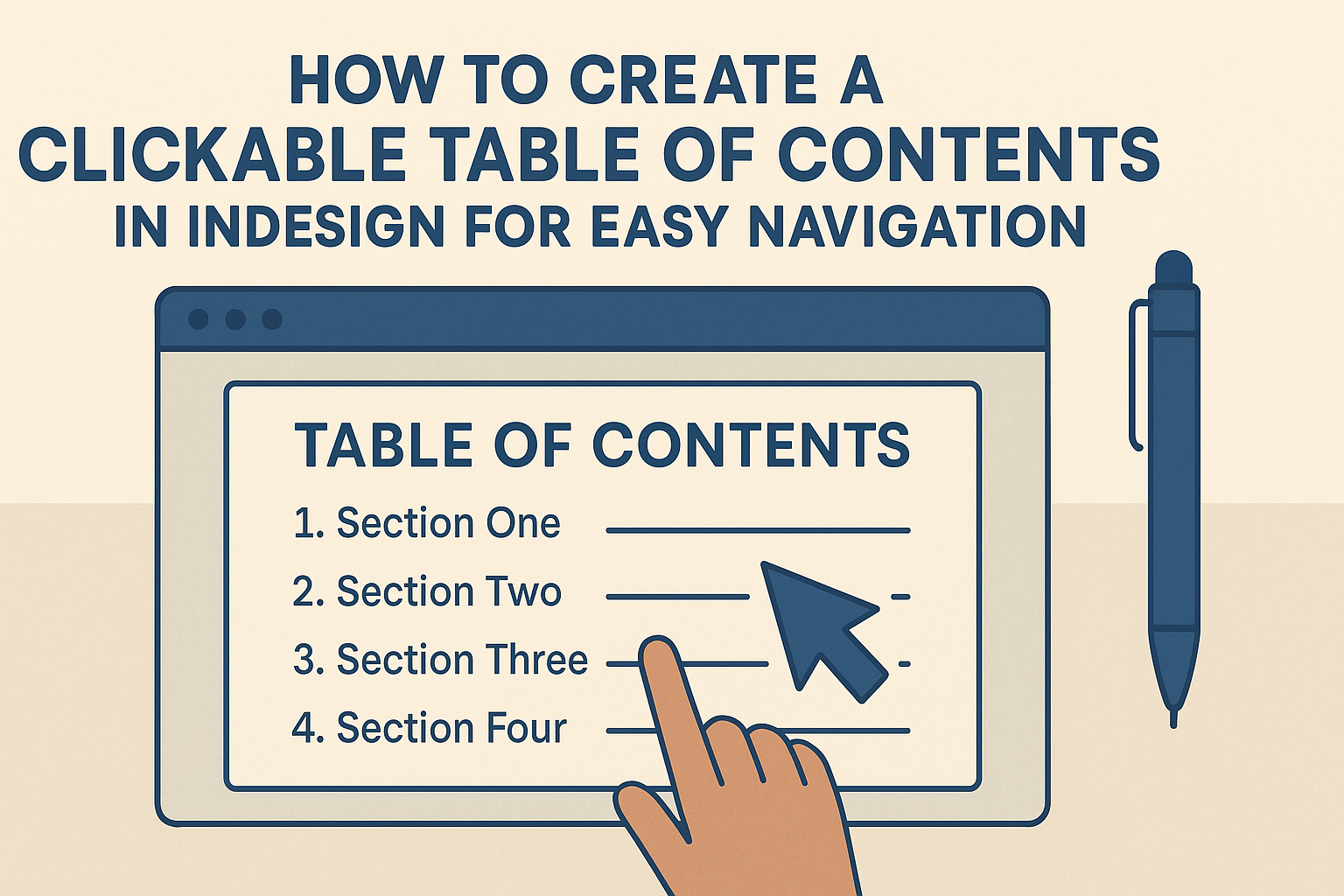
Creating a clickable table of contents in Adobe InDesign can significantly enhance the usability of any document. This feature allows readers to easily navigate through sections, making the reading experience smoother and more enjoyable. By following simple steps, anyone can turn a traditional table of contents into an interactive tool that links to specific pages. …
Many users face frustrating challenges with Adobe InDesign. These issues often revolve around performance, fonts, and printing problems. Understanding some common troubleshooting techniques can help streamline the design process and improve overall efficiency. With a few practical tips, users can tackle slow loading times, manage fonts effectively, and address printing errors. Performance Issues Performance issues …
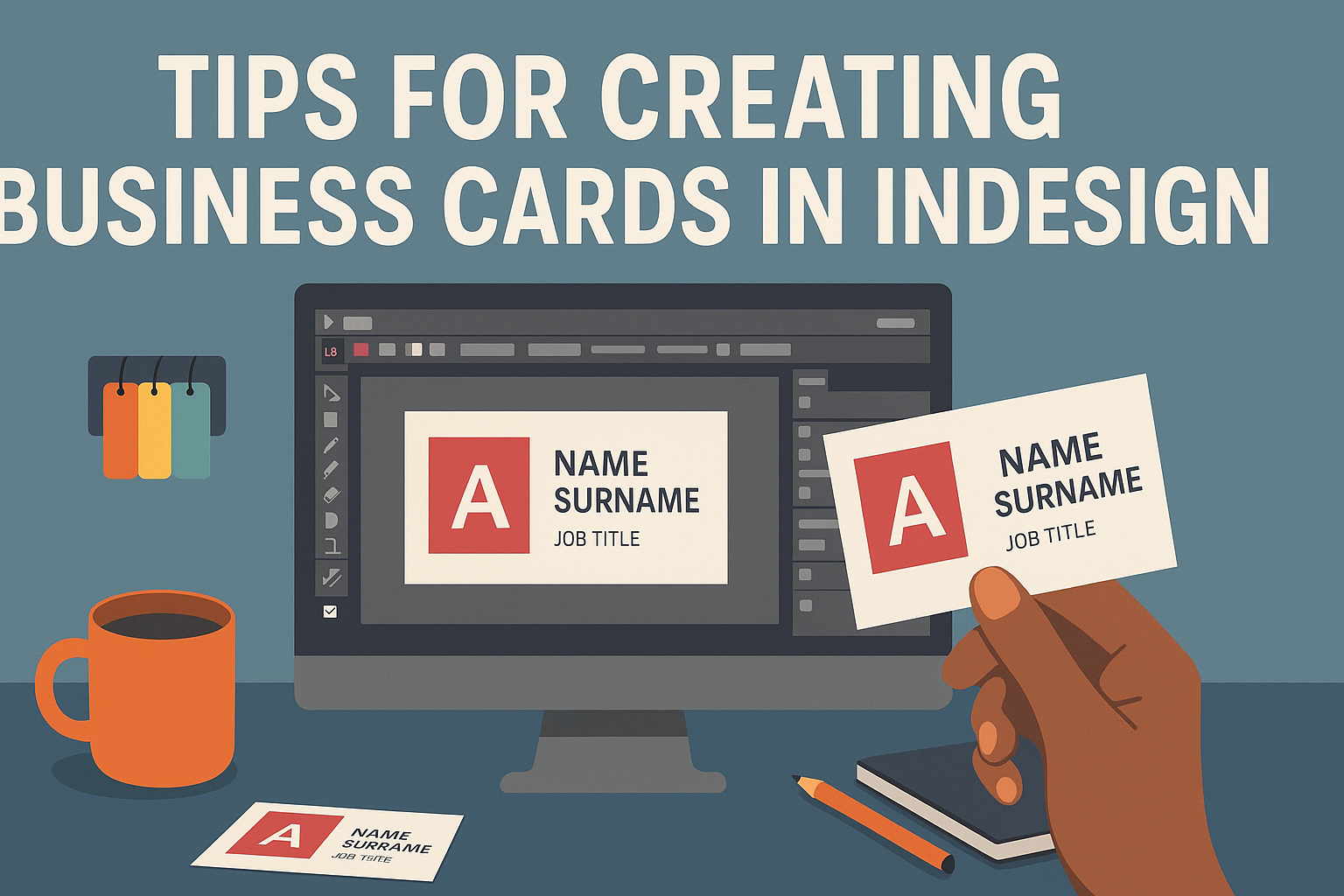
Creating business cards can feel overwhelming, but it doesn’t have to be. With the right tools and tips, anyone can design a professional card that stands out. Using Adobe InDesign for this task is a powerful choice, as it offers flexibility and precision to bring unique designs to life. When designing a business card, it’s …
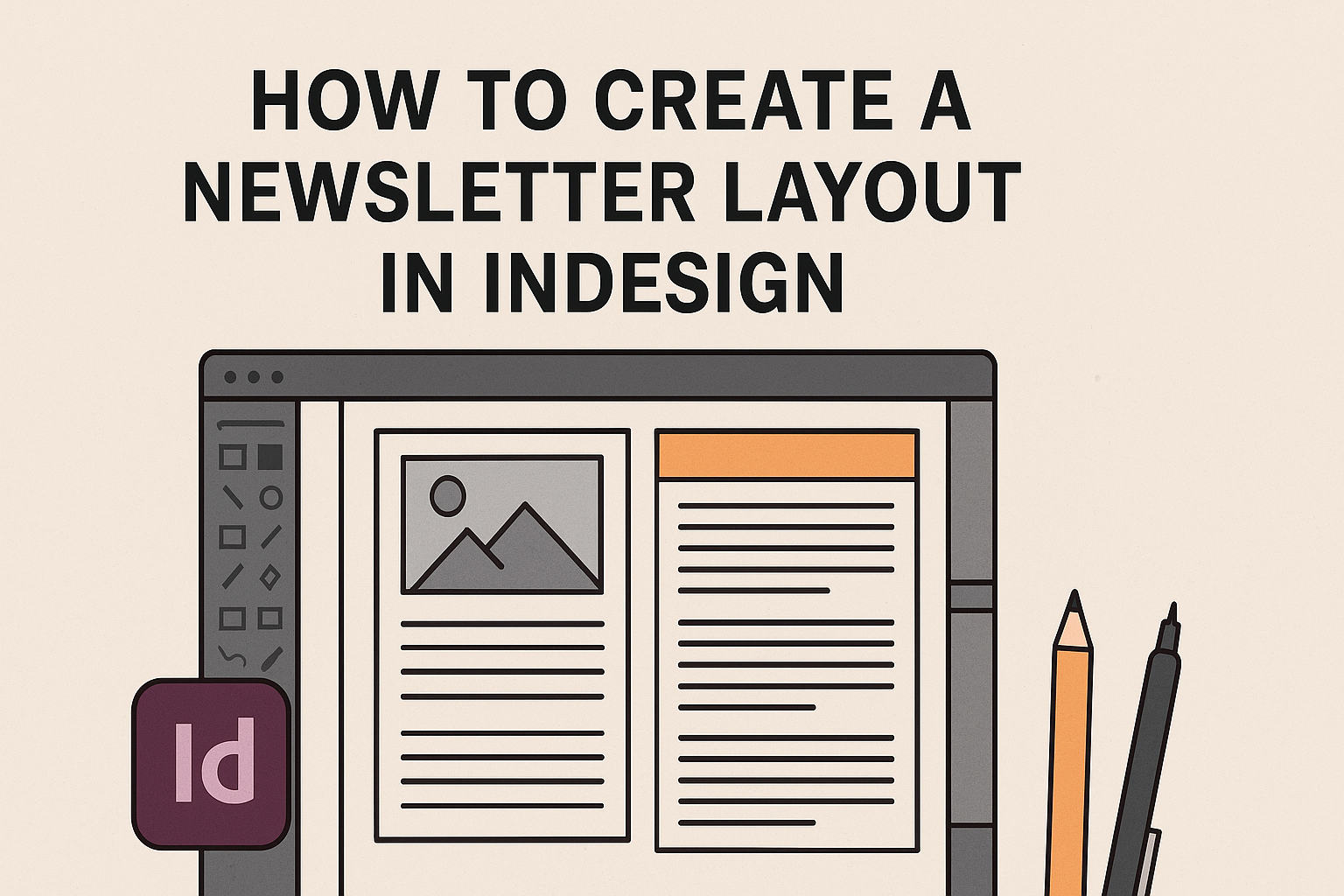
Creating an eye-catching newsletter layout in InDesign can be a fun and rewarding task. With the right steps, anyone can design a professional-looking newsletter that effectively communicates their message. This guide will help readers understand the key elements needed to build a great layout from start to finish. InDesign offers powerful tools that make layout …
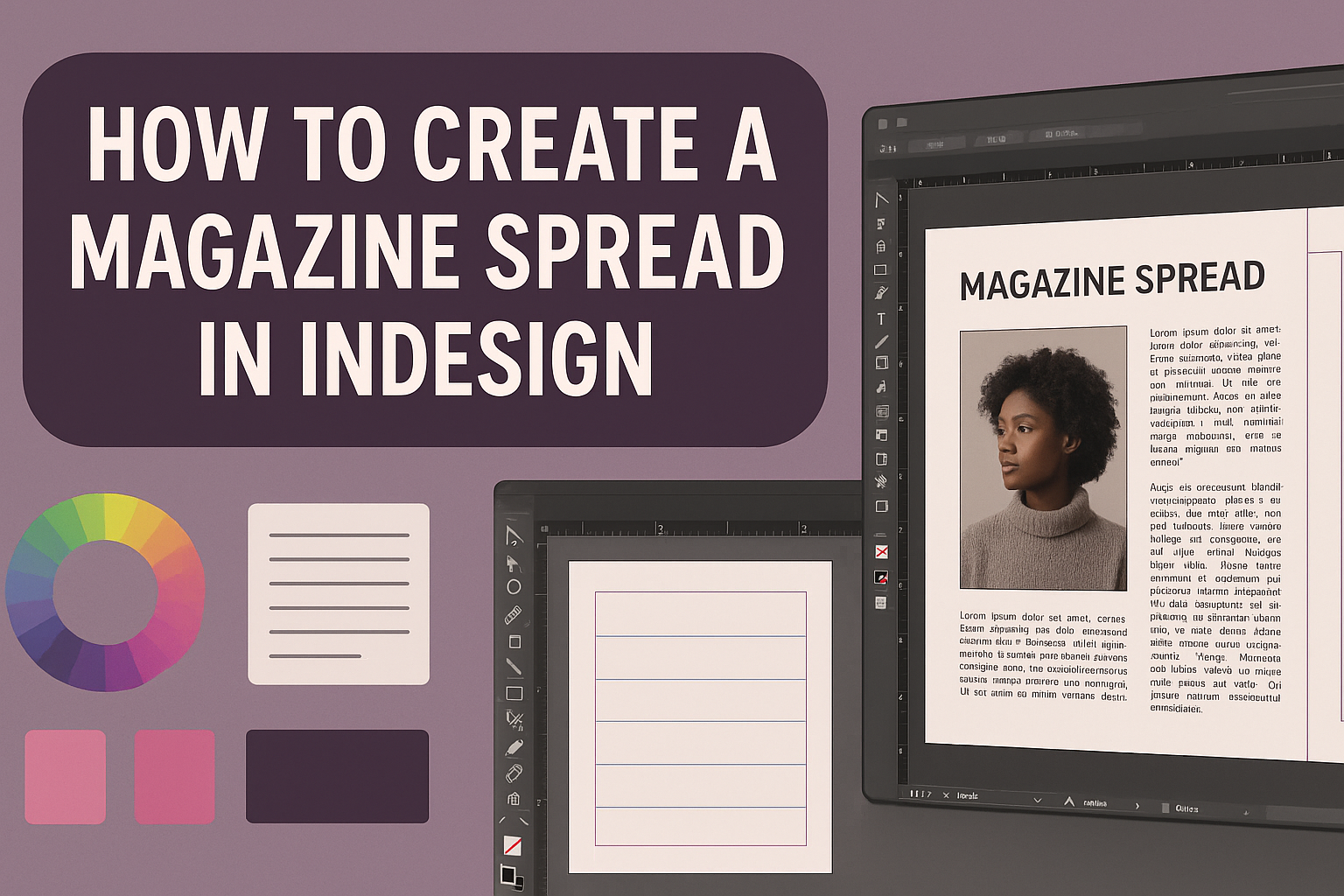
Creating a magazine spread in InDesign can be an exciting project for both beginners and experienced designers. Starting with the right document settings and grid layout is key to building an eye-catching spread. With the right steps, anyone can transform their ideas into a polished design that truly captures attention. As he explores the process, …