
Creating multi-column text layouts in InDesign can greatly improve the design and readability of any document. Users can easily achieve stunning layouts by adjusting the column settings in a few simple steps. Whether for a magazine article or a newsletter, this technique adds structure and flow to the text. InDesign offers various methods for setting …
The Pathfinder Tool in Adobe Illustrator is a powerful feature that allows users to combine and cut shapes easily. With this tool, designers can create unique designs by merging multiple shapes or dividing them into new forms. Whether she wants to create logos, icons, or intricate designs, mastering the Pathfinder Tool can elevate her artwork. …
Creating a QR code can seem puzzling at first, but it’s easier than many think. She can make a scannable QR code directly in InDesign by using the built-in QR code generator. This tool allows designers to add digital links to their print materials seamlessly. With QR codes becoming increasingly popular in marketing and design, …
In the world of digital design, having eye-catching images can make all the difference. Learning how to insert and edit graphics frames can help create perfectly cropped images that stand out. Whether for social media, presentations, or personal projects, mastering this skill is essential for anyone looking to enhance their visual content. Using tools like …
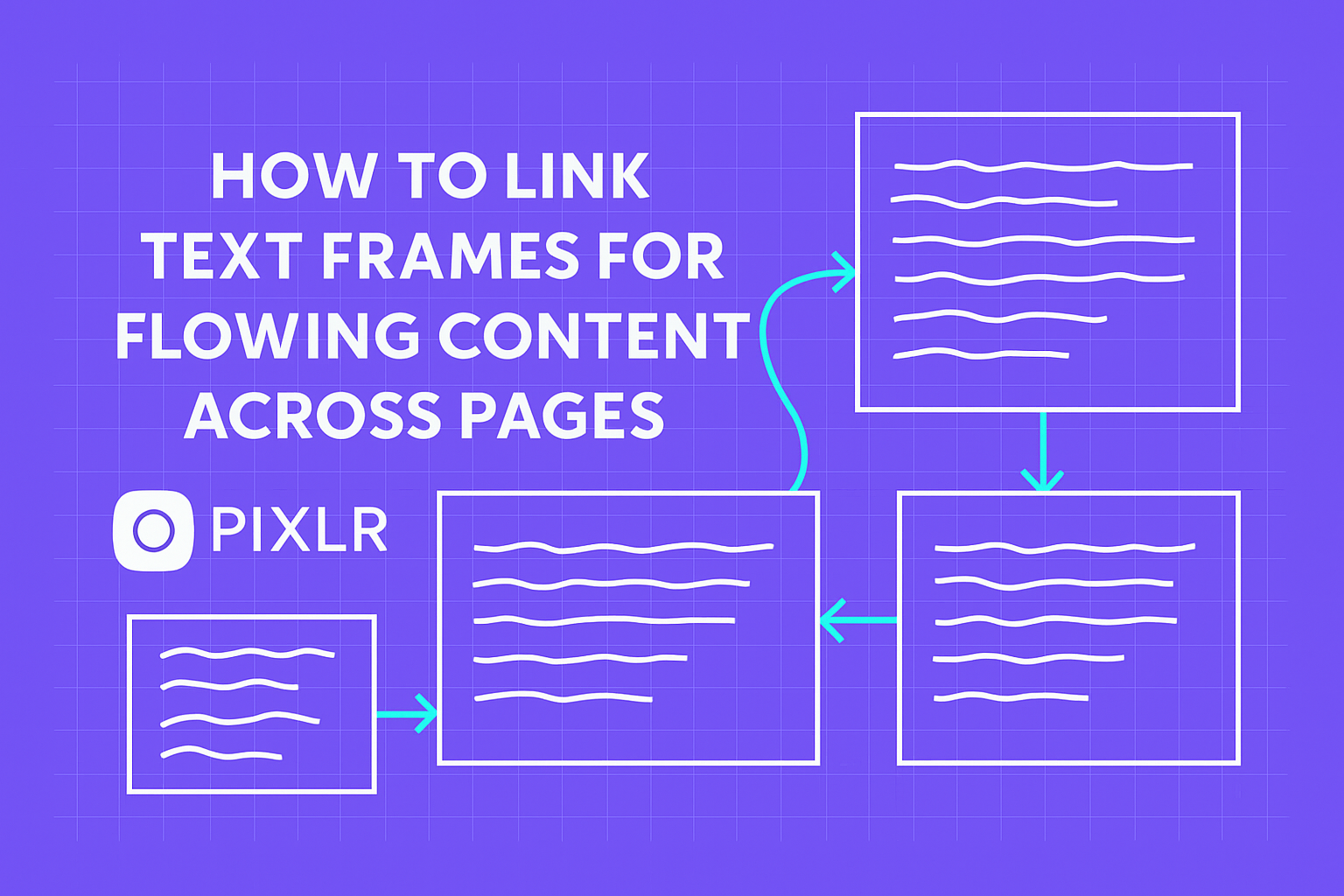
Linking text frames can transform how content flows across pages in a design project. With the right technique, creators can easily connect text boxes to ensure a smooth reading experience. This makes it essential for books, magazines, and more. This process not only enhances readability but also brings a cohesive look to the layout. Many …
Adjusting text and object spacing is essential for creating clean and professional designs. Using the Align panel in programs like InDesign and Illustrator, users can easily set specific spaces between objects and text for a well-organized layout. This tool allows for precise distribution, making it simpler to achieve balance and harmony in any design project. …
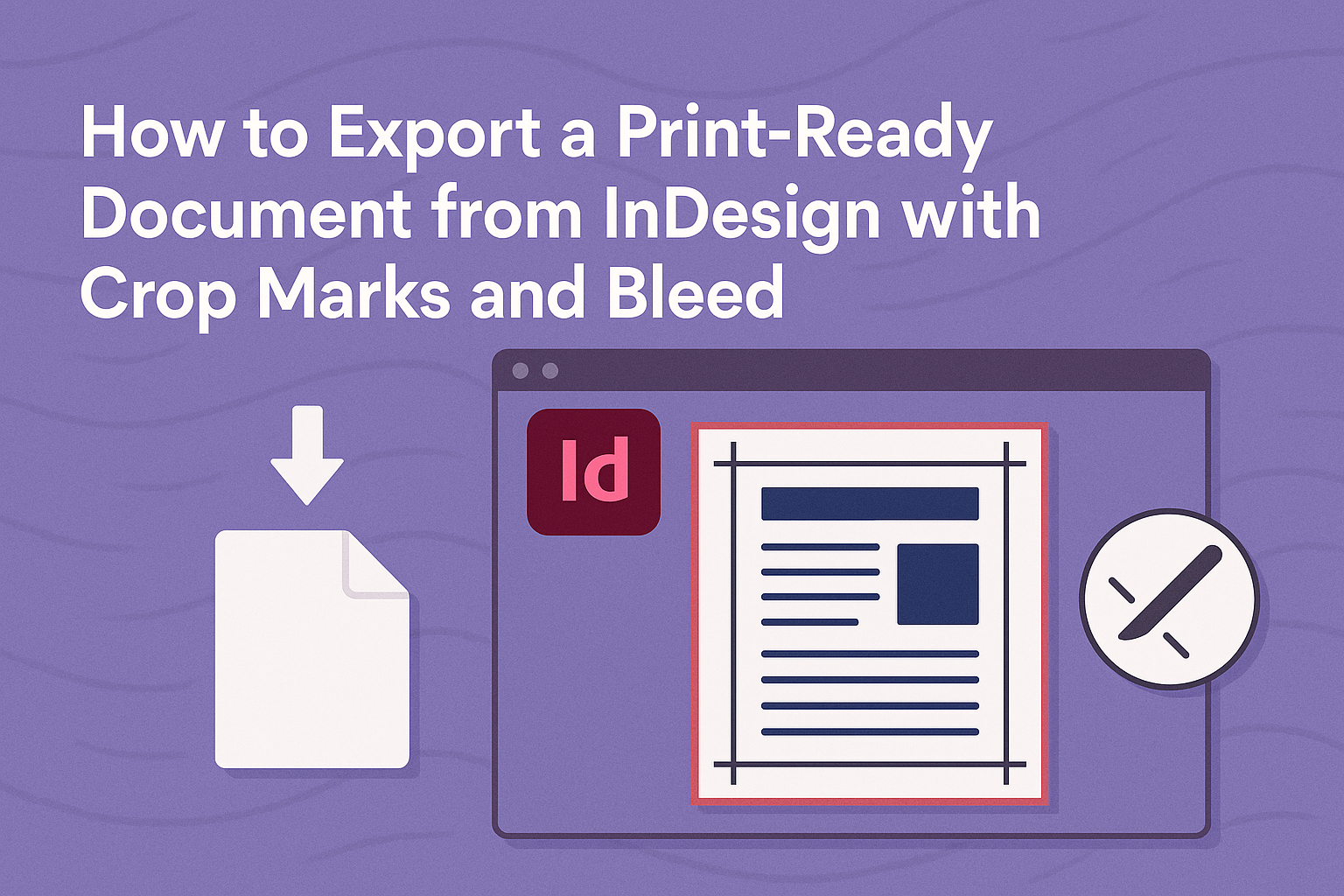
For anyone working with InDesign, exporting a print-ready document can seem tricky, especially when it comes to including crop marks and bleed. With the right steps, anyone can easily create a professional-looking PDF that meets printing standards. This process is essential for ensuring that the final print product looks exactly as intended. Many designers may …
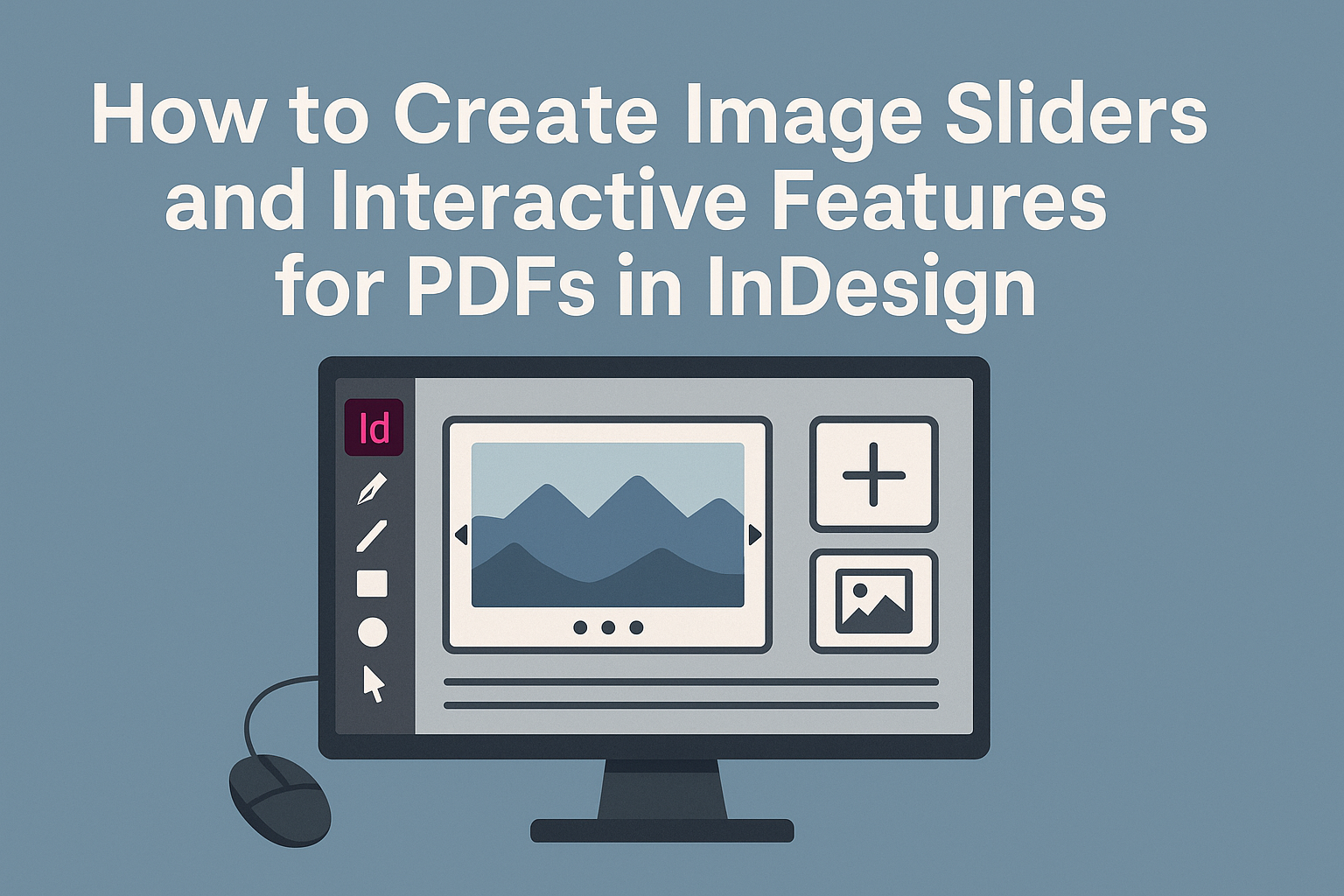
Creating image sliders and other interactive features in PDFs can elevate any presentation or document. With Adobe InDesign, it is possible to design engaging PDFs that allow readers to navigate images effortlessly, enhancing their overall experience. Not only do these features attract attention, but they also make information more accessible and memorable. In this blog …
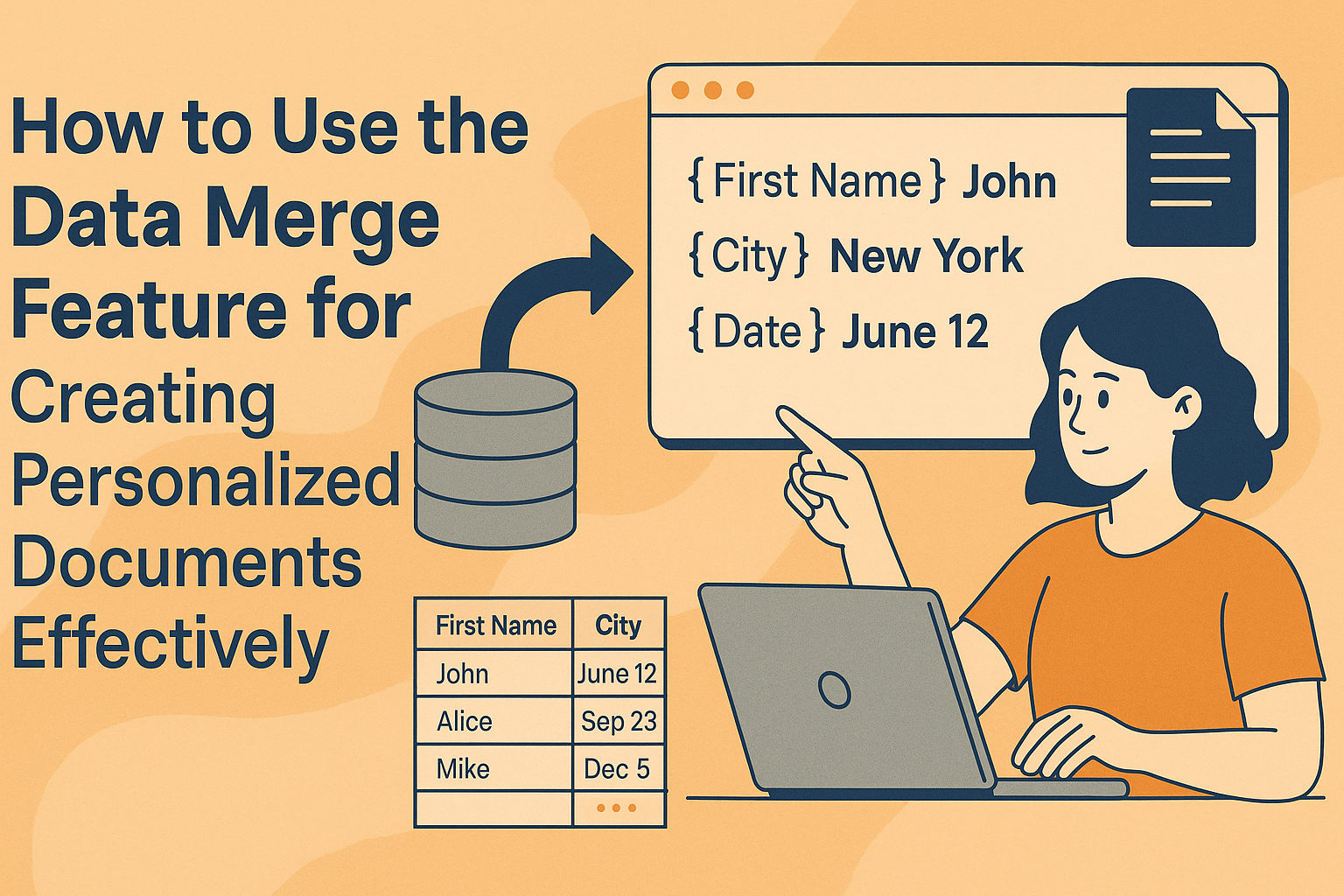
Creating personalized documents can seem like a daunting task, but it doesn’t have to be. With the data merge feature, anyone can streamline this process and make it simple. By using tools like Microsoft Word and Excel, users can easily insert names, addresses, and other details into their documents, ensuring each recipient feels special. Whether …
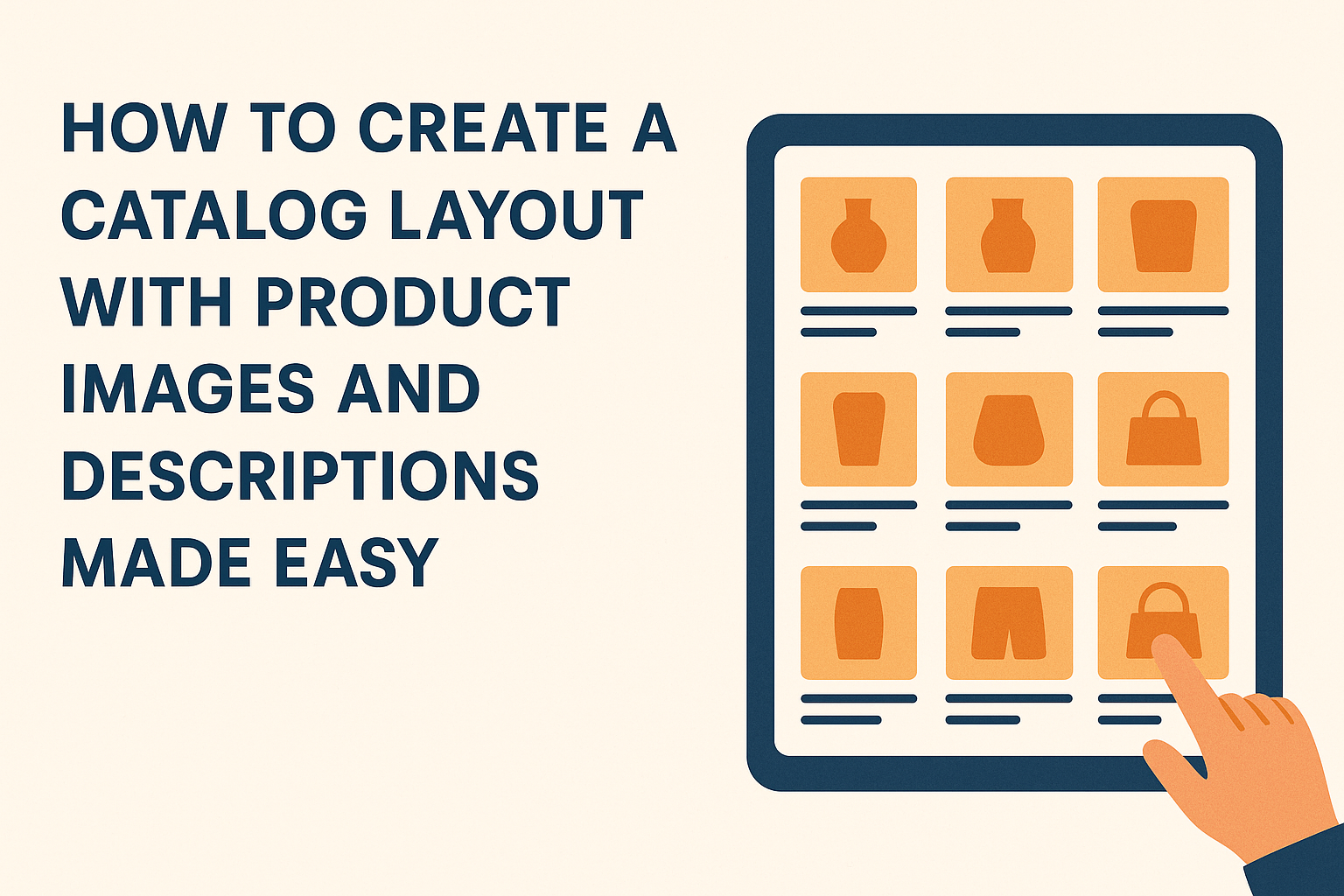
Creating a captivating catalog layout is essential for showcasing products effectively. A well-structured layout combined with appealing images and clear descriptions can significantly enhance customer interest. This approach not only helps potential buyers understand the product better but also encourages them to make a purchase. Visual appeal plays a crucial role in how products are …