

Creating a professional business card can help make a lasting impression. Using PowerPoint allows anyone to design custom business cards easily and effectively. With just a few simple steps, it is possible to create a card that showcases skills and contact information in an eye-catching way. PowerPoint is often viewed as just a presentation tool, …
Building a PowerPoint presentation can be a fun and creative process, but one key element often overlooked is typography. Consistent typography styles not only enhance the visual appeal of slides but also improve readability and engagement for the audience. By using a thoughtful selection of fonts and styles, presenters can convey their message more effectively. …

Creating impressive presentations in PowerPoint can be a challenge, especially when trying to align objects perfectly on a slide. Using PowerPoint’s grid and ruler tools helps achieve precise layouts that enhance the clarity and professionalism of any presentation. These tools provide a simple way to measure and align elements, ensuring that everything looks visually appealing. …
Adding a custom watermark text to PowerPoint slides can enhance the presentation and convey important information about the content. You can create a watermark that reflects the status of the document, like “DRAFT” or “CONFIDENTIAL.” This simple addition can help manage how the audience perceives the material, making it clear if it is a work …
Creating a PowerPoint presentation that stands out can be a challenge, but using icons and illustrations can transform a standard presentation into something modern and engaging. Using these visual elements not only enhances the overall design but also helps convey messages more clearly and memorably. By incorporating the right icons and illustrations, anyone can capture …
Creating visually appealing PowerPoint presentations can be a game-changer for effective communication. Layered text effects add depth and interest to slides, making information more engaging and easier to digest. With the right techniques, anyone can transform bland presentations into captivating visual stories that hold the audience’s attention. Understanding how to layer text effectively allows for …
Creating an engaging PowerPoint presentation involves more than just adding text and images. Effective contrast is key to enhancing readability and ensuring that the audience can easily follow along. By using contrasting colors, sizes, and fonts, designers can guide attention and emphasize important points. Many presenters struggle with readability, which can lead to confusion and …

Creating an interactive map in PowerPoint can elevate presentations to a new level by engaging audiences more effectively. By adding hotspots and clickable links, anyone can turn a simple slide into an interactive experience that captures attention and encourages exploration. This feature makes information more accessible and memorable, making it ideal for educational or business …
Creating a PowerPoint presentation with a bold, color-blocked design can make a lasting impression. This eye-catching style emphasizes key points and keeps the audience engaged. Whether for a business meeting or a school project, mastering this design technique will set any presentation apart from the rest. To start, one should focus on choosing a strong …
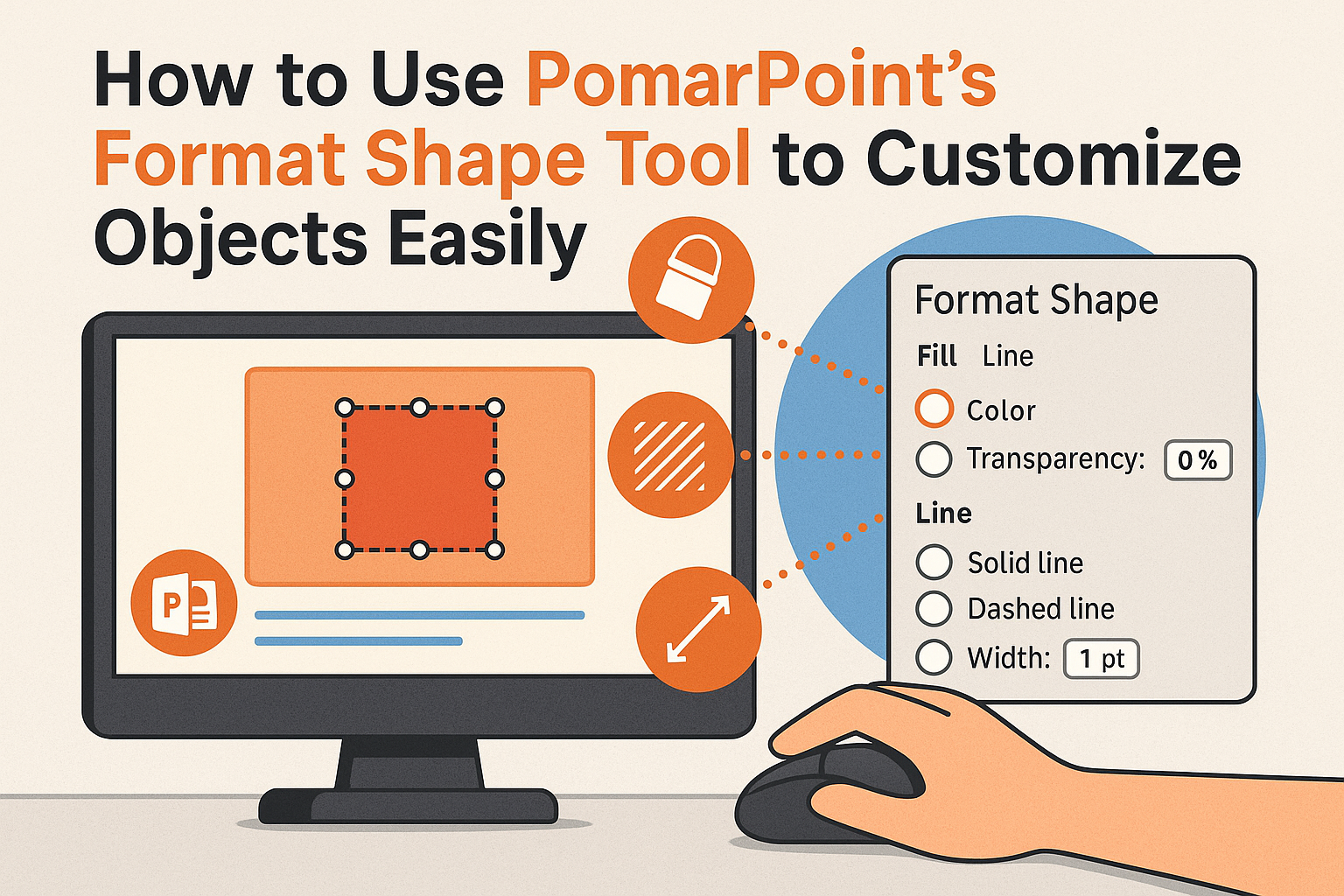
PowerPoint’s Format Shape tool is a powerful feature that allows users to modify and personalize objects in their presentations. By mastering this tool, anyone can create unique shapes, adjust colors, and apply special effects to enhance their visual storytelling. This can lead to more engaging presentations that capture the audience’s attention. Customizing shapes in PowerPoint …