
Using the Childbook.ai app in Canva makes creating personalized children’s books simple and fun. It allows users to write stories, generate AI illustrations, and design beautiful books all in one place. This makes it a great tool for anyone who wants to bring their storytelling ideas to life quickly. The app works by letting users …
Lindsey Becker
Using the Multilingual app in Canva makes creating voiceovers in different languages simple and fast. It allows users to enter text in any language and instantly generate a voiceover in the language they want. This helps break down language barriers and reach more people around the world. The app is great for anyone working on …
SlidesGen is a handy tool in Canva that helps users quickly create a rough draft of their slide decks. It automatically generates the first draft of presentation slides based on the content you provide, saving time and effort. This lets people focus on refining the design and details later without starting from scratch. Using SlidesGen …
DreamFace is a handy app that lets users bring photos to life with animated effects. When used inside Canva, it adds an easy way to create talking or moving avatars directly within your design projects. To use DreamFace in Canva, simply open the app within your Canva design, upload your photo, and choose the animation …
The Photostylist app in Canva helps users easily change the look of their photos by applying different styles and effects. It allows you to transform a single picture into multiple unique versions quickly without needing advanced skills. This makes photo editing fun and accessible for everyone. Using the Photostylist app, anyone can pick from preset …
Using the Voiceover Accents app in Canva makes adding different accents to voiceovers simple and fast. It allows users to choose from various authentic American, British, and Australian voices to enhance their projects with ease. This helps to make videos, presentations, or any content sound more professional and tailored to the audience. The app is …
Using the Video Upscaler app in Canva is a simple way to improve video quality without needing special skills. It allows users to enhance videos by increasing resolution, reducing noise, and restoring details with just a few clicks. This is perfect for making low-quality clips look sharper and more professional. The app supports popular formats …
Using the AI Motion app in Canva lets anyone easily add movement to their images. It brings photos to life with effects like pan, zoom, shake, and even handheld camera actions, all powered by AI. This makes designs more engaging without needing any advanced skills. The app works by letting users choose simple animation styles …
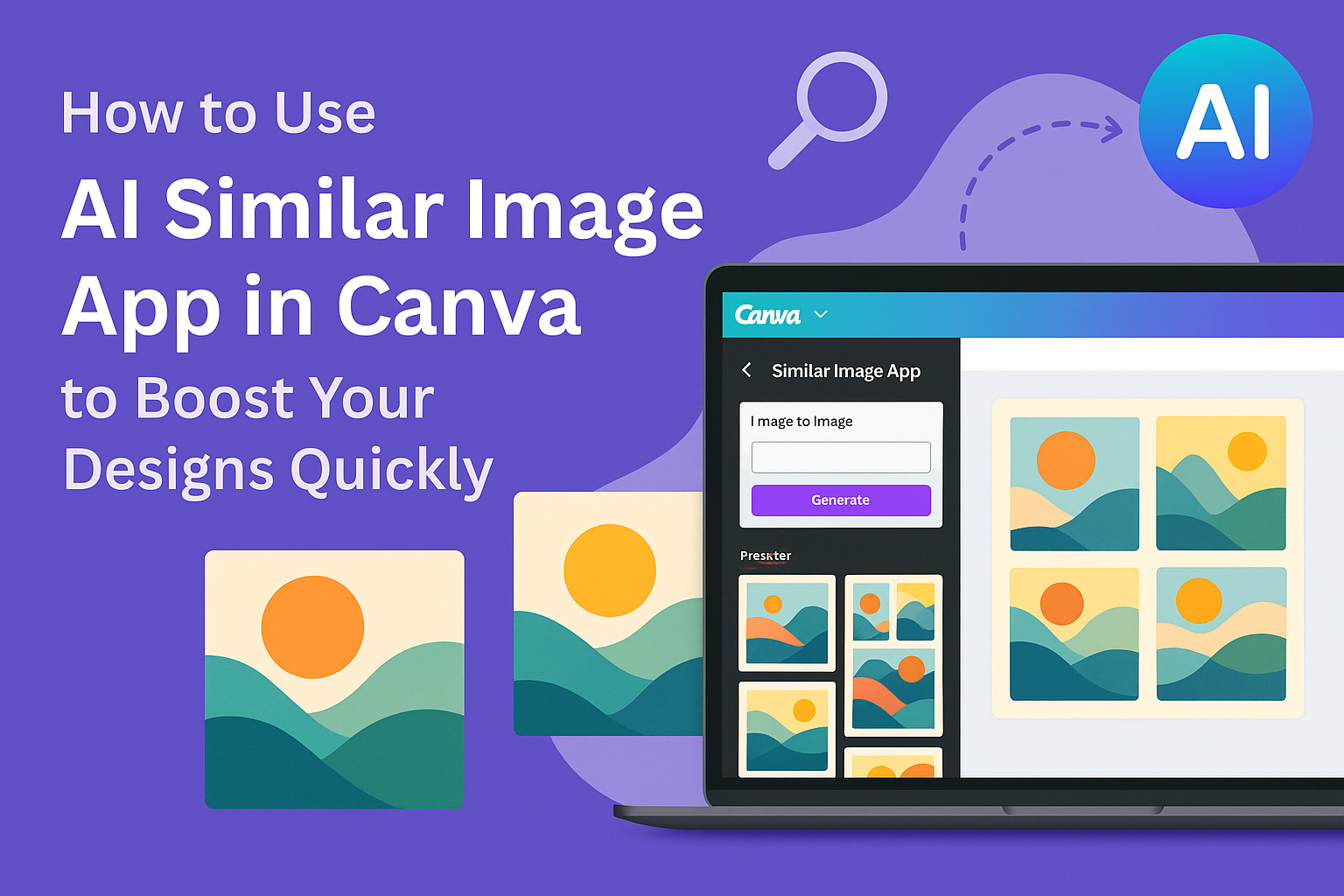
The AI Similar Image app in Canva helps users find images that look like one they already have. It quickly creates similar pictures and even lets users remove the background for a clean, transparent look. This makes designing simpler and faster, especially when matching styles or themes. Users can upload an image or choose one …
Using the AI Chart Maker app in Canva makes creating charts fast and simple. It lets users turn text descriptions into clear, easy-to-read charts within seconds. This saves time and helps anyone present data visually without complex tools. The app works by letting users type what they want to show, and the AI takes care …