
Canva is a popular tool for designing graphics, and users often need placeholder text to visualize their projects. To add Lorem Ipsum text in Canva, just open the text tool, click where you want the text, and type “lorem” followed by the number of words you need, like “lorem 50.” This feature saves time and …
Lindsey Becker
Creating unique music for projects can seem challenging, but it doesn’t have to be. With the MelodyMuse app in Canva, anyone can easily transform text into beautiful musical compositions. This app allows users to generate music from simple text prompts, making it easier than ever to find the perfect sound for any design. Whether for …
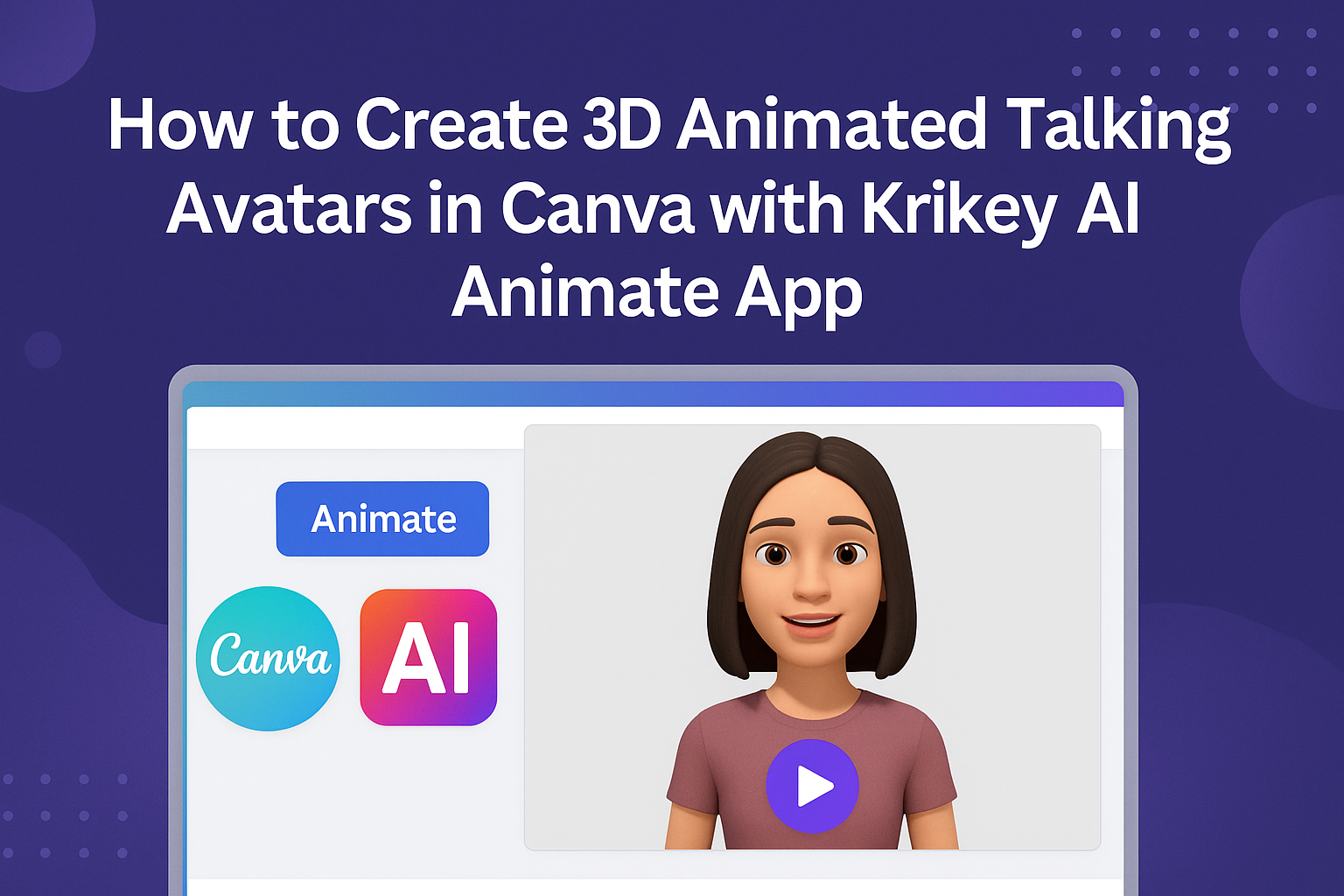
Creating engaging content just got a lot easier with the Krikey AI Animate app in Canva. This powerful tool allows users to transform standard images into lively 3D animated talking avatars. By following simple steps, anyone can create unique animations that bring their ideas to life and enhance presentations or marketing materials. With Krikey AI, …
Adding sound effects to designs in Canva can elevate any project, capturing attention and enhancing viewer engagement. By incorporating audio, creators can bring their visuals to life and create a more immersive experience. To add sound effects in Canva, users can easily select tracks from the Audio tab or upload their own audio files. Whether …
Adding audio to each slide in Canva can make presentations more engaging and lively. Follow a few simple steps to add audio per slide and enhance your projects. This allows users to tailor their presentations with specific audio clips that match each part of their message. With audio, presentations can capture attention in a way …
Canva offers a powerful feature that allows users to convert text into speech. With its easy-to-use interface, it provides a variety of voices and languages, making it accessible for many different projects. Using Canva’s Text to Speech can elevate a presentation or video by adding a professional touch, engaging viewers with audio that complements the …
Adding voiceovers to videos can elevate a project and engage viewers in a new way. To add AI voice over to a Canva video, users can utilize tools like Canva’s built-in features or third-party apps. This makes the process simple and effective. With just a few clicks, anyone can bring their video content to life …
Adding subtitles to videos can really enhance the viewer’s experience. Canva makes it easy to include subtitles, allowing users to reach a wider audience and improve engagement. Whether for educational content, marketing videos, or social media posts, having clear subtitles is essential. With Canva’s user-friendly interface, anyone can quickly add subtitles to their videos. From …
For anyone working on designs in Canva, the snap to grid feature can feel frustrating at times. Many users want more freedom in placing their elements without those annoying alignment guides popping up. To turn off the snap to grid feature, simply go to the “View” menu and uncheck the “Snap to Grid” option. Understanding …
Many people enjoy using Canva for creative projects, but cropping shapes can be tricky if someone is not familiar with the tools. To crop a shape in Canva, they can use frames to easily insert their images or videos within specific shapes. This feature allows for clear and visually appealing designs that stand out. In …