
Many Canva users often encounter the frustrating issue of missing images in their downloaded designs. To solve this problem, it’s important to check if the images are correctly uploaded and whether they are set to be included in the final export. Knowing the right steps to take can save time and ensure that the hard …
Lindsey Becker
Many users of Canva often notice that their color options are limited while editing. This usually happens because of brand settings or the color mode being used. Understanding these restrictions can help users navigate their design process more effectively. The limited color palette can be frustrating, especially when trying to create vibrant and unique designs. …
Losing an unsaved design in Canva can be frustrating for anyone trying to get their work done. Fortunately, there are several methods to recover that design and get back on track. With just a few simple steps, users can find their lost work and avoid starting from scratch. One helpful tip is to use the …
Many people rely on Canva for their design needs, and it can be frustrating when the site seems unresponsive. Users often wonder, is Canva.com down? The answer often comes down to real-time checks and community reports. When issues arise, they can range from slow loading times to complete outages. Several tools and websites can help …
Creating a Facebook cover photo in Canva can sometimes lead to sizing issues that cause headaches for many users. The best way to avoid these problems is to use Canva’s predefined Facebook cover template, which is specifically designed to fit the correct dimensions. This ensures that the cover photo displays perfectly without needing excessive adjustments. …
Many users find themselves puzzled when they can’t make text bold in Canva. This issue often arises due to the font selection or a minor glitch in the software. Understanding why some fonts do not support bolding can help users choose the right styles for their projects. Sometimes, the font chosen simply doesn’t have a …
Many users enjoy creating designs with Canva on their iPhones, but sometimes things don’t work as expected. The most common reasons Canva may not be working include an outdated app version and insufficient device storage. This can lead to frustration when trying to access important projects or create new designs. If Canva is freezing or …
Uploading videos to Canva can sometimes be frustrating. Users may encounter issues that prevent their files from uploading smoothly. The good news is that many of these problems have simple solutions that can get videos uploaded quickly. Common issues include incompatible file formats or file sizes that exceed limits. Understanding these factors can help users …

Canva is a popular tool for creating videos, but many users wonder about its video length limits. While there is no overall time limit for videos on Canva, each individual scene can be a maximum of 10 minutes long. This means that for longer projects, users need to break their videos into multiple scenes. Additionally, …
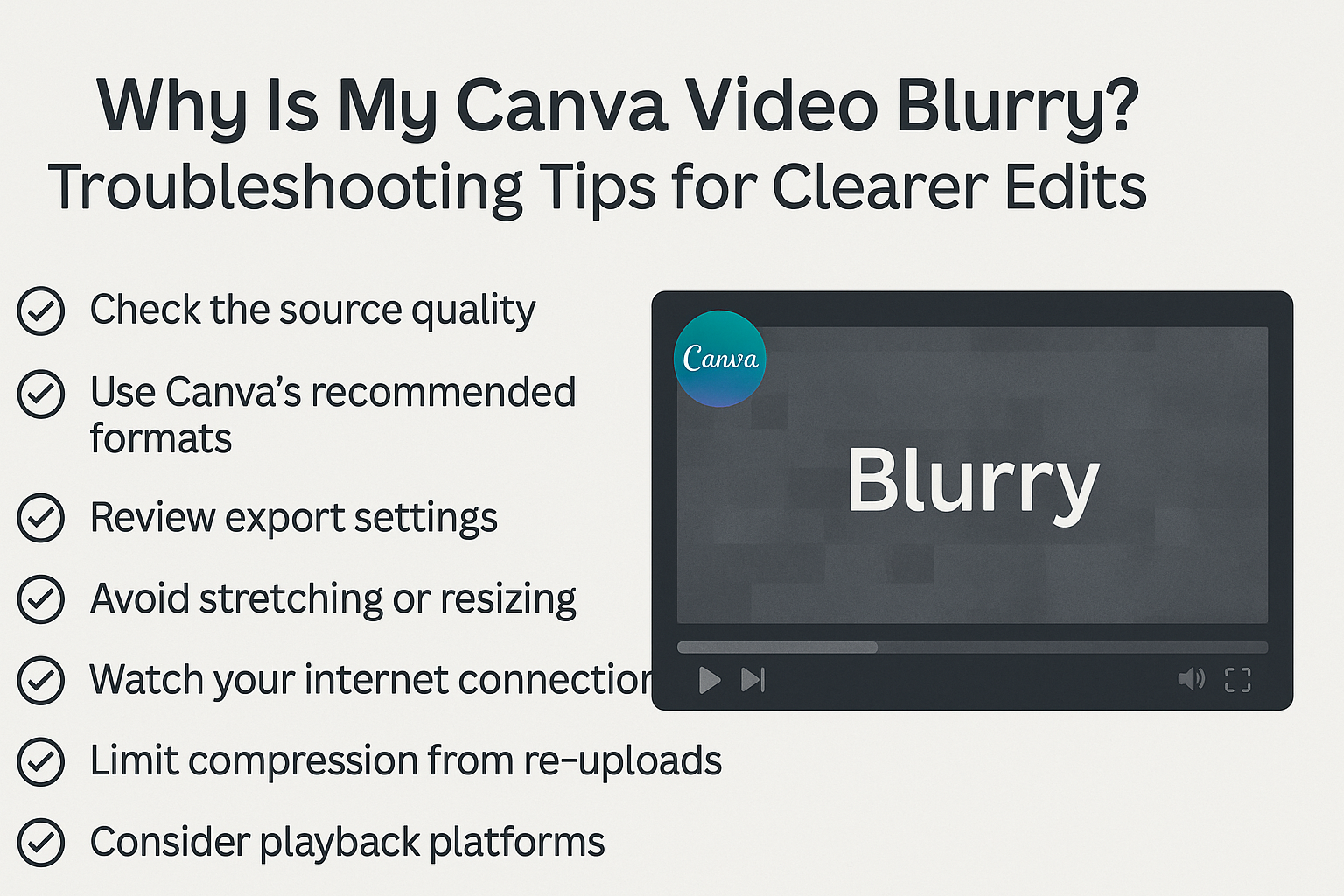
Creating videos on Canva is fun, but a blurry video can be frustrating. The main reasons for blurriness often include compression issues, internet connection problems, or the need for adjustments in video settings. Understanding these factors can help anyone improve their video quality quickly. Many people may not realize that a slow internet connection can …