
Canva offers a range of apps that make creating videos and animations simple and fun. These apps help users add motion, effects, and unique styles to their projects without needing advanced skills. Whether someone is making a presentation, social media post, or school project, these tools make the process smooth and creative. With options like …
Lindsey Becker
Canva users looking to make their text stand out have plenty of great options. The best text styling apps in Canva help add effects like shadows, gradients, and unique fonts to make designs more eye-catching. These apps let users easily customize text beyond the basic tools Canva offers. Some apps focus on layering text with …
Many people use Canva for its design tools, but it can also help with managing projects. There are several project management apps that work well with Canva to keep tasks organized and teams on track. The best project management apps in Canva combine easy design features with tools for communication, file sharing, and scheduling. These …
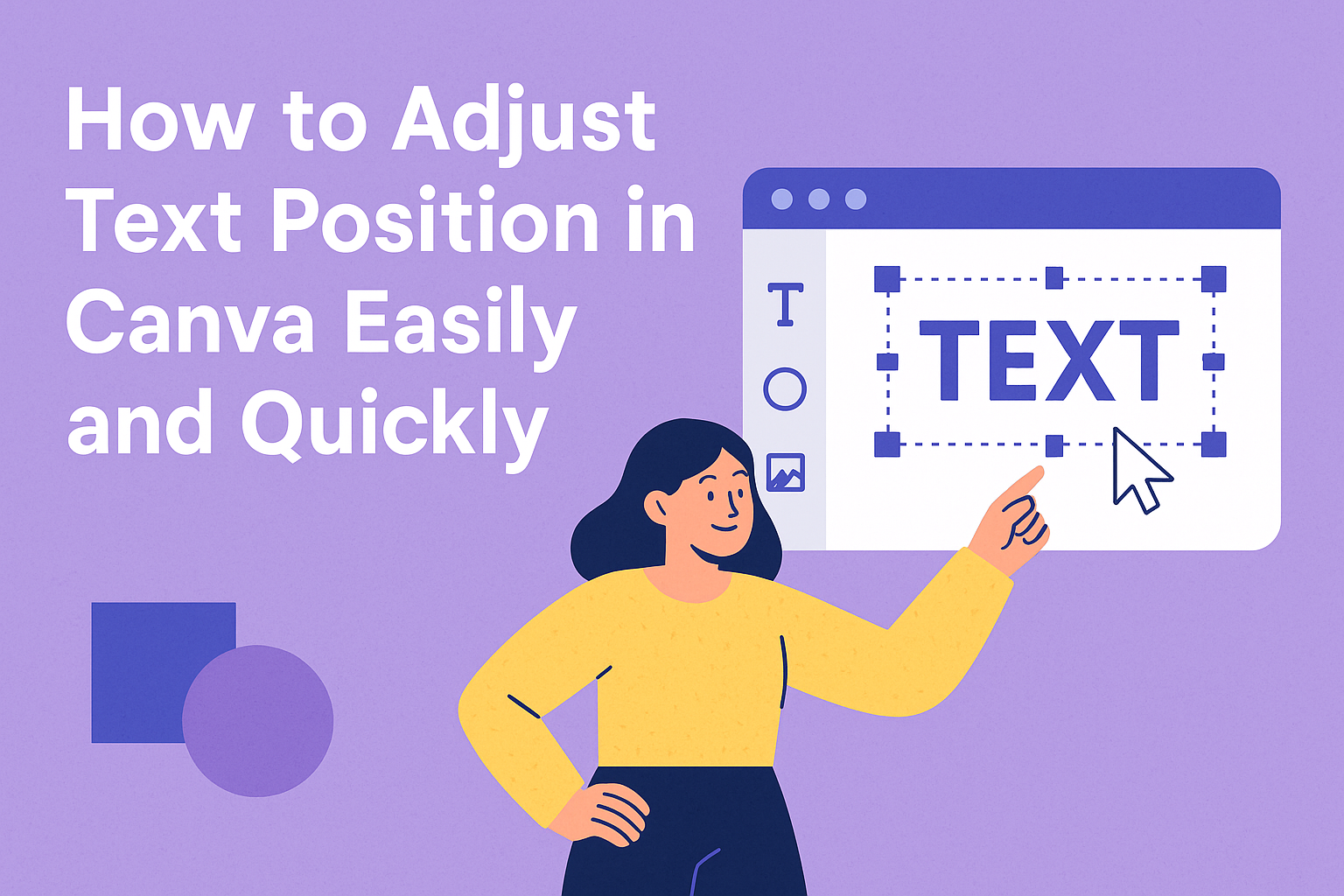
Adjusting text position in Canva is simple and helps make designs look polished. Users just need to select their text box and choose alignment options or use the Position tool to move text exactly where they want. Understanding how to fine-tune text spacing and alignment can improve any project, from social media posts to presentations. …
Canva sticky notes are a simple way to organize ideas and add quick reminders to any design. They help users add colorful, easy-to-edit notes directly onto their Canva projects with just a few clicks. This makes brainstorming or collaborating with others clear and efficient. Users can quickly add sticky notes by selecting them from the …
Kerning is the space between letters, and adjusting it can make text look cleaner and more professional. In Canva, users can easily change the spacing between letters to improve how their designs appear. They can do this by selecting the text and using Canva’s letter spacing tool to make the letters closer or farther apart. …
Downloading a specific part of a design in Canva can save time and keep projects organized. To download a selection in Canva, users simply need to select the items they want, then choose the download option to save only those elements. This is perfect for sharing or using certain parts without exporting the whole design. …
Using Canva’s Lock Position Only feature helps keep design elements exactly where you want them while still allowing you to change their size, color, or other details. It’s a handy tool for anyone who wants precise control over their design without locking everything down completely. Many people find it tricky to lock elements fully or …
Adding ligatures to letters in Canva can make text look smoother and more stylish by joining certain characters together. To add ligatures, users need to select fonts that support this feature and enable ligatures within the text settings. This small change can really improve how written content appears in designs. Many fonts in Canva come …
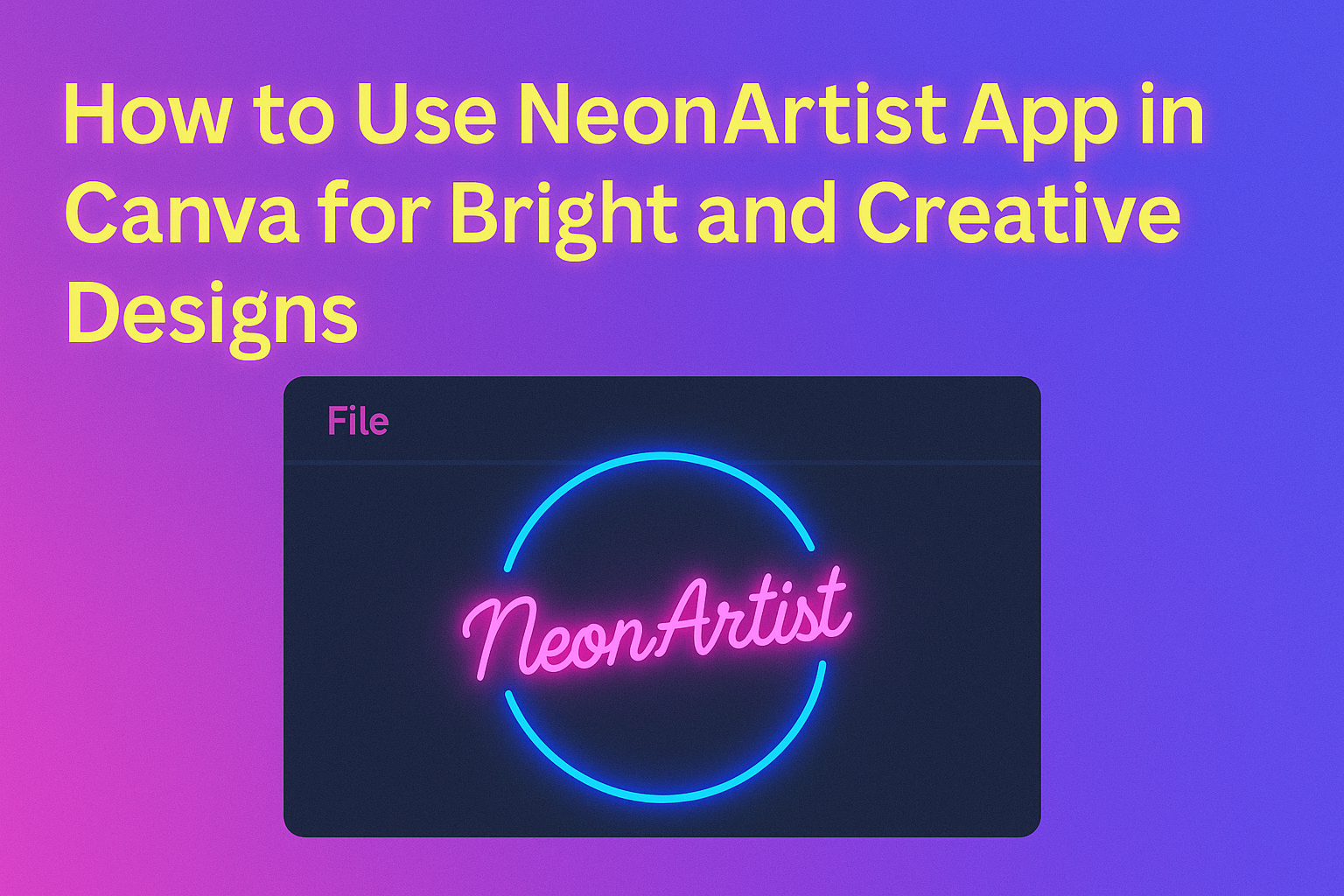
The NeonArtist app in Canva lets users create glowing neon art easily by typing a simple description. This makes it great for anyone wanting stylish artwork with little effort. Users get a few credits daily to generate their ideas, which encourages creativity while exploring different neon styles. The app fits right into Canva’s platform, so …