
Creating a memorable PowerPoint presentation is easier than it seems. Using subtle animations can enhance your slides without overwhelming your audience. The right animations can draw attention and emphasize key points, making the information more engaging. Many presenters worry that animations can distract from their message. However, when applied thoughtfully, these effects can actually support …
Lindsey Becker
Creating custom diagrams in PowerPoint can significantly enhance presentations and make complex information easier to understand. By using PowerPoint’s shapes and icons, users can create eye-catching and effective diagrams that capture the audience’s attention. This approach not only helps in organizing data but also in visually representing ideas clearly. When using shapes and icons, one …
Interactive hyperlinks can make PowerPoint presentations more engaging and informative. By using hyperlinks, presenters can create pathways for their audience to dive deeper into the subject matter without overwhelming them with information on each slide. This approach not only enhances user experience but also fosters better understanding and retention of the content. Incorporating hyperlinks can …
Creating a PowerPoint presentation for a nonprofit organization can seem challenging, but it doesn’t have to be. An effective presentation tells a compelling story, showcases impact, and engages potential supporters. With the right tools and a clear structure, anyone can build a slide deck that resonates with their audience. Nonprofits often need to present their …

Creating visually appealing presentations can be a game changer in effectively communicating ideas. PowerPoint’s color and fill tools empower users to customize their slides, making them more engaging and memorable. By mastering these features, anyone can enhance their presentation with beautiful designs that captivate the audience. From using gradients to applying unique color schemes, these …

Creating an engaging PowerPoint presentation for webinars and online courses can be a challenge. Effective design combines visuals and clear information, ensuring that the audience remains interested and informed. With the right approach, anyone can develop presentations that not only hold attention but also convey valuable content. It’s important to focus on simplicity and clarity …
Creating PowerPoint slides with 3D effects and objects can truly elevate any presentation. By using these features, presenters can engage their audience and make their content more memorable. This approach not only adds depth to slides but also helps to highlight key points effectively. Many people are unaware of how simple it is to incorporate …
PowerPoint presentations can become much more engaging when text overlays are added and animated. These techniques help convey important information and emphasize key points effectively. With simple steps, anyone can create visually appealing slides that capture the audience’s attention. Adding and animating text overlays allows for a dynamic flow of information that enhances a presentation’s …
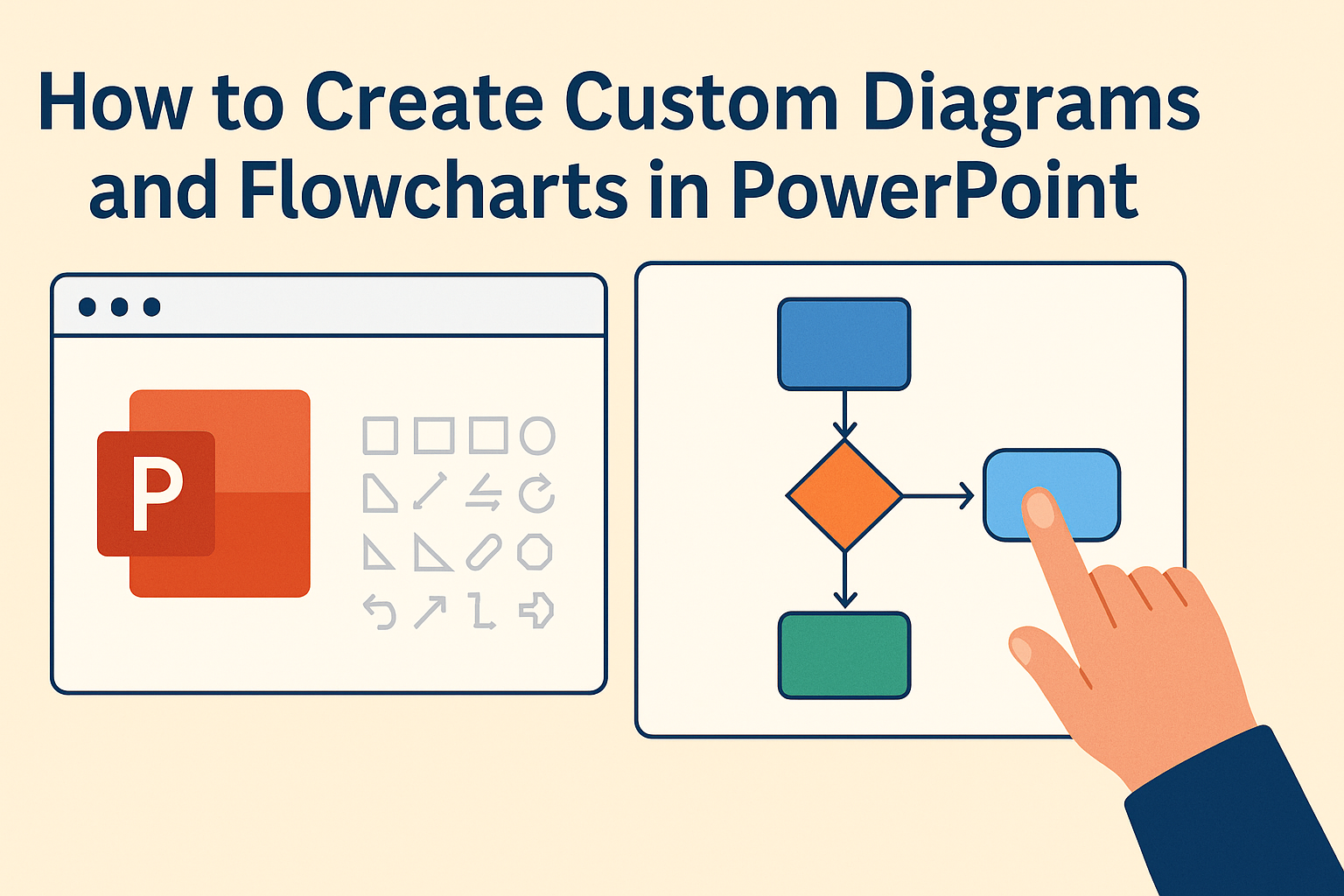
Creating custom diagrams and flowcharts in PowerPoint can enhance any presentation. These visual tools help to simplify complex ideas, making them easier for the audience to understand and remember. With just a few easy steps, anyone can transform their slides into engaging visual narratives. PowerPoint offers various built-in tools that allow users to design diagrams …
Creating a custom background for PowerPoint slides can make a presentation stand out. A unique background not only enhances the visual appeal but also helps convey the message more effectively. With easy steps to follow, anyone can add personal touches to slides, making them memorable for the audience. Many users often stick to the default …