
Adding a site description to a Canva website is a simple step that can greatly improve its visibility. This short, meaningful text tells visitors what the site is about while also helping search engines understand its content. By crafting a clear site description, users can attract more visitors and enhance their online presence. Canva makes …

Many people create websites using Canva for various purposes. Some need to keep their designs private, away from search engine exposure. To hide a Canva website from search engines, one can easily use the settings in the site’s dashboard to add the “noindex” meta tag. This action helps ensure that search engines do not index …
Creating a website with Canva is a great way to showcase creativity and share information. To add multiple pages to a Canva website, users can easily design each page and link them together for smooth navigation. This feature allows designers to build a professional-looking site without needing any coding skills. As they dive into the …
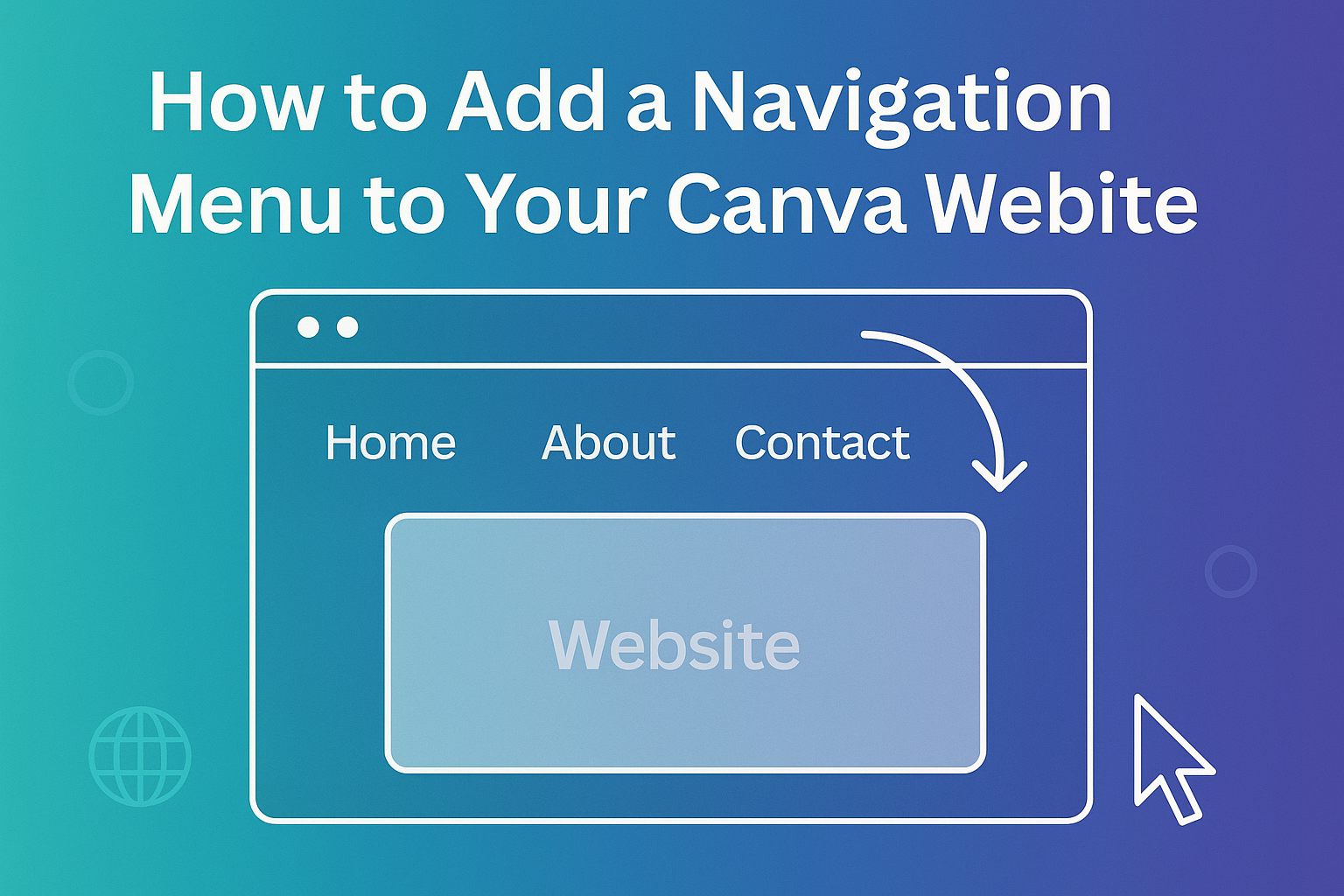
Creating a website with Canva is exciting, but ensuring visitors can easily navigate is crucial. Adding a navigation menu enhances user experience by guiding visitors to different sections of the site seamlessly. With a well-structured menu, users can find information quickly, keeping them engaged. To get started, users need to utilize Canva’s simple tools to …
In the world of video editing, removing unwanted frames can enhance the overall quality of a project. To delete a video frame in Canva, users should first select the video they want to edit and access the editing tools. This simple process can make a big difference in creating polished and professional-looking videos. Canva’s user-friendly …
Creating custom sticker outlines can enhance designs and make them pop. Canva makes it simple to add and adjust outlines, ensuring that your stickers stand out beautifully. This tool is perfect for anyone looking to add a unique touch to their projects, whether for personal use or small businesses. Canva offers user-friendly features that allow …
Removing the ruler in Canva can make the design process smoother and more enjoyable. To get rid of the ruler, users can easily disable it through the View menu. This simple step can help clear up the workspace when the ruler gets in the way. Many designers find that the ruler can be distracting, especially …
Curving letters in Canva can add a unique flair to any design, making it more appealing and engaging. To curve letters effectively, users can access the curved text feature in Canva that allows for various shapes and styles. This easy-to-use tool can transform ordinary text into eye-catching designs, perfect for posters, social media graphics, and …
Creating two columns of text in Canva can enhance the look of any design. This technique makes it easier to present information clearly and attractively, whether for a social media post, a flyer, or a presentation. Many users appreciate how simple it is to organize their text into columns, making their designs more engaging. By …
Cropping images into unique shapes can elevate any design project. To crop an irregular shape in Canva, users can select an image, use the Crop tool to adjust the cropping box, and apply frames for specific shapes. This simple process allows designers to create eye-catching visuals that stand out. Canva offers a user-friendly interface that …