
Customizing PowerPoint’s master slides is a great way to create unique slide layouts that reflect personal or brand style. By using the master slide feature, users can easily design slides that have a consistent look and feel throughout the presentation. This process allows for customization of colors, fonts, and layouts, making every presentation visually engaging …
Creating engaging PowerPoint presentations can be simple and fun when using high-quality stock images and graphics. Adding these visuals not only enhances the overall design but also helps convey information more effectively. With various resources available, anyone can easily find the right images to support their message. PowerPoint offers built-in features that allow users to …
Creating a smooth-flowing presentation can make a big difference in how well an audience connects with the content. PowerPoint’s slide transitions are key tools that help keep the audience engaged and make the presentation visually appealing. By using these transitions thoughtfully, a presenter can guide their viewers seamlessly from one idea to the next. Many …
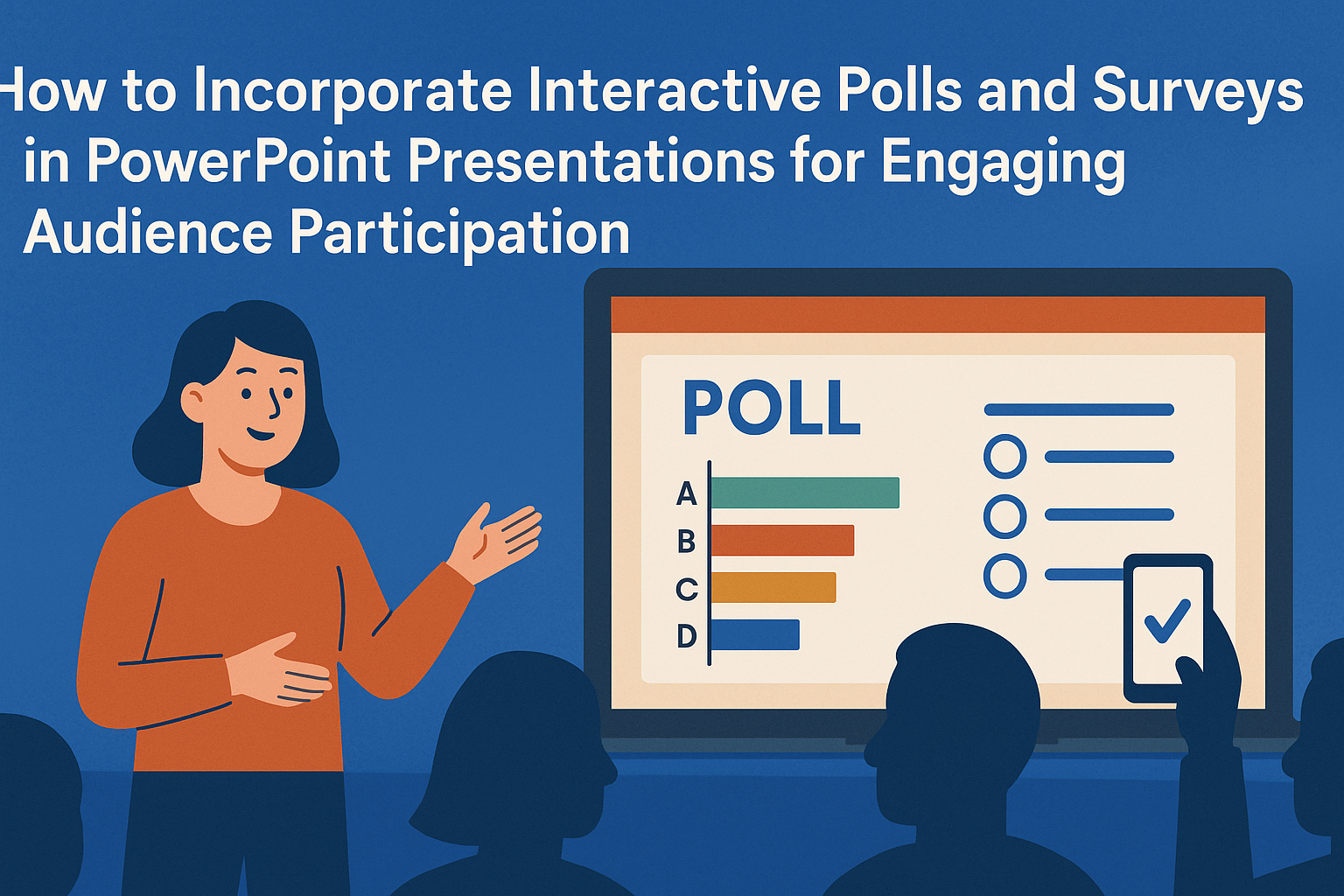
Interactive polls and surveys can transform a standard PowerPoint presentation into an engaging experience. They allow presenters to connect with their audience, gather instant feedback, and make presentations more dynamic. Incorporating these tools helps maintain attention and encourages participation. Using features like Microsoft Forms, presenters can easily create and insert polls directly into their slides. …
Creating engaging titles and headers in PowerPoint is essential for capturing the audience’s attention. An effective title not only sets the tone for the presentation but also piques interest, drawing the audience in right from the start. It should reflect the content and style of the presentation, whether it’s formal or casual. Good design principles …
PowerPoint’s Zoom feature offers a fresh way to present ideas. It allows presenters to create nonlinear presentations, giving them the flexibility to jump between topics seamlessly. By using this tool, presenters can engage their audience more effectively, making the experience interactive and dynamic. With Zoom, users can transform a traditional slide deck into an exciting …
Creating elegant and simple PowerPoint templates can significantly enhance a presentation’s effectiveness. By focusing on clean designs, cohesive color schemes, and clear typography, anyone can craft templates that captivate their audience and convey their message. Emphasizing simplicity helps avoid distractions and makes the content more impactful. Whether for a business meeting, a school project, or …
Custom fonts can transform an ordinary PowerPoint presentation into a visually striking experience. By incorporating unique fonts, presenters can enhance their designs and express their personality more effectively. Adding custom fonts is not only easy but also enables users to make their slides stand out in a sea of standard templates. When used thoughtfully, custom …
Designing a PowerPoint presentation can be a fun and creative process, especially when incorporating full-screen background images. Using impactful images as backgrounds can captivate the audience’s attention and enhance the overall message of the presentation. With the right techniques, anyone can easily transform a basic slide into a visually stunning experience. Many find that full-screen …
Creating engaging presentations can elevate any message. With PowerPoint’s custom animation triggers, users can take their slides to the next level by adding interactivity and flair. By learning how to set specific triggers for animations, presenters can control the flow of their slides and engage their audience more effectively. Using these animation triggers allows for …